
Latest Version
v4.35.9
December 23, 2025
Brain_trapp
Tools
Android
0
Free
com.gombosdev.ampere
Report a Problem
More About Ampere
Optimize Your Battery Performance: Measure Charging and Discharging Current
Understanding the charging and discharging current of your battery is crucial for optimizing its performance and longevity. This article will guide you through the features of a specialized app designed to help you measure these currents effectively, along with important considerations for device compatibility.
Key Features of the App
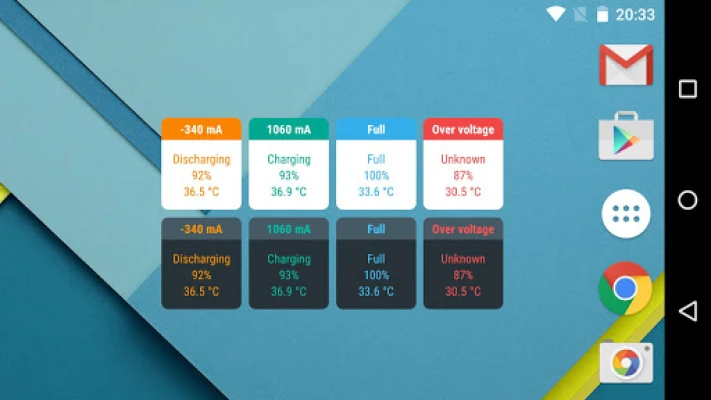
- Widgets: Easily access current measurements from your home screen.
- Notifications: Stay informed with real-time updates on your battery status.
- Device Alerts: Receive alerts directly on your device for immediate awareness.
- Android Wear Alerts: Get notifications on your smartwatch for convenience.
Device Compatibility and Limitations
It’s important to note that not all devices support this app. Some smartphones lack the necessary measurement chip or interface, rendering them incompatible. For a comprehensive list of unsupported devices, please refer to the end of this article.
This app is not designed for precise mA accuracy. Instead, it serves as a tool to evaluate which charger and USB cable combination works best for your specific device.
How to Use the App
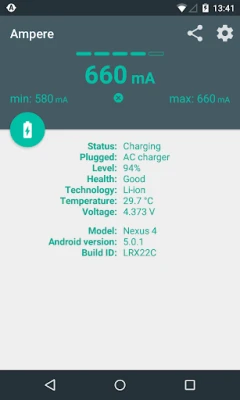
To get started, launch the app and allow it to measure for approximately 10 seconds. During this time, the display will indicate "measuring." After this period, the app will show the charging or discharging current.
Factors Influencing Current Measurements
The current displayed can vary based on several factors, including:
- Charger Type: USB, AC, or wireless chargers can yield different results.
- USB Cable: The quality and type of cable can affect charging efficiency.
- Phone Model: Different devices have varying power requirements.
- Active Tasks: Background applications can impact battery consumption.
- Display Brightness: Higher brightness levels can drain the battery faster.
- WiFi and GPS Status: Active connections can also influence power usage.
While the readings from this app should not be considered scientifically accurate, they provide a relative measure of how different chargers and cables perform on the same device.
Troubleshooting Common Issues
If the app consistently displays 0mA, try using the "Old measurement method" in the settings. This option forces the app to utilize an older measurement interface, which may be necessary for devices running Lollipop or earlier.
Be aware that some Samsung devices, such as the Galaxy S5, may not provide accurate measurements due to firmware limitations. Instead, they may only display the maximum possible charging current based on the current USB cable and charger configuration.
Understanding Battery Current Dynamics
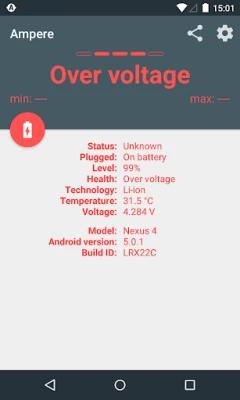
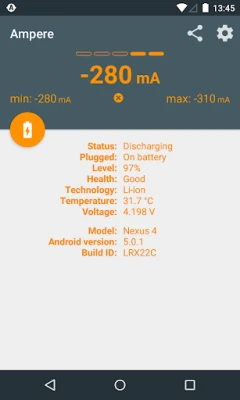
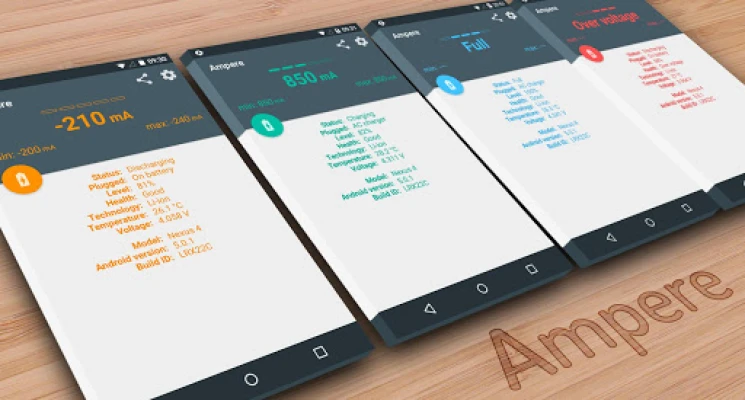
The app measures the battery's charging and discharging current. When your phone is not connected to a charger, the displayed current will be negative, indicating discharging. Conversely, when connected to a charger, the app will show the current supplied by the charger, with any excess power being stored in the battery.
For example, if your phone consumes 300 mA without a charger connected (displaying -300mA), a 500 mA charger will only charge the battery with a maximum of 200 mA (displaying 200mA).
Technical Insights on Current Measurement
The current displayed is an average derived from 50 measurements, excluding the highest and lowest 10 values. This method helps stabilize the readings, but fluctuations may still occur due to the Android system's inherent instability. Different manufacturers use various battery types and hardware configurations, making it challenging to achieve consistent results across devices.
Charging Behavior of LiPo Batteries
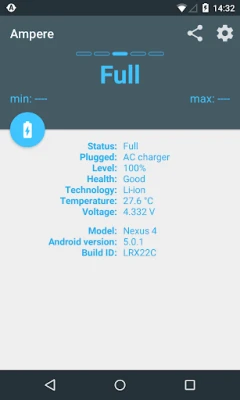
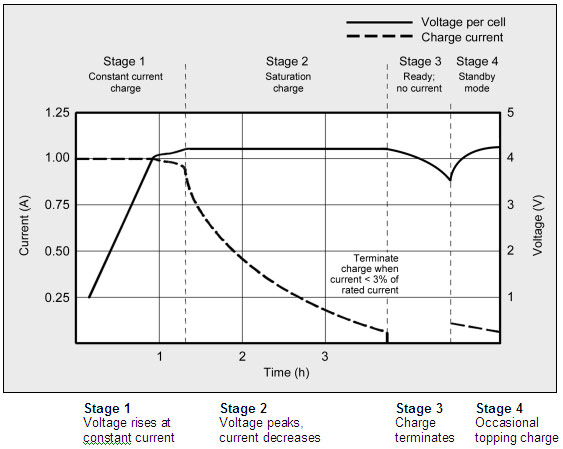
LiPo batteries do not draw maximum current throughout the entire charging process. As the battery approaches full charge, the current will decrease significantly compared to when the battery is at lower levels. For a visual representation of LiPo charging stages, refer to this graph. Additionally, you can watch Dave's LiPo Charging Tutorial for more insights.
Device Compatibility List
Some devices may only function with the "Old measurement method" enabled. These include:
- HTC One M7 / M8
- LG G3
Devices reported to be incompatible with this app include:
- Galaxy Grand Prime
- Galaxy Note2
- Galaxy S3
- Galaxy Tab4 7.0
- HTC Desire 510
- HTC One S, X, XL
- HTC Sensation 4G
If your device is listed above, please refrain from leaving negative ratings. The app is functioning correctly; your device simply does not support this measurement capability.
Further Assistance
If the app does not work on your device with a pre-Lollipop Android version, consult the first two posts in the XDA developer forum thread. You can also post your issue with screenshots for community support.
For additional questions, please refer to the FAQ section.
By understanding how to measure your battery's charging and discharging current, you can make informed decisions about your charging equipment and improve your device's overall performance.
Rate the App
User Reviews















Popular Apps










Editor's Choice









