
Latest Version
1.0.69
December 13, 2025
SilentWorks
Entertainment
Android
0
$2.99
org.silentworks.gamecreator
Report a Problem
More About Game Creator
Create Your Own Games Effortlessly with Game Creator
Unleash your creativity and dive into the world of game development with Game Creator. This innovative application allows you to design and build your own games directly on your Android tablet or phone, making game creation accessible to everyone. With its user-friendly interface and built-in tools, you can start crafting your unique gaming experiences without any prior programming knowledge.
Why Choose Game Creator?
Game Creator stands out as a simple yet powerful tool for aspiring game developers. It operates seamlessly right out of the box, eliminating the need for third-party plugins or additional software installations. Whether you're a hobbyist or just looking to explore your creative side, this app provides an intuitive platform to bring your game ideas to life.
Important Considerations Before You Buy
Before making a purchase, it's essential to understand the limitations of Game Creator. While it offers a plethora of features, it is not designed for professional game development. You cannot create commercial games, and the app does not support APK exports. Instead, it serves as a fantastic tool for personal projects, allowing you to:
- Create characters and graphics
- Compose original music
- Design levels and environments
- Interact with various game elements, including monsters and enemies
If your goal is to develop a high-quality AAA game, you may want to explore other options. We recommend trying the demo version first to see if it meets your needs.
Diverse Game Genres to Explore
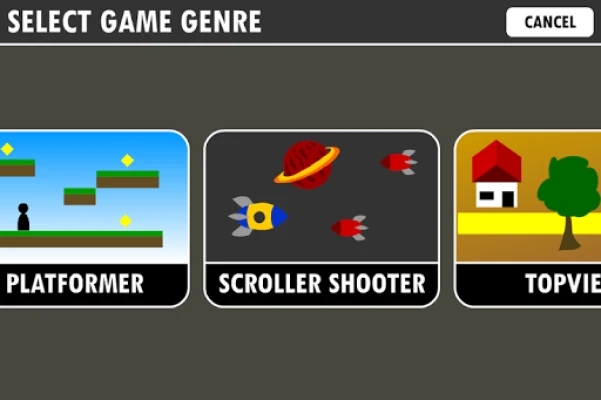
Game Creator offers a variety of predefined genres, allowing you to choose the style that best fits your vision. The available genres include:
- Platformer
- Scroller Shooter
- Topview Adventure or Shooter
- Run and Jump
- Tower Defense
- BreakOut
- Racer
- RPG
With these options, you can experiment with different gameplay mechanics and storytelling techniques, ensuring that your game is as unique as your imagination.
Comprehensive Built-In Tools
Game Creator is equipped with all the essential tools you need to build your game from the ground up:
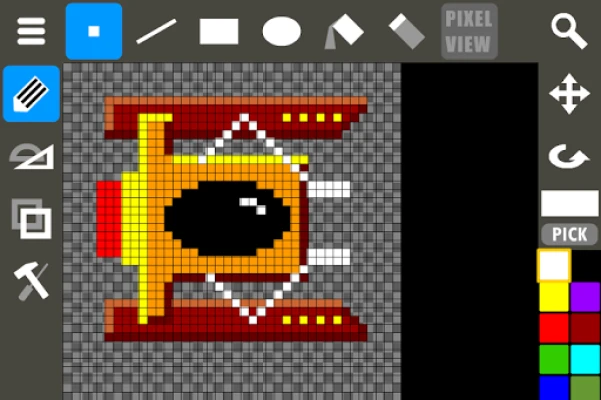
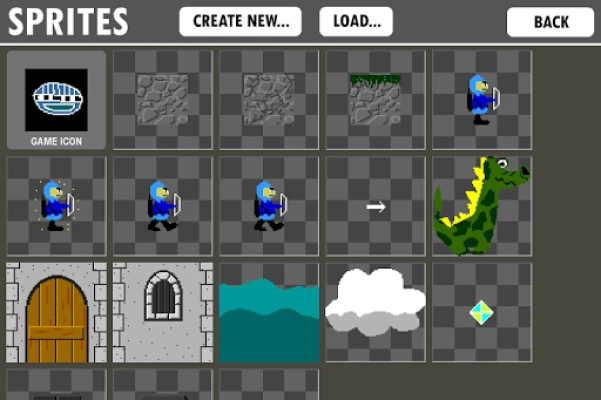
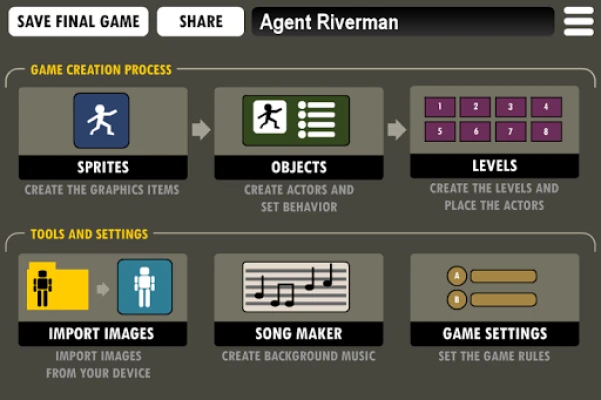
- Sprite Editor: Create both static and animated graphics to bring your characters and environments to life.
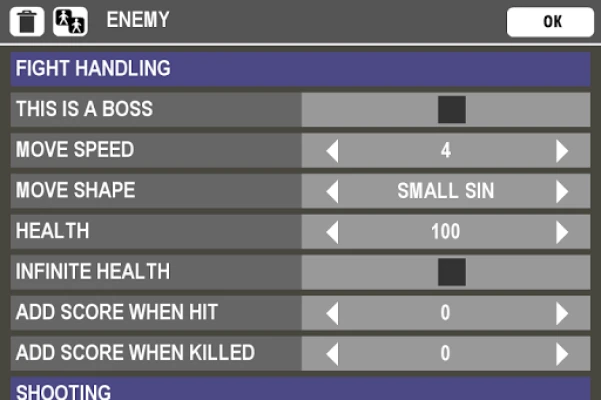
- Object Editor: Define game objects, including enemies and interactive elements, and customize their behaviors.
- Level Editor: Design intricate playing areas by placing objects and crafting engaging levels.
- Song Maker: Compose captivating background music to enhance the gaming experience.
These tools work together to provide a seamless game development experience, allowing you to focus on creativity rather than technical hurdles.
Learn and Grow with Tutorials
To help you get started, Game Creator offers a range of video tutorials and guides. You can find these resources on their official YouTube channel: Game Creator Tutorials. These tutorials cover everything from the basics of game design to advanced techniques, ensuring that you have the knowledge you need to succeed.
Share Your Creations with the Community
Once you've completed your game, you can publish it on the Game Server, allowing other users to download and play your creations. Your games will be stored for one year, while demo versions will remain available for two months. If you wish to transition your demo game to the Live Public section, simply delete the demo version, remove any terms like "demo," "test," or "beta" from the title, and re-publish your final game.
Keep in mind that exporting games as standalone APKs is not supported, so your creations will remain within the Game Creator ecosystem.
Important Sharing Policies
When sharing your games, adhere to the following policies to ensure a positive community experience:
- Sexually Explicit Material: Content that promotes pornography or sexually explicit themes is strictly prohibited.
- Hate Speech: Any content that advocates against individuals or groups based on race, religion, gender, or other characteristics will not be tolerated.
- Intellectual Property: Respect the intellectual property rights of others. Do not infringe on copyrights, trademarks, or other proprietary rights.
- Spam: Avoid uploading non-playable games or irrelevant content. The Game Server is dedicated solely to playable games.
Conclusion
Game Creator is an excellent platform for anyone looking to explore game development without the complexities of traditional programming. With its user-friendly interface, diverse genres, and comprehensive tools, you can easily create engaging games that reflect your unique vision. Whether you're a beginner or an experienced developer, Game Creator offers the resources you need to bring your ideas to life. Start your game development journey today!
Rate the App
User Reviews














Popular Apps










Editor's Choice









