

Latest Version
1.8.3
April 30, 2026
Streaming Dev
Tools
Android
0
$6.99
com.grill.xbxplay
Report a Problem
More About XBXPlay: Remote Play
Unlock the Ultimate Gaming Experience with XBXPlay: Your Remote Control Solution for Xbox
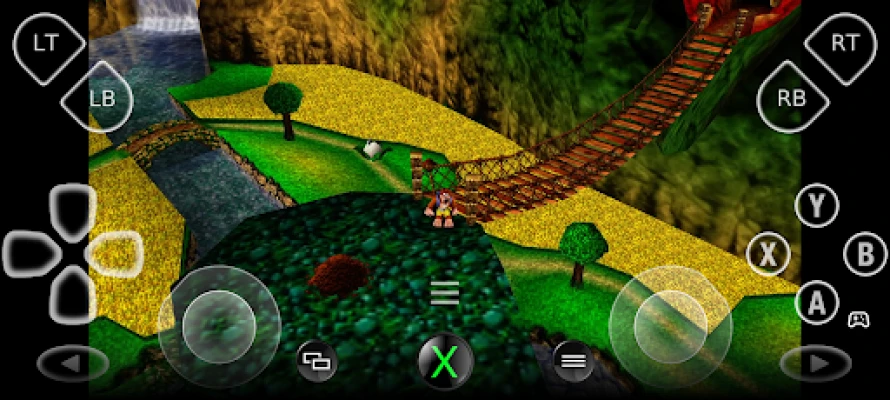
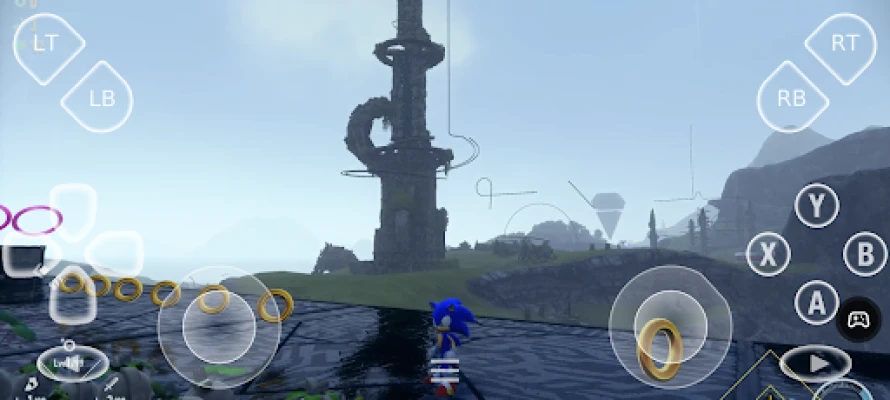
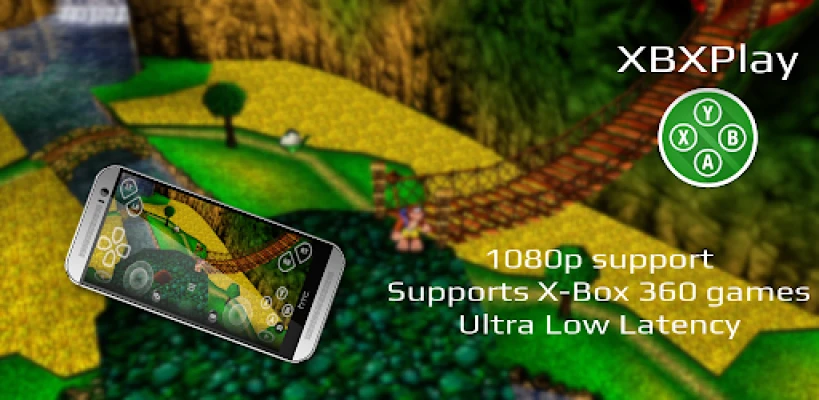
In the ever-evolving world of gaming, XBXPlay stands out as a revolutionary tool that allows you to take control of your Xbox Series X/S or Xbox One from anywhere. Imagine playing your favorite games in stunning 1080p resolution while you’re away from home. With XBXPlay, this dream becomes a reality, offering a seamless streaming experience optimized for minimal latency. Let’s dive deeper into what makes XBXPlay the go-to choice for remote gaming enthusiasts.
Why Choose XBXPlay for Remote Gaming?
XBXPlay is not just another remote play application; it’s a comprehensive solution designed to enhance your gaming experience. Here are some of the standout features that set it apart:
- 1080p Streaming: Enjoy high-definition gaming with support for 1080p resolution, ensuring that every detail of your game is crystal clear.
- Backward Compatibility: Play Xbox 360 games on your console, expanding your gaming library and allowing you to relive classic titles.
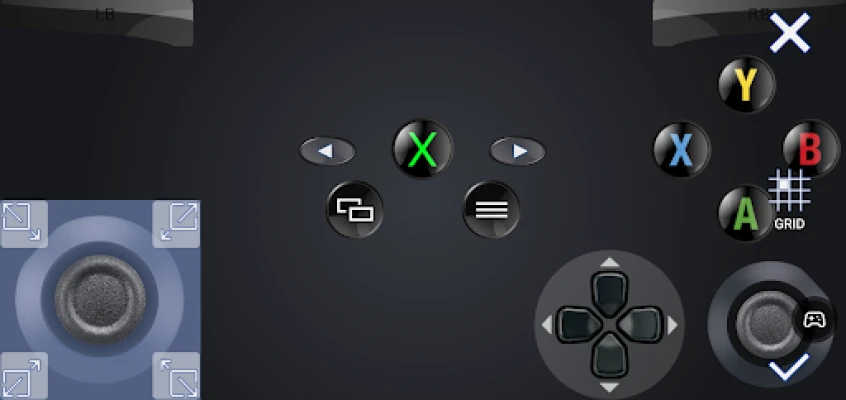
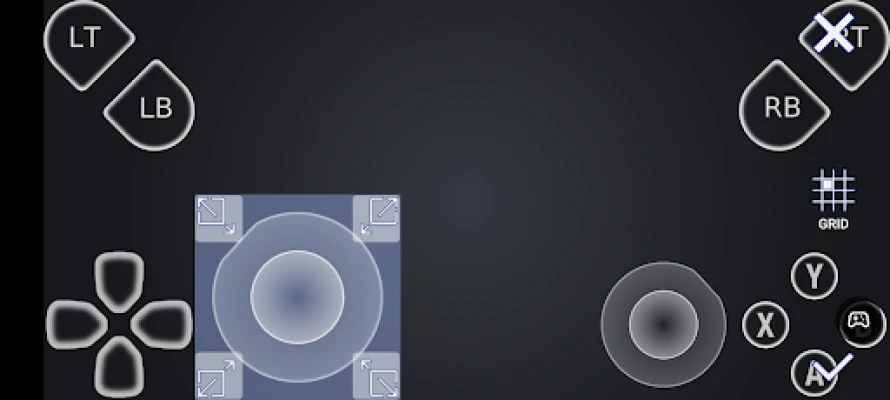
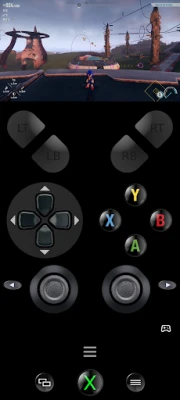
- Customizable Onscreen Gamepad: Create personalized onscreen gamepad layouts tailored to your gaming style, making controls intuitive and efficient.
- Manual Bitrate Adjustments: Fine-tune your streaming quality to match your internet speed, ensuring a smooth gaming experience.
- Fullscreen Support: Enjoy your games without distractions, thanks to fullscreen mode that eliminates black bars.
- Gamepad Button Mapping: Customize your controls for a more personalized gaming experience.
- Multi-Window and Picture-In-Picture Support: Play games while multitasking, thanks to advanced features that enhance usability.
Hardware Recommendations for Optimal Performance
To fully leverage the capabilities of XBXPlay, it’s essential to have the right hardware. Here are the recommended specifications:
- Dual-Core CPU: A dual-core processor is highly recommended for smooth performance.
- Minimum 2 GB RAM: Ensure your device has at least 2 GB of RAM for optimal operation.
- Display Resolution: A display resolution of 1024 × 768 or higher is necessary for the best visual experience.
- Wired Internet Connection: For the best results, connect your Xbox to a wired internet connection.
- 5GHz WiFi: Use a 5GHz WiFi network to minimize delays and enhance streaming quality.
- High-Speed Internet: A stable internet connection with upload and download speeds of at least 20 Mbps is crucial for seamless gameplay.
Comparing XBXPlay to the Official Xbox Remote Play App
While the official Xbox Remote Play app offers basic functionality, XBXPlay takes remote gaming to the next level. Here’s how:
- Enhanced Resolution: Unlike the official app, XBXPlay supports 1080p streaming.
- Backward Compatibility: Play Xbox 360 games, a feature not available in the official app.
- Custom Controls: XBXPlay allows for customizable onscreen gamepad layouts and button mapping.
- Optimized Streaming: Experience low latency streaming, making your gaming experience more enjoyable.
Join the XBXPlay Community
Engage with fellow gamers and share your experiences on the XBXPlay subreddit. This community is a great place to find tips, tricks, and support from other users who are passionate about remote gaming.
Support and Feedback
For any inquiries or feedback regarding XBXPlay, all information can be found on the official XBXPlay website. Your input is invaluable in helping improve the application and enhance the gaming experience for everyone.
Important Considerations
Before upgrading your Xbox firmware, please note that XBXPlay is compatible with the latest Xbox One/Series firmware. If a new firmware version is released, wait for confirmation that XBXPlay remains functional before proceeding with the update. If you do update and encounter issues, please be patient as fixes may take time.
Getting Started with XBXPlay
If you’re ready to elevate your gaming experience, follow the instructions provided on the XBXPlay website to set up remote play over the internet. With XBXPlay, you can enjoy the freedom of gaming from anywhere, making it an essential tool for any Xbox enthusiast.
Thanks to the OpenX-box team for their support in making this project possible. Please remember that all trademarks mentioned are the property of Microsoft Corporation. XBXPlay is not endorsed by or affiliated with Microsoft or any of its subsidiaries.
Embrace the future of gaming with XBXPlay and take control of your Xbox like never before!
Rate the App
User Reviews















Popular Apps










Editor's Choice









