
Latest Version
7.1
May 02, 2026
Zoltán Pallagi
Tools
Android
0
Free
com.pzolee.android.localwifispeedtester
Report a Problem
More About WiFi - Internet Speed Test
Optimize Your Network with Our Ultimate WiFi and Internet Speed Test Tool
In today's digital age, a fast and reliable internet connection is essential for both work and leisure. With our WiFi and Internet Speed Test tool, you can effortlessly assess and enhance your network performance, resolve slow internet issues, and troubleshoot any connectivity problems. Say goodbye to frustrating buffering and lagging, and welcome the era of lightning-fast internet speeds with our intuitive and user-friendly application.
Key Features of Our WiFi Speed Test Tool
Our tool is packed with features designed to provide you with comprehensive insights into your network's performance. Here’s what you can expect:
- Comprehensive Speed Testing: Test the speed of both wireless and wired networks (Ethernet) to get a complete picture of your internet performance.
- Router Speed Assessment: Evaluate the speed of your router to ensure it’s functioning optimally.
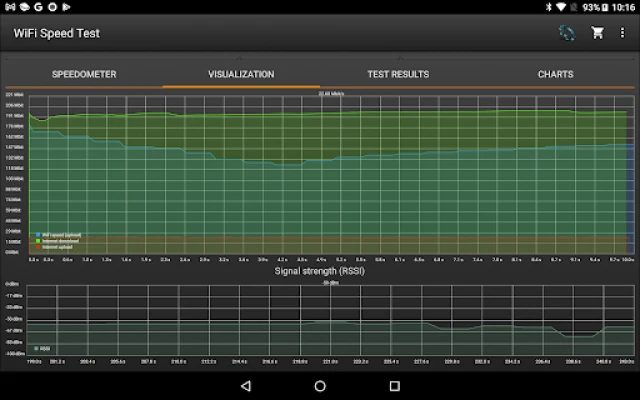
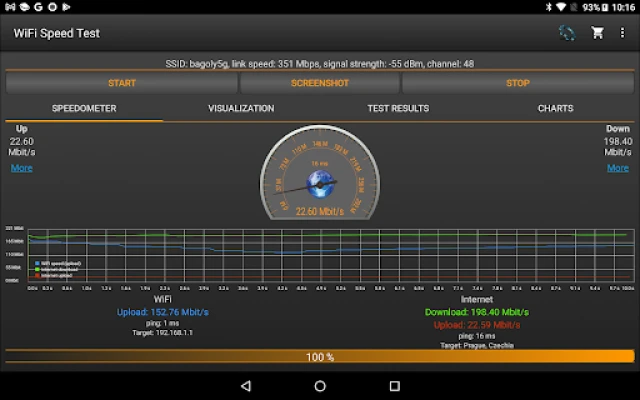
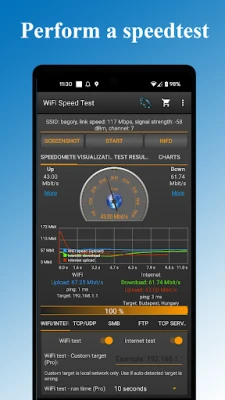
- Download and Upload Speed Metrics: Measure your bandwidth with precise download and upload speed tests.
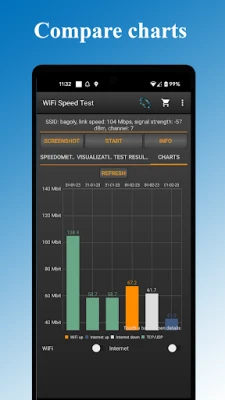
- Automatic Result Storage: Save past WiFi speed test results automatically, including download and upload speeds, ping, signal strength, network name, and IP address.
- Detailed Network Information: Access essential data such as IP address, latency, signal strength, and channel information.
- Easy Result Sharing: Share your speed test results effortlessly with friends or colleagues.
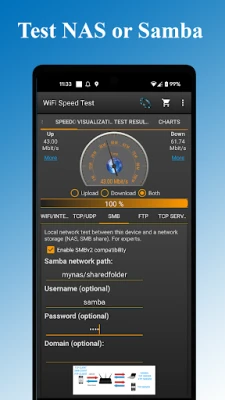
- Windows Share (SMB, Samba) Speed Testing: Test the speed of your Windows shares for optimal file transfer performance.
- FTP Server Speed Testing: Evaluate the speed of your FTP server to ensure efficient data transfers.
- TCP and UDP Testing: Conduct tests via both TCP and UDP protocols for comprehensive analysis.
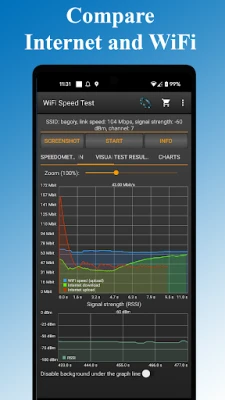
- Internet Speed Testing: While primarily focused on local network speed, you can also test your internet speed if desired.
- Tethering and Hotspot Support: Test the speed of your mobile hotspot or tethered connections.
How to Use the WiFi Speed Test Tool
To get started with our WiFi speed test tool, you will need a second device, such as another phone or computer, to act as a server. Follow these simple steps:
- Download the Server Application: Obtain the server application (wifi_speed_test.exe/py) for your computer from the following link: Download Server Application.
- Install the Application: Follow the installation instructions to set up the server on your computer.
- Run the Speed Test: Use your primary device to initiate the speed test and monitor the results.
Important Considerations
It’s crucial to note that while this application can measure your internet speed, it primarily focuses on assessing the speed of your local network. A live internet connection is not required for accurate measurements. This makes it an invaluable tool for diagnosing network issues and optimizing your home or office setup.
Useful Resources
For further assistance and information, check out the following resources:
- Server Application for Computers: Download Here
- Documentation: Read the Documentation
- Online Demo: View the Live Demo
Conclusion
In conclusion, our WiFi and Internet Speed Test tool is an essential application for anyone looking to enhance their network performance. With its user-friendly interface and robust features, you can easily identify and resolve issues that may be slowing down your internet connection. Don’t let slow speeds hold you back—download our tool today and experience the difference of a fully optimized network!
Rate the App
User Reviews















Popular Apps










Editor's Choice









