

Latest Version
1.79
December 12, 2025
App North
Tools
Android
0
Free
wifi.keymaster.wifianalyzer.wifipasswordshow.speedtest
Report a Problem
More About WiFi Analyzer: WiFi Passwords
Ultimate Guide to WiFi Speed Testing and Network Analysis
In today's digital age, a reliable internet connection is essential for both personal and professional activities. Understanding your WiFi speed and analyzing nearby networks can significantly enhance your online experience. This article delves into the features and benefits of using a WiFi speed test and analyzer, ensuring you stay connected seamlessly.
What is a WiFi Speed Test and Analyzer?
A WiFi speed test and analyzer is a powerful tool designed to evaluate the performance of your internet connection. It helps you identify nearby networks, measure speed, and assess signal strength, ensuring you make the most of your wireless connectivity.
Key Features of a WiFi Analyzer
WiFi analyzers come equipped with a variety of features that enhance your network experience. Here are some of the most notable:
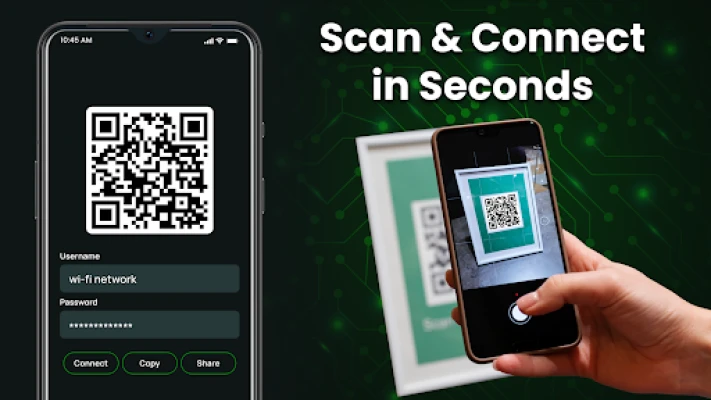
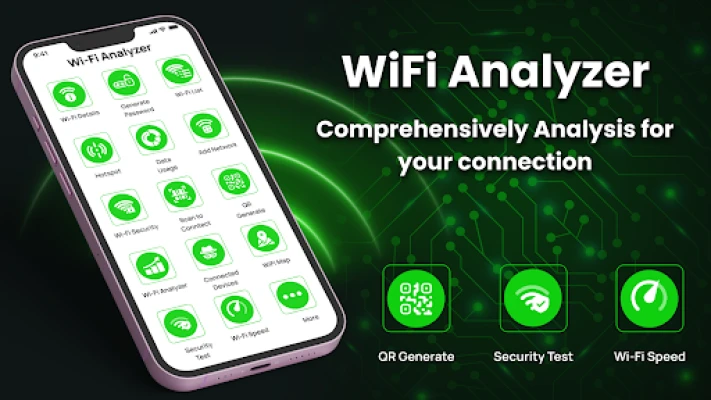
- Scan QR to Connect: Easily connect to WiFi networks by scanning QR codes found in public spaces, restaurants, and offices.
- Generate QR Code for Wi-Fi: Create QR codes for your WiFi network, allowing others to connect without entering a password.
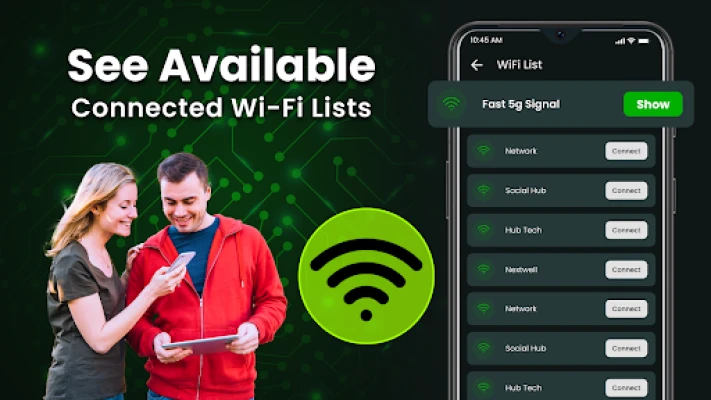
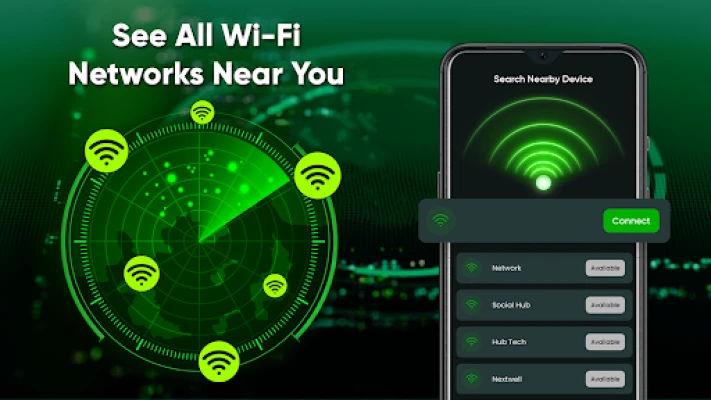
- Nearby Wi-Fi Detection: Discover all available wireless networks and hotspots in your vicinity.
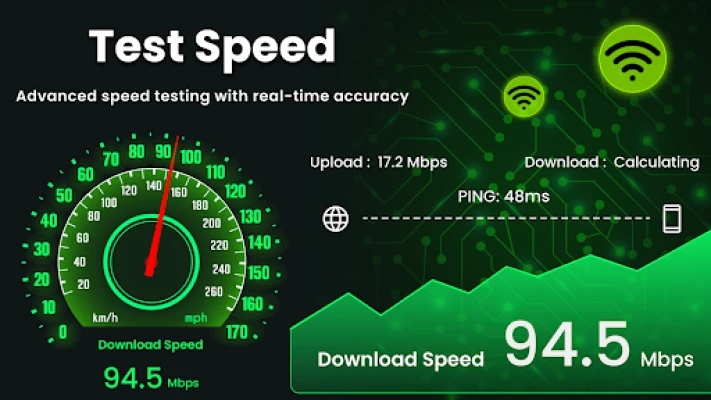
- WiFi Speed Test: Measure your internet speed, including upload and download rates, with a simple tap.
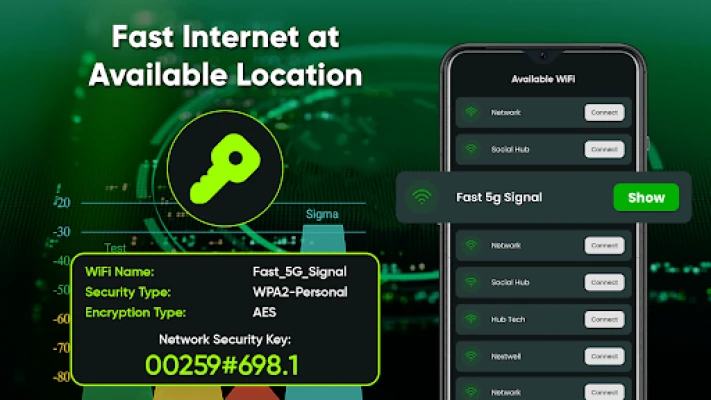
- WiFi Security Check: Assess the security of your network and ensure your connection is safe.
- Device Monitoring: Identify who is connected to your WiFi network and manage device access.
- WiFi Signal Strength: Evaluate the strength of your current connection to optimize your browsing experience.
- Data Usage Tracking: Monitor the data consumption of various applications on your device.
Connecting to WiFi with QR Codes
The ability to scan QR codes for WiFi connectivity simplifies the process of joining networks. With a WiFi scanner, users can quickly connect to available networks without the hassle of entering passwords. This feature is particularly useful in public areas where multiple users need access to the same network.
Understanding Who is on Your WiFi Network
Is your internet speed sluggish? It could be due to multiple devices connected to your network. A network analyzer can help you detect how many devices are currently using your WiFi. This insight allows you to manage your network more effectively, ensuring optimal performance.
Discovering Nearby Wi-Fi Networks
With a WiFi analyzer, you can scan for and view all available wireless networks in your area. This feature not only shows the names of the networks but also provides information about their signal strength. By understanding which networks are nearby, you can choose the best one for your needs.
Evaluating WiFi Signal Strength
Signal strength is a critical factor in determining the quality of your internet connection. A WiFi analyzer displays the strength of the network you are connected to, indicating whether the connection is weak, fair, or strong. This information helps you find a better location for a more stable connection.
Conducting a WiFi Speed Test
Measuring your WiFi speed is essential for understanding your internet performance. A WiFi speed tester allows you to check both download and upload speeds effortlessly. With just one tap, you can monitor your network's performance and make necessary adjustments to improve your experience.
Generating Secure WiFi Passwords
Security is paramount when it comes to WiFi networks. A WiFi password generator creates strong, secure passwords using a combination of upper and lower-case letters, symbols, and numbers. This feature ensures that your network remains protected from unauthorized access.
Saving and Sharing WiFi Passwords
With a WiFi analyzer, you can save your network details, including the name and password, for future reference. This feature allows you to share your WiFi credentials with friends or family easily, ensuring everyone stays connected without hassle.
Tracking App Data Usage
Understanding how much data your applications consume is crucial for managing your internet plan. A WiFi analyzer provides detailed insights into the data usage of different apps, helping you identify which ones are using the most bandwidth.
Privacy and Security Disclaimer
It is important to note that a WiFi analyzer requires location permission to scan for nearby networks and camera permission for QR code scanning. The app does not access any user data without permission and does not share information with third parties. The WiFi password feature is not a hacking tool and is designed solely for ethical use.
Conclusion
Utilizing a WiFi speed test and analyzer can significantly enhance your internet experience. By understanding your network's performance, security, and available options, you can ensure a seamless online experience. Whether you're at home or on the go, these tools empower you to stay connected efficiently and securely.
Rate the App
User Reviews















Popular Apps










Editor's Choice









