

Latest Version
25.11.14
December 01, 2025
UserLAnd Technologies
Tools
Android
0
Free
tech.ula
Report a Problem
More About UserLAnd - Linux on Android
Unlocking the Power of Linux on Android: A Comprehensive Guide to UserLAnd
In the ever-evolving world of technology, the ability to run Linux distributions on Android devices has become increasingly popular. One of the standout applications facilitating this is UserLAnd. This innovative tool allows users to experience the full power of Linux without the need for rooting their devices. In this article, we will explore the features, setup process, and benefits of using UserLAnd to run Debian, Kali, and other Linux distributions on your Android device.
What is UserLAnd?
UserLAnd is a powerful application developed by the creators of the well-known GNURoot Debian app. It serves as a modern replacement, providing users with a seamless way to access various Linux distributions and applications directly from their Android devices. With UserLAnd, you can easily experiment with Linux and learn about common software tools, all from the convenience of your palm.
Key Features of UserLAnd
No Root Required
One of the most significant advantages of UserLAnd is that it does not require rooting your Android device. This feature ensures that users can enjoy the benefits of Linux without compromising their device's security or warranty. You can run your favorite Linux distributions and applications without the risks associated with rooting.
Built-in Terminal Access
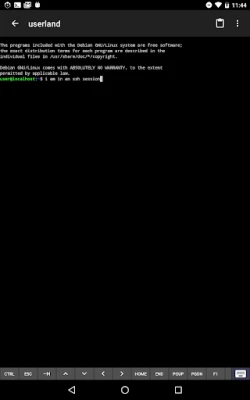
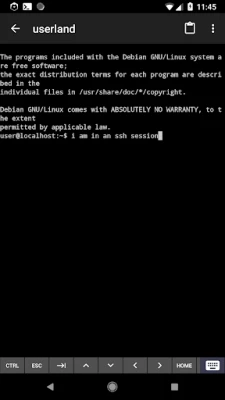
UserLAnd provides a built-in terminal that allows users to access their favorite shells effortlessly. Whether you prefer Bash, Zsh, or another shell, you can easily navigate and execute commands just as you would on a traditional Linux system. This feature is particularly beneficial for developers and system administrators who rely on command-line tools.
Graphical Experience with VNC
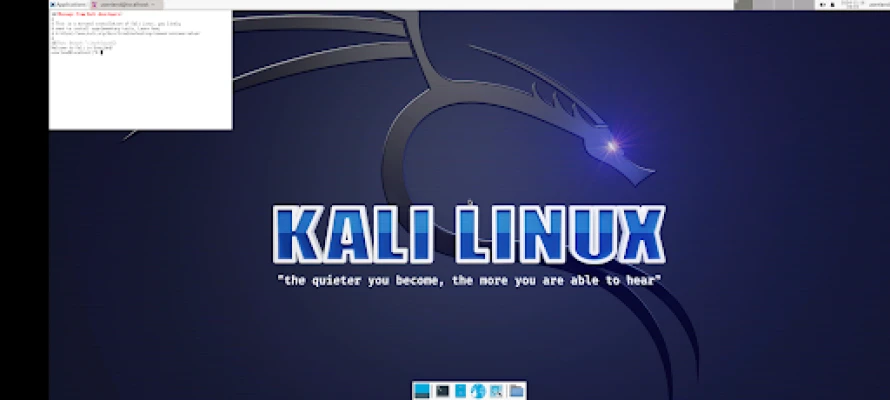
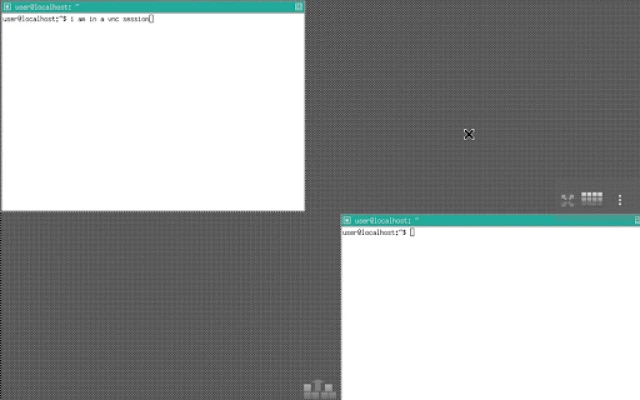
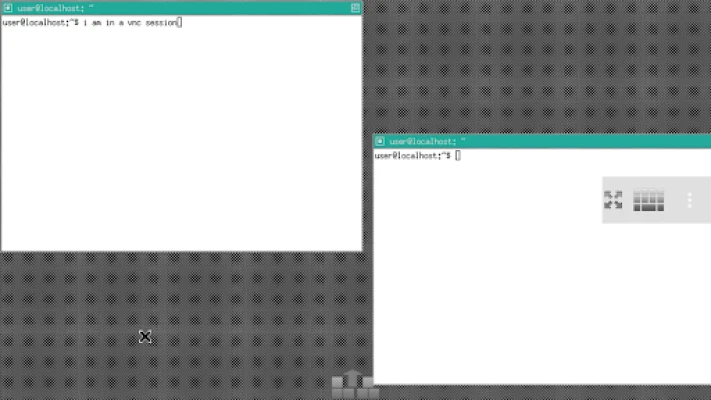
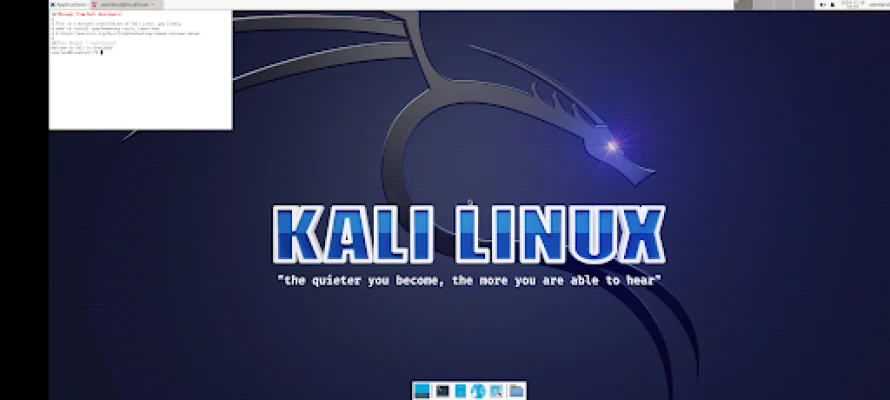
For those who prefer a graphical user interface, UserLAnd makes it easy to connect to VNC sessions. This capability allows users to experience a full desktop environment, making it simple to interact with applications visually. Whether you're using Debian, Kali, or another distribution, the graphical experience enhances usability and accessibility.
Simple Setup for Popular Distributions
UserLAnd simplifies the setup process for several common Linux distributions, including Ubuntu and Debian. Upon launching the app, users are presented with a list of available distributions. Selecting one initiates a series of straightforward setup prompts, guiding users through the installation process with ease.
Access to Common Linux Applications
In addition to distributions, UserLAnd allows users to set up various popular Linux applications, such as Octave and Firefox. This feature enables users to leverage the power of these applications on their Android devices, making it an excellent tool for both learning and productivity.
Getting Started with UserLAnd
To begin your journey with UserLAnd, follow these simple steps:
- Download and install UserLAnd from the Google Play Store.
- Launch the application and select your desired Linux distribution or application from the list.
- Follow the setup prompts to configure your environment.
- Once the setup is complete, connect to your Linux distribution or application via the terminal or VNC viewer.
For a more detailed guide on getting started, visit the UserLAnd Wiki on GitHub.
Community Support and Feedback
UserLAnd is actively maintained, and the developers encourage user feedback. If you have questions, suggestions, or encounter any bugs, you can reach out through the UserLAnd GitHub Issues page. Engaging with the community not only helps improve the application but also enhances your learning experience.
Conclusion
UserLAnd is a game-changer for anyone looking to explore the world of Linux on their Android devices. With its user-friendly interface, no-root requirement, and access to popular distributions and applications, it opens up a realm of possibilities for learning and experimentation. Whether you're a seasoned Linux user or a newcomer, UserLAnd provides the tools you need to succeed. Embrace the power of Linux today and transform your Android device into a versatile computing platform.
Rate the App
User Reviews















Popular Apps










Editor's Choice









