Latest Version
3.8.13
December 30, 2025
TV Cast
Tools
Android
0
Free
remote.control.for.roku.tv
Report a Problem
More About TV Remote Control for Roku TV
TV Remote Control for Roku TV: Your Ultimate Home Entertainment Companion
Elevate your home entertainment experience with the TV Remote Control for Roku TV, the essential app for streaming and managing your television, trusted by millions globally. This innovative tool transforms how you interact with your Roku TV, making it easier than ever to enjoy your favorite content.
Seamless Casting Experience
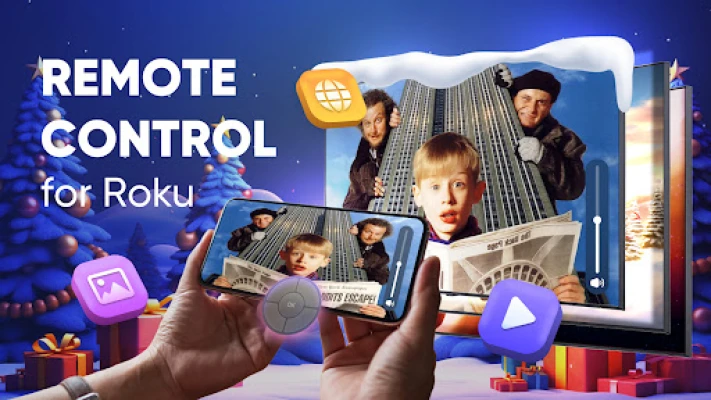
With the TV Remote Control for Roku TV, you can effortlessly watch your favorite web videos, online movies, IPTV, livestreams, and live TV shows on your large screen. The app supports all popular media formats, including MP4, M3U8, and HLS, delivering stunning Full 4K HD quality. Share cherished moments from your Android device, such as family photos and videos, directly on your smart TV for everyone to enjoy.
High-Definition Streaming
Enhance your viewing experience with high-quality streaming. The TV Remote Control for Roku TV allows you to cast photos, videos, web content, and music straight from your Android phone to your smart TV in breathtaking HD and 4K resolution. Whether you're binge-watching your favorite series or catching up on the latest movies, this app ensures you don’t miss a single detail.
Key Features of the App
- Stream in HD and 4K: Experience your media in the highest quality available.
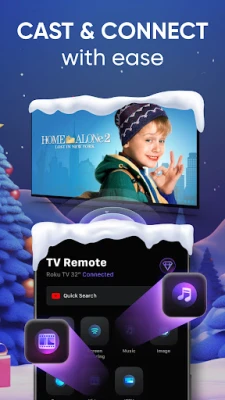
- Easy Casting: A simple tap allows you to cast content from your phone to your home TV, sharing photos, videos, and more on the big screen.
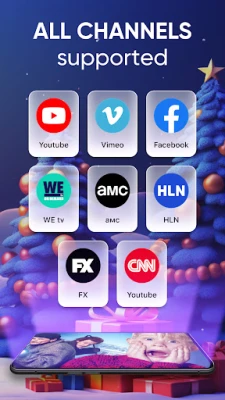
- Web Video Support: Effortlessly stream media from your favorite websites.
- Remote Control Functionality: Manage your playlists and playback with ease.
- Home Screen Widget: Access your Roku remote control directly from your home screen with the premium widget feature.
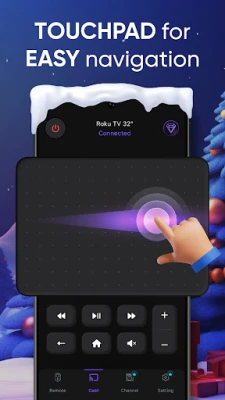
- Smooth Touchpad Navigation: Navigate your Roku TV with a responsive touchpad for an enhanced user experience.
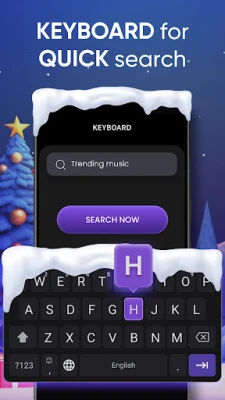
- Built-in Keyboard: Simplify text input for searching and logging in with the integrated keyboard.
Complete Control Over Your Roku TV
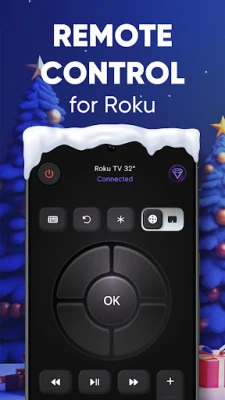
The remote feature of this app simplifies controlling your Roku TV. Navigate through apps, play shows, adjust settings, and more—all from your Android device. It’s like having a smart remote that streamlines your entertainment experience.
Important Considerations
- The app streams only the video portion of a website to your Roku, not the entire webpage.
- Occasionally, you may need to play the video on your device first for it to be detected.
- DRM-protected content (such as that from Netflix or Amazon Prime) is not supported.
- For optimal performance, ensure your Roku TV and phone are connected to the same network.
Quick Start Guide
- Connect: Tap the "Connect" button and wait for your smart TV to appear on your phone screen. If your Roku TV isn’t detected, restart the app.
- Find Your Content: Search for your desired video or enter the video URL directly.
- Cast: Choose from various options to cast your selected media.
- Enjoy: Sit back and watch your favorite content on the big screen.
Need Assistance?
If you encounter any issues, try restarting your device, Roku TV, and Wi-Fi router. If problems persist, utilize the app's report feature to send us the video link, and we’ll assist you. Feel free to reach out anytime at support@tvcast.in. Your feedback is invaluable in helping us improve.
Your Privacy is Our Priority
We take your privacy seriously. The TV Remote Control for Roku TV requires minimal permissions and does not access your personal data, contacts, or location. Always review app permissions before installation to ensure your privacy is protected.
Disclaimer
This app is not affiliated with Roku, Inc. The TV Remote Control for Roku TV application is not an official product of Roku, Inc.
Download the TV Remote Control for Roku TV now and transform your home entertainment experience. Cast, control, and enjoy your favorite content directly from your phone!
Rate the App
User Reviews















Popular Apps










Editor's Choice









