

Latest Version
2.64
November 26, 2025
2kit consulting
Entertainment
Android
0
Free
de.twokit.video.tv.cast.browser.samsung
Report a Problem
More About TV Cast for Samsung TV
Stream Seamlessly: How to Use Video & TV Cast with Your Samsung Smart TV
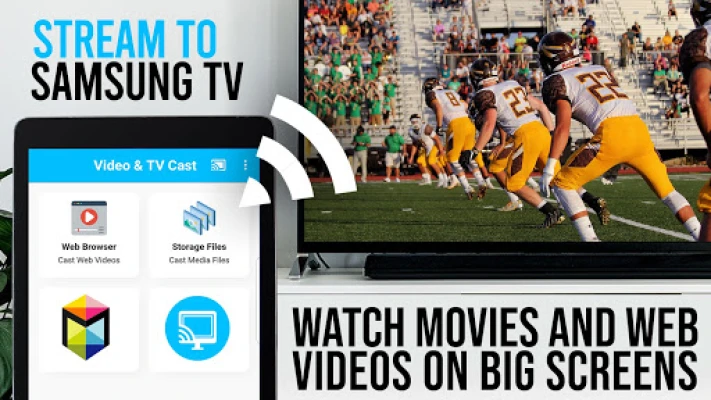
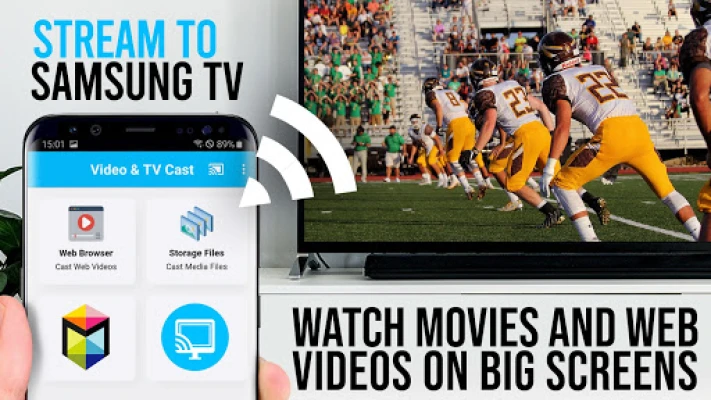
Are you ready to elevate your viewing experience? With the Video & TV Cast app, you can effortlessly stream videos from the web directly to your Samsung Smart TV or Blu-ray Player. This guide will walk you through the features, setup process, and important notes to ensure a smooth streaming experience.
Compatibility with Samsung Devices
The Video & TV Cast app is compatible with all Samsung Smart TV models released from 2010 (C series) to 2017 (M/MU/Q series) and Blu-ray Players equipped with Smart Hub or VEWD (formerly known as Opera TV). This wide range of compatibility ensures that you can enjoy your favorite content without any hassle.
Stream Your Favorite Content
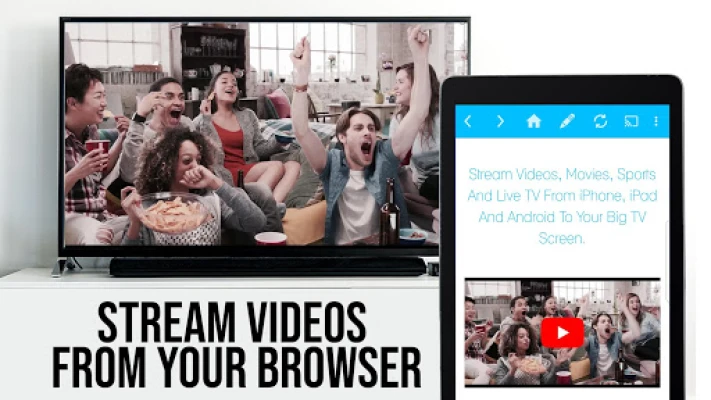
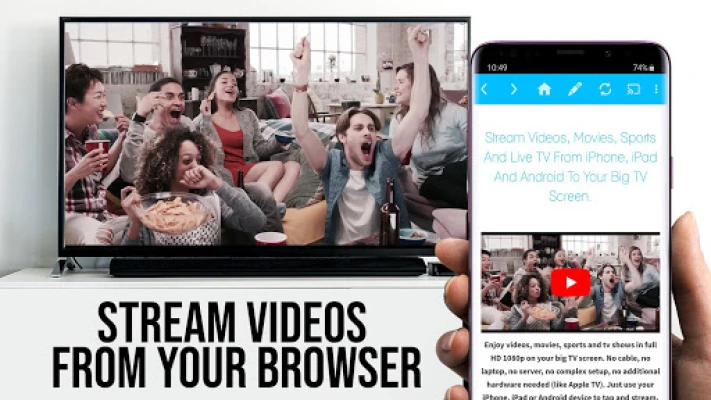
With Video & TV Cast, you can browse the internet and stream any video, including live events like the World Cup, directly to your Samsung TV or Blu-ray Player. Simply navigate to your desired website, and with a single tap, you can send the embedded video to your device. The app conveniently displays the discovered video below the browser for easy access.
Important Setup Instructions
To get started with video casting, follow these essential steps:
- Open the Samsung App Store on your TV or Blu-ray Player.
- Navigate to the videos category and install the free 'TV Cast' companion app.
- Use your Samsung Remote to enter the IP address of your Android device.
Supported and Unsupported Videos
While Video & TV Cast supports a variety of video formats, there are some limitations:
- Supported Formats: The app can cast MP4, M3U8, and other video files directly. Just enter or paste the full video URL in the browser address bar.
- Unsupported Formats: Flash videos, Google Play movies, Netflix, Amazon, HBO, and other DRM-protected content cannot be cast. Additionally, online movies, livestreams, and live TV shows may not be supported.
Troubleshooting Connection Issues
If you encounter any issues while casting, consider the following troubleshooting tips:
- Restart your Android device, Samsung TV, or Blu-ray Player, and your Wi-Fi router.
- Sometimes, playing the video on your Android device before casting can help the link get detected.
- If a specific video fails to cast, check the FAQ section or report the issue via the app to receive assistance.
Security and Permissions
Your safety is a priority. Video & TV Cast requires minimal Android permissions to function effectively. Unlike many other apps, it does not access your identity data, accounts, device ID, phone status, GPS location, or contacts. Always review the required app permissions before installation.
Refund Policy
If you need a refund, it is available only within 24 hours of purchase. Be sure to submit your Google Purchase ID for processing.
Quick Start Guide
Follow these simple steps to start casting:
- Launch the free receiver app 'TV Cast' on your Samsung Smart Hub or VEWD.
- Open Video & TV Cast on your Android device and tap the connect button to retrieve your IP address.
- Enter the IP address in the TV app.
- Press "tap here to cast" to begin streaming.
- Enjoy your content and share your experience on social media!
Feedback and Support
If you have suggestions or encounter any issues with Video & TV Cast, reach out to the developers at info@video-tv-cast.com. Your feedback is invaluable for improving the app.
If you enjoy using the app, consider supporting the developers by leaving a 5-star rating on Google Play or purchasing one of the add-ons. Your support helps enhance the app for everyone!
Disclaimer
This app is not affiliated with Samsung or any other trademarks mentioned. Enjoy seamless streaming with Video & TV Cast and transform your viewing experience today!
Rate the App
User Reviews














Popular Apps










Editor's Choice









