
Latest Version
1.21
March 05, 2026
LifeTools Studio
Tools
Android
0
Free
com.calicast.screenmirroring
Report a Problem
More About TV Cast for Chromecast
Effortless Screen Mirroring: Connect Your Phone to TV with Ease
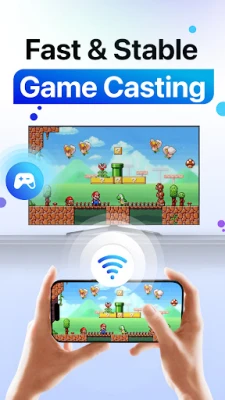
In today's digital age, sharing content from your phone to your TV has never been easier. Our innovative screen mirroring app is designed to facilitate seamless connections, allowing you to share photos, videos, presentations, and even games effortlessly. With advanced screen casting technology and comprehensive support for wireless display modes, you can mirror your phone's content in real-time without the hassle of cables. Experience the simplicity, speed, and reliability of our app for all your screen-sharing needs.
Seamless Mirroring and Casting Experience
Our app offers robust mirror casting features that enable you to enjoy full-screen mirroring on your TV across all your favorite devices. Whether you're hosting a movie night or need a larger display for work presentations, our casting options are tailored to meet your requirements. The app supports both screen mirroring and media casting formats, ensuring smooth and stable quality whether you are mirroring your screen to the TV or casting media directly.
No Cables, No Complications: Just Tap and Go
Forget about complicated setups. Our app automatically detects smart TVs, allowing for easy screen mirroring across all brands. Once connected, you can start mirroring or casting your screen to the TV within seconds. The display mirroring feature works seamlessly with your gallery, social media apps, documents, and more. Just a simple tap, and you're ready to cast.
User-Friendly Design for Effortless Navigation
The interface of our app is designed with simplicity in mind, making phone mirroring feel intuitive. Want to enjoy your favorite mobile apps on the big screen? Utilize our TV casting and screen mirroring tools to make it happen instantly. From mirroring your phone to casting media files, everything is centered around user-friendly controls and high-speed performance.
Wireless Display: Flexibility at Your Fingertips
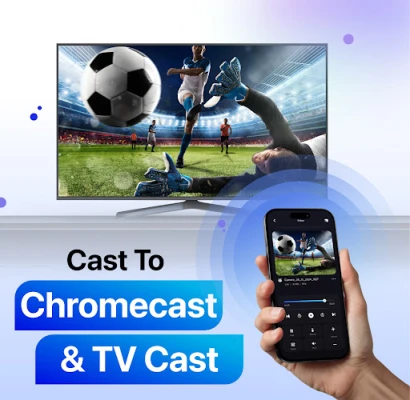
Whether you prefer wireless display options or straightforward screen mirroring tools, our app has you covered. It supports both live display mirroring and media casting, allowing you to cast your phone to the TV and enjoy high-resolution viewing without any lag. Whether you need to share your screen during a meeting or mirror your display for a live stream, this app is the perfect companion.
Versatile Casting Modes for Every Occasion
Our app offers multiple casting modes to suit various needs:
- Live App Casting: Use cast mirror for real-time applications.
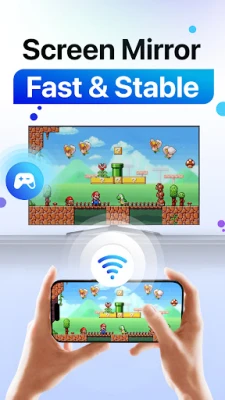
- Visual Screen Mirroring: Utilize mirror screen for stunning visuals.
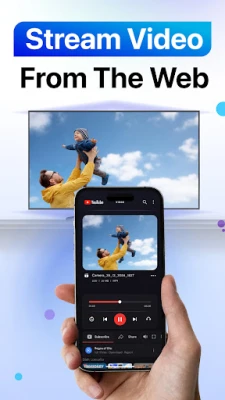
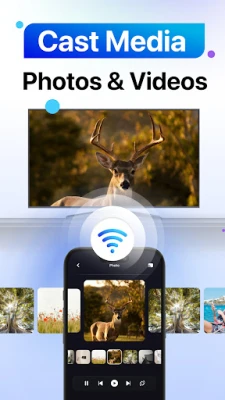
- Media Casting: Cast media to TV to view stored videos and photos.
Designed to support various protocols, our screen mirroring system includes smart screen casting and display mirroring for TVs. It even functions as a screen projector, perfect for fullscreen presentations or educational content.
Compatible with All TVs and Screens
For home entertainment enthusiasts, our TV mirroring and casting features allow you to stream directly from your phone to your TV without any additional hardware. Both casting and screen mirroring operate through your Wi-Fi network, ensuring a smooth wireless connection. No cables, no hassle—just instant sharing from your screen to the TV.
One App, Endless Casting Possibilities
Whether you're using a smart TV, external display, or streaming device, our casting tools adapt seamlessly to your needs. The combination of casting and screen mirroring functions provides the best of both worlds. With mirror casting, screen sharing, and media casting all in one app, you can transform any moment into a big-screen experience.
Get Started Today!
Download our app now to enjoy seamless screen mirroring, smooth casting, and intelligent TV casting features—all in one convenient location. Whether you want to cast your phone to the TV, mirror your screen wirelessly, or set up a powerful TV mirroring experience, everything you need is just a tap away. Elevate your viewing experience and make every screen a big screen today!
Note: Chromecast is a trademark of Google LLC, and this app is not affiliated with Google.
Rate the App
User Reviews















Popular Apps










Editor's Choice









