
Latest Version
1.5.6
February 10, 2026
3dinteger
Games
Android
0
Free
com.integer3d.toytruckrally
Report a Problem
More About Toy Truck Rally 3D
Mastering Timed Obstacle Courses and Freeroam Environments in Truck Simulation Games
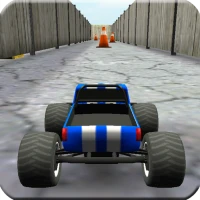
Truck simulation games offer an exhilarating experience, allowing players to navigate through challenging timed obstacle courses or explore expansive freeroam environments. Whether you are a seasoned gamer or a newcomer, mastering the controls and understanding the game mechanics can significantly enhance your gameplay. This article delves into the intricacies of controlling your truck effectively and maximizing your enjoyment in these virtual worlds.
Understanding the Gameplay Mechanics
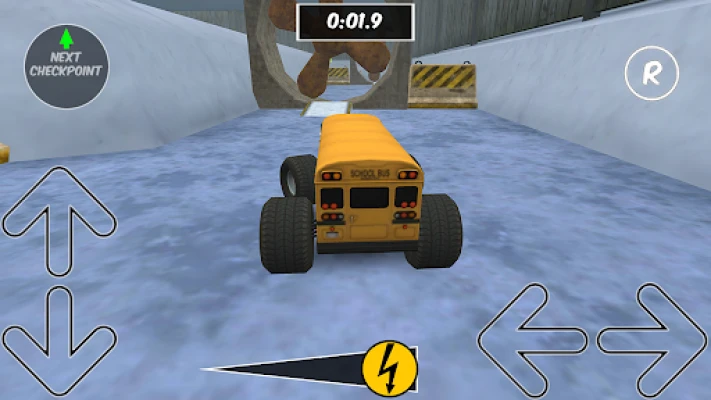
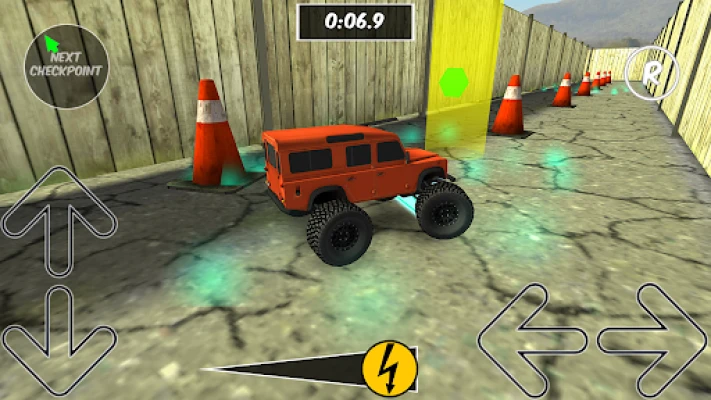
In truck simulation games, players are often faced with two primary modes: timed obstacle courses and freeroam environments. Each mode presents unique challenges and opportunities for skill development.
Timed Obstacle Courses
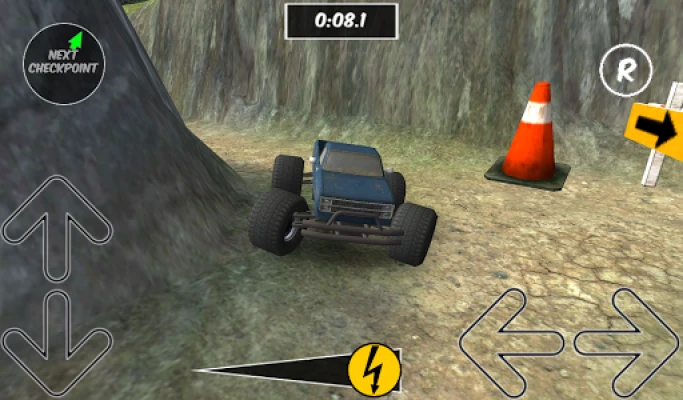
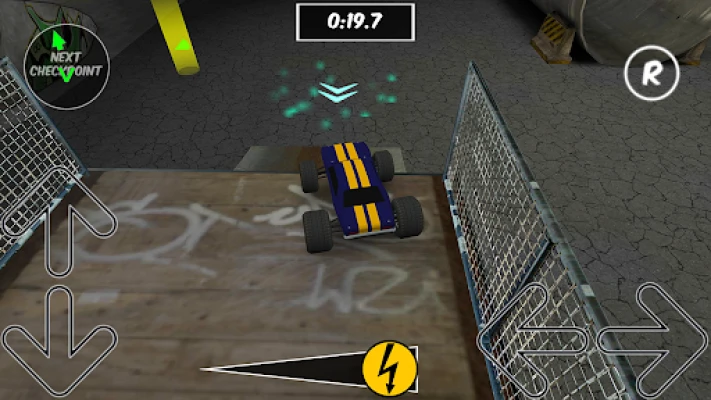
Timed obstacle courses are designed to test your precision and speed. Players must navigate through a series of obstacles within a set time limit. Success in these courses requires not only quick reflexes but also strategic planning. Here are some tips to excel:
- Familiarize Yourself with the Course: Before diving into the timed challenge, take a moment to study the layout. Knowing where the obstacles are located can help you plan your route effectively.
- Practice Makes Perfect: Repeatedly attempting the course will improve your muscle memory and reaction times. Don’t hesitate to replay the course to refine your skills.
- Optimize Your Speed: While speed is crucial, reckless driving can lead to crashes. Find a balance between speed and control to navigate obstacles smoothly.
Freeroam Environments
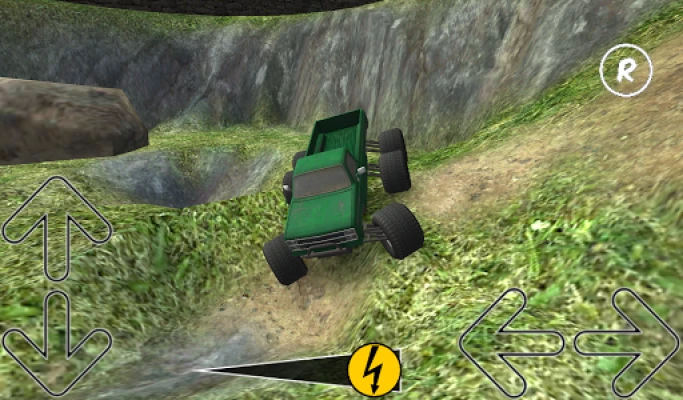
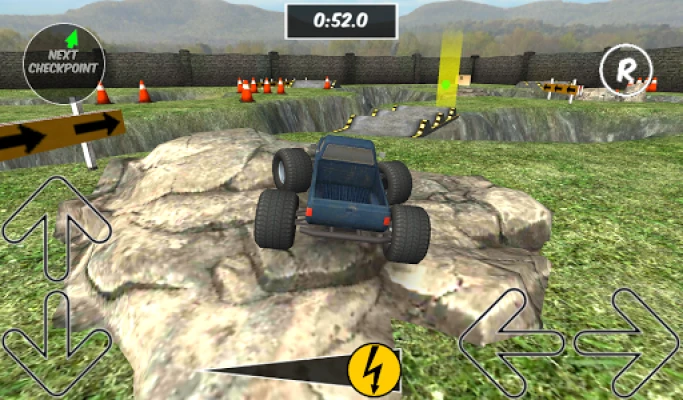
Freeroam environments provide a more relaxed gameplay experience, allowing players to explore vast landscapes without the pressure of a timer. This mode is perfect for honing your driving skills and discovering hidden features within the game. Here’s how to make the most of your freeroam experience:
- Explore Different Terrains: Freeroam allows you to drive through various terrains, from rugged mountains to urban landscapes. Experimenting with different environments can enhance your adaptability as a driver.
- Engage with the Environment: Look for interactive elements within the game. Some freeroam environments may offer side missions or collectibles that can enrich your gameplay.
- Practice Advanced Maneuvers: Use this mode to practice advanced driving techniques, such as drifting or precision parking, without the constraints of a timer.
Mastering Truck Controls
Controlling your truck effectively is crucial for success in both timed obstacle courses and freeroam environments. Most truck simulation games offer two primary control schemes: tilt control and touch control. Understanding how to use these controls can significantly impact your performance.
Tilt Control
Tilt control allows players to steer their truck by tilting their device. This method can provide a more immersive experience, as it mimics the physical act of driving. Here are some tips for mastering tilt control:
- Find Your Comfort Zone: Adjust the sensitivity settings to match your comfort level. A higher sensitivity may allow for quicker turns, while a lower sensitivity can provide more stability.
- Practice Balance: Keep your device steady while tilting. Sudden movements can lead to loss of control, especially in tight spaces.
- Use Visual Cues: Pay attention to the on-screen indicators that show your truck’s orientation. This can help you make more precise adjustments while driving.
Touch Control
Touch control involves using on-screen buttons to steer and accelerate your truck. This method can be more intuitive for some players. To excel with touch controls, consider the following:
- Customize Your Layout: Many games allow you to customize the button layout. Adjusting the size and position of the controls can enhance your comfort and responsiveness.
- Practice Timing: Mastering the timing of your inputs is essential. Practice accelerating and braking smoothly to maintain control during sharp turns.
- Utilize the Brake Wisely: Knowing when to brake can be the difference between a successful maneuver and a crash. Use the brake strategically, especially when approaching obstacles.
Conclusion
Whether you prefer the adrenaline rush of timed obstacle courses or the freedom of freeroam environments, mastering your truck simulation game requires practice and skill. By understanding the gameplay mechanics and honing your control techniques, you can elevate your gaming experience. Embrace the challenges, explore the landscapes, and enjoy the thrill of driving in these immersive virtual worlds.
Rate the App
User Reviews












Popular Apps










Editor's Choice









