
Latest Version
June 27, 2026
JesiDev Studio
Tools
Android
0
Free
com.rd.speedtest.netspeed.speedmeter
Report a Problem
More About Speed test - Speed Test Master
Ultimate Guide to Internet Speed Testing: Monitor Your Connection Like a Pro
In today's digital age, having a reliable internet connection is essential. Whether you're streaming your favorite shows, working from home, or gaming online, knowing your internet speed can make all the difference. This article delves into the importance of internet speed testing, how to monitor your connection effectively, and the features that can enhance your experience.
Understanding Internet Speed Tests
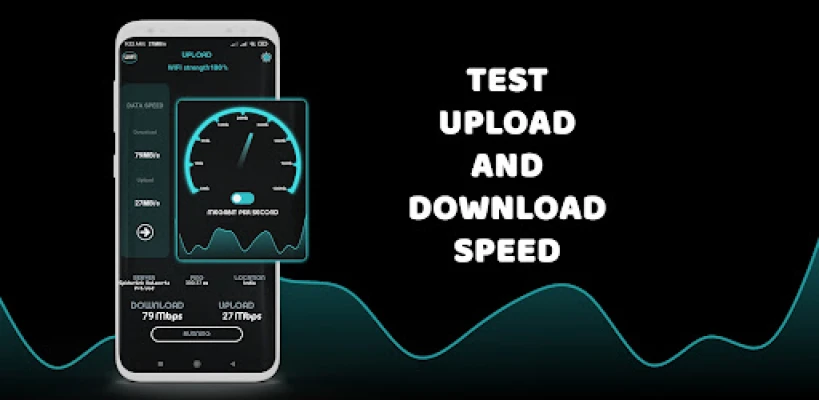
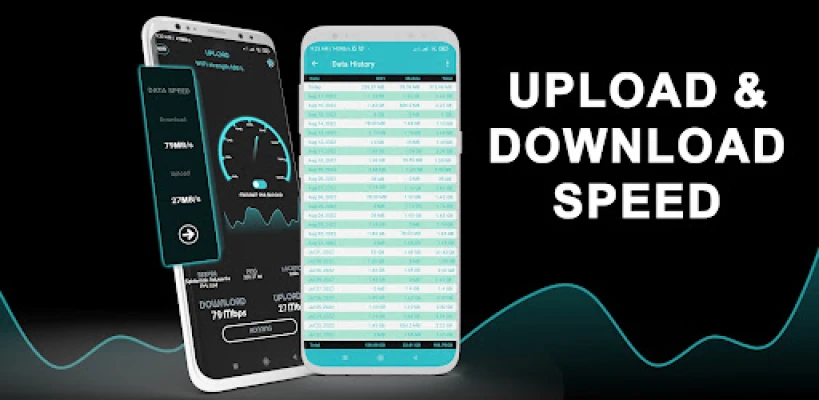
Internet speed tests provide real-time data about your connection's performance. They measure various aspects, including upload and download speeds, latency, and data usage. With a simple tap, you can access crucial information about your network, ensuring you stay informed about your internet performance.
Real-Time Monitoring of Your Internet Connection
One of the standout features of a reliable speed test app is its ability to display your current internet speed directly in the status bar. This unobtrusive notification allows you to keep an eye on your upload and download speeds without interrupting your activities. Additionally, it tracks your daily data usage, providing a comprehensive overview of your internet consumption.
Key Features of a Speed Test App
When selecting a speed test application, consider the following features that can significantly enhance your user experience:
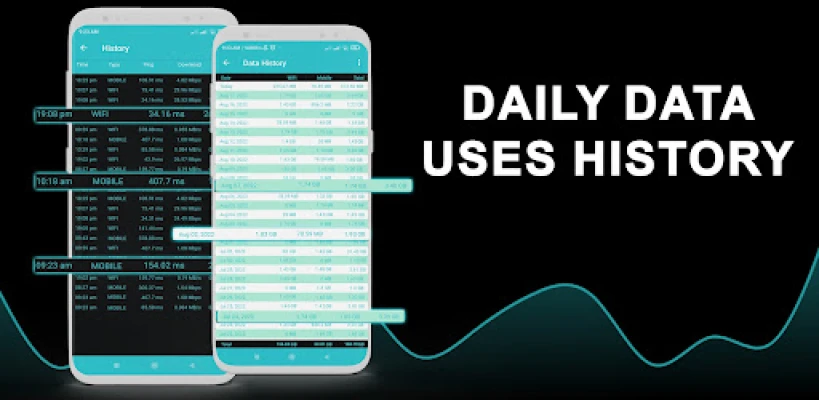
- Daily Data Usage History: Easily track your daily data consumption for 5G, 4G, 3G, and Wi-Fi networks right from the notification bar.
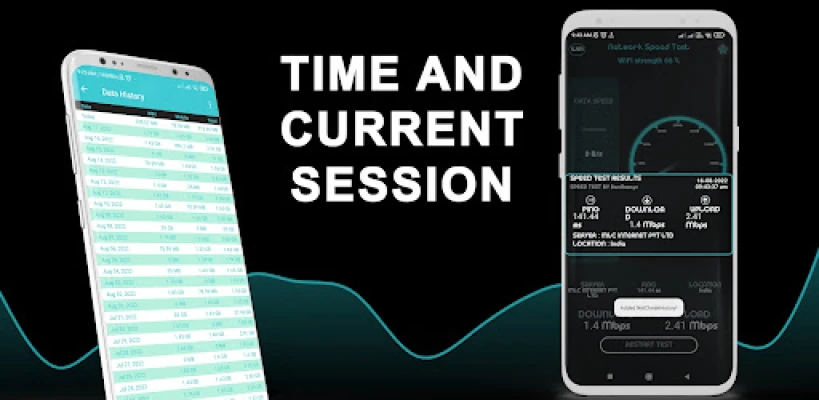
- Comprehensive Test History: Access a complete history of all your network tests, allowing you to analyze performance over time.
- Real-Time Graphs: Visualize your internet activity with graphs that display your connection's performance over the last minute.
- Session Time and Usage: Monitor the duration and data usage of your current session for better management.
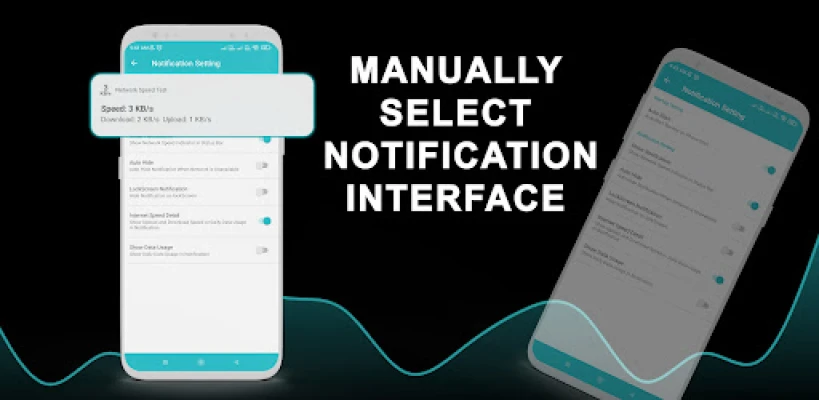
- Customizable Notifications: Choose how you want to receive notifications, whether for upload/download speeds or overall data usage.
- Separate Notifications: Get distinct notifications for upload and download speeds, making it easier to understand your connection's performance.
Tracking Daily Data Usage
Keeping track of your daily data usage is crucial, especially if you have a limited data plan. With a speed test app, you can monitor your mobile data and Wi-Fi usage directly from the notification bar. This feature eliminates the need for a separate application, streamlining your data management process.
Exploring Mobile Network Coverage
Understanding your mobile network's coverage is vital for ensuring a stable connection. A speed test app can provide insights based on real-world data collected from users. By analyzing performance by provider, you can identify areas with strong connectivity and make informed decisions about your network provider.
Conclusion: Empower Your Internet Experience
In conclusion, utilizing a speed test app is an effective way to monitor your internet connection and manage your data usage. With features that provide real-time updates and comprehensive data tracking, you can ensure that your online activities remain uninterrupted. Stay informed, optimize your connection, and enjoy a seamless internet experience.
Note: This speed test application is independent and does not claim affiliation with any other app or trademark ownership of third-party logos.
Rate the App
User Reviews















Popular Apps










Editor's Choice









