
Latest Version
4.3.1
July 23, 2026
Gruppo BPER
Finance
Android
0
Free
it.gruppobper.bpercbimobile
Report a Problem
More About Smart CBI
Unlocking the Power of Smart CBI: Your Comprehensive Guide
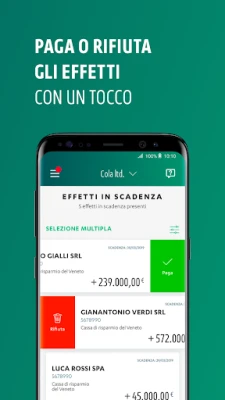
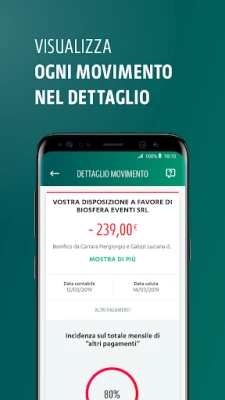
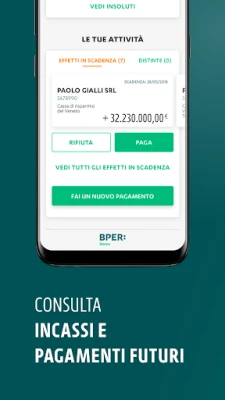
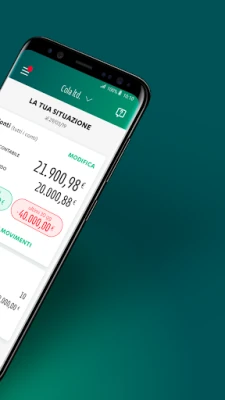
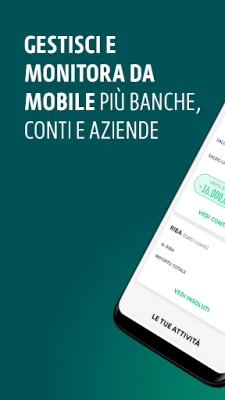
In today's fast-paced financial landscape, managing your bank accounts efficiently is crucial. With Smart CBI, users can effortlessly monitor their account balances and transaction histories, along with all related financial activities linked to their CBI station. This innovative app not only provides a user-friendly interface but also includes essential functionalities for executing transactions securely.
Free Access for BPERCBI Administrators and Users
The Smart CBI app is available at no cost for administrators of BPERCBI stations and for users they choose to enable. This accessibility ensures that both administrators and authorized users can manage their financial operations seamlessly, enhancing overall productivity.
Real-Time Notifications for Enhanced Management
One of the standout features of Smart CBI is its ability to send real-time notifications regarding operational activities. Both the station administrator and authorized users can receive alerts based on the settings defined by the administrator in the desktop version. This feature keeps users informed and allows for timely decision-making.
Robust Security Measures
Security is a top priority for Smart CBI. The app employs the same anti-fraud measures as the desktop version of CBI, ensuring that all transactions and account information remain protected. Users can have peace of mind knowing that their financial data is secure while using the app.
Executing Transactions with Ease
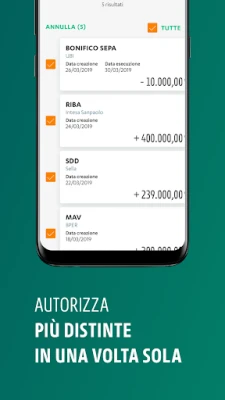
Smart CBI allows users to perform transaction operations that require signatures from individuals with signing authority registered at the bank. To execute these transactions, users simply need to enter the OTP (One-Time Password) generated by the token device provided by the bank or directly through the app. This streamlined process makes managing finances more efficient.
Commitment to Accessibility
Smart CBI is designed with accessibility in mind. The app is partially accessible, and the team is dedicated to continuously improving its usability for all users, including those utilizing assistive technologies or specialized configurations. Regular updates will enhance the services, websites, and apps, ensuring a better experience for everyone. Users are encouraged to provide feedback or report issues by contacting accessibility@nexi.it.
Accessibility Statement
To view the accessibility statement, please copy and paste the following link into your web browser: Smart CBI Accessibility Statement.
Account Deletion and Data Retention
For users wishing to delete their account from the Smart CBI app and understand the retention of personal data, detailed instructions are available at the following link: Account Deletion Instructions. This ensures that users can manage their data according to their preferences.
Conclusion
Smart CBI is a powerful tool for managing your banking needs efficiently and securely. With its user-friendly interface, robust security features, and commitment to accessibility, it stands out as a top choice for both administrators and users. Embrace the future of banking with Smart CBI and take control of your financial activities today.
Rate the App
User Reviews















Popular Apps










Editor's Choice









