Latest Version
1.58
February 16, 2026
2kit consulting
Tools
Android
0
$4.99
de.twokit.screen.mirroring.app.roku.pro
Report a Problem
More About Screen Mirroring Pro for Roku
Unlock Seamless Screen Sharing with the Ultimate Screen Mirroring App
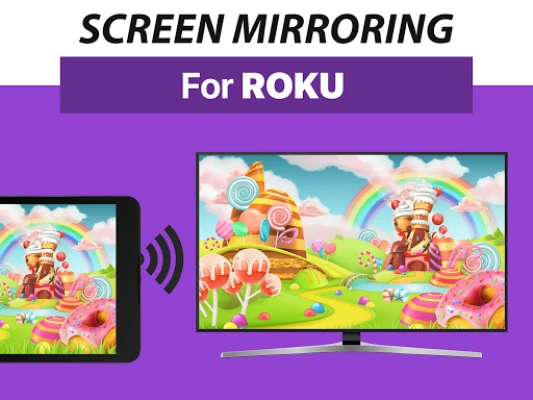
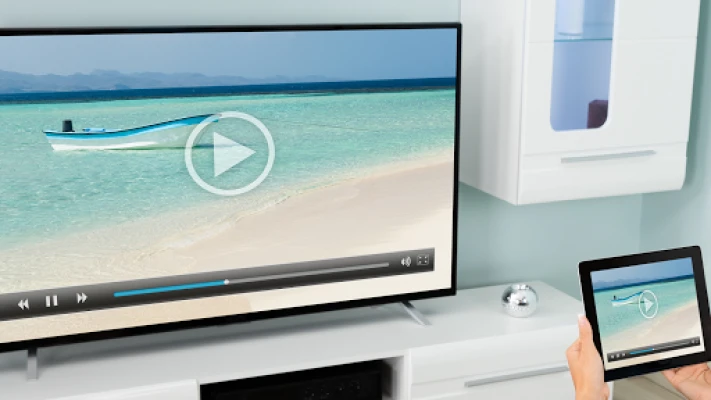
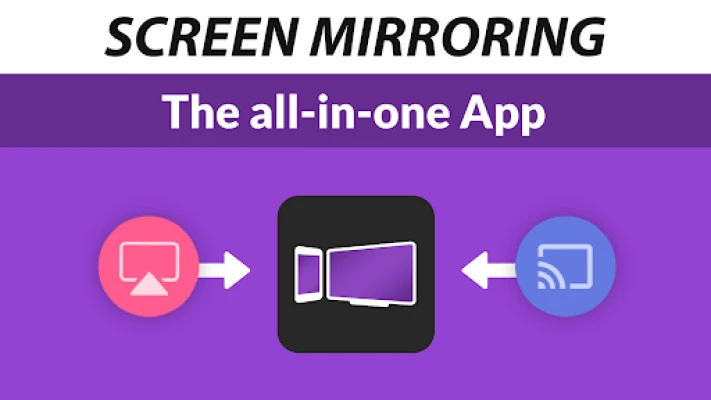
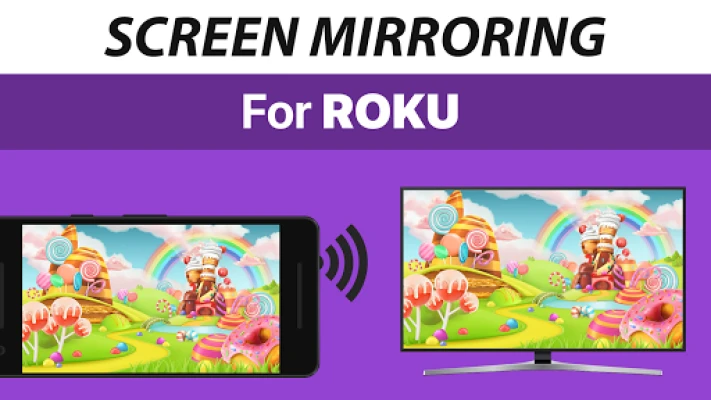
In today's digital age, sharing content effortlessly is essential. The Screen Mirroring App stands out as the premier solution for fast, easy, and user-friendly screen mirroring. Whether you want to showcase photos, videos, games, websites, apps, presentations, or documents, this app makes it simple to connect with friends, family, and colleagues. With significant advantages over the built-in screen mirroring options on Roku devices, this app is a must-have for anyone looking to enhance their sharing experience.
Unmatched Device Compatibility
The Screen Mirroring App boasts exceptional compatibility, supporting all Android devices running Android 5.0 and above, as well as all Roku devices, including Roku Sticks, Boxes, TVs, and the Roku Express 3700/3710. This extensive support ensures that users can easily connect their devices without worrying about compatibility issues.
Simplified Setup Process
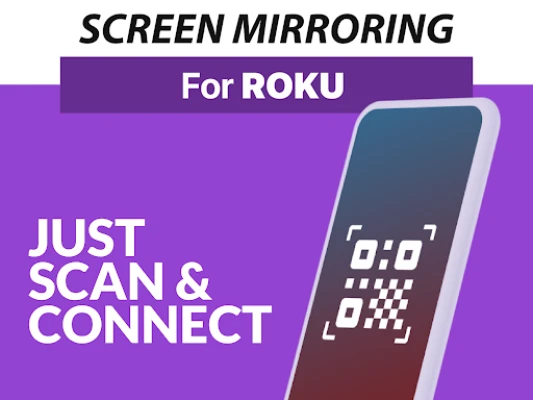
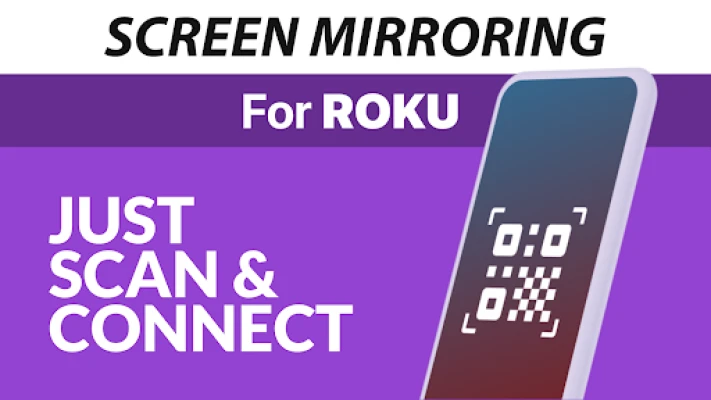
One of the standout features of the Screen Mirroring App is its super easy and unified setup process across all Android devices. Users can enjoy a hassle-free experience without the need to alter Android settings or Wi-Fi options. Simply download the app, and you’re ready to start sharing your screen in no time.
Essential Connectivity Requirements
To ensure optimal performance, both your Android device and Roku must be connected to the same Wi-Fi network. It’s important to avoid using VPNs, proxies, VLANs, and subnets, as these can interfere with the connection. For the best experience, a strong Wi-Fi network is crucial, and using a 5GHz Wi-Fi connection is highly recommended for seamless streaming.
Optimal Performance for a Flawless Experience
The performance of the Screen Mirroring App is significantly enhanced under good Wi-Fi network conditions. Users can expect smooth and uninterrupted streaming when connected to a reliable network. This ensures that your presentations, videos, and games are displayed without lag, providing an enjoyable viewing experience for everyone involved.
Support and Feedback
For any support or feedback, users can easily reach out via email at info@screenmirroring.app. The development team is dedicated to providing assistance and ensuring that users have the best experience possible with the app.
Developed by Industry Leaders
This app is brought to you by the creators of VIDEO & TV CAST, the leading video casting app globally, with over 100 million downloads across various platforms and devices. This pedigree ensures that users can trust the quality and reliability of the Screen Mirroring App.
Disclaimer
Please note that this app is not affiliated with any of the trademarks mentioned. ROKU, the ROKU Logo, STREAMING STICK, ROKU TV, ROKU POWERED, and other related trademarks are the property of Roku, Inc. in the United States and other countries.
Conclusion
In conclusion, the Screen Mirroring App is your go-to solution for effortless screen sharing. With its unmatched device support, simplified setup, and optimal performance, it outshines other options available in the market. Whether for personal use or professional presentations, this app ensures that your content is shared seamlessly and effectively. Download the Screen Mirroring App today and experience the future of screen sharing!
Rate the App
User Reviews















Popular Apps










Editor's Choice









