Latest Version
June 14, 2026
ImsaTools LTD
Tools
Android
0
Free
screen.mirroring.roku.miracast.airplay
Report a Problem
More About Screen Mirroring for Roku
Unlock the Power of Roku Screen Mirroring: Stream Seamlessly from Your Phone
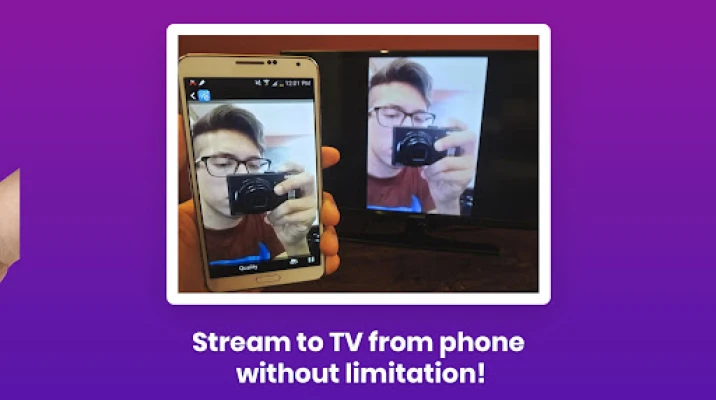
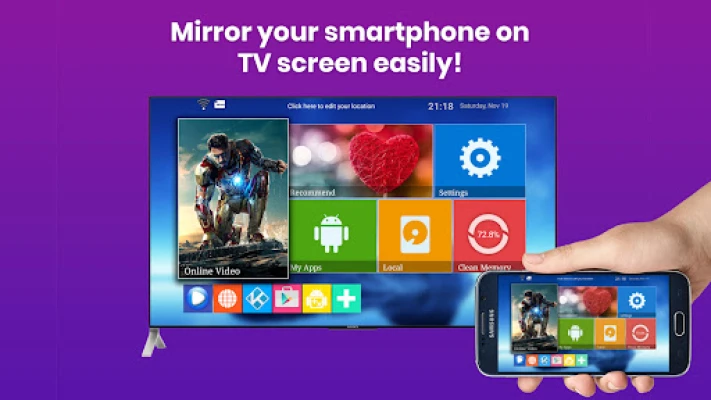
Transform your viewing experience with our innovative Roku Screen Mirroring App. Effortlessly cast your phone to Roku and enjoy streaming videos, photos, music, and apps directly from your Android or iPhone. This guide will walk you through the app's features, setup process, and popular uses, ensuring you make the most of your Roku device.
✨ Key Features of the Roku Screen Mirroring App
- Full HD Screen Mirroring: Experience stunning visuals as you mirror your screen to Roku TV in high-definition quality.
- Cross-Platform Compatibility: Easily cast to Roku TV from both Android and iPhone devices.
- Apple AirPlay Integration: iOS users can utilize Apple AirPlay to stream content directly to their Roku.
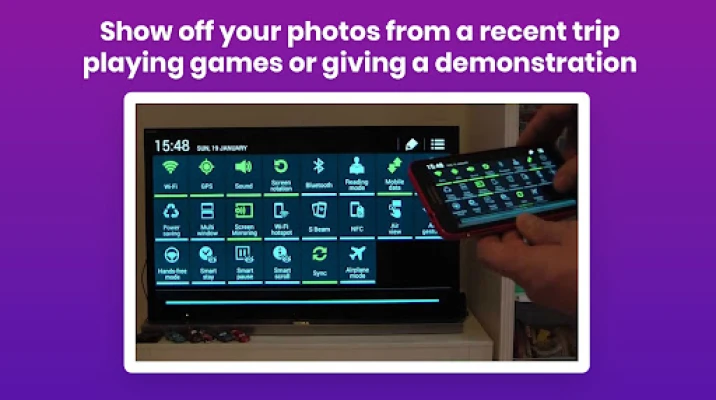
- Instant Sharing: Share videos, photos, presentations, and games with friends and family in real-time.
- One-Tap Setup: Connect your phone to Roku TV with just a single tap for a hassle-free experience.
- Universal Device Support: The app works seamlessly with all Roku devices and Roku-enabled TVs.
📺 How to Use the Roku Screen Mirroring App
- Ensure that your phone and Roku device are connected to the same Wi-Fi network.
- Open the Roku Screen Mirroring App on your phone.
- Select your Roku TV from the list of available devices.
- Tap “Start Mirroring” to begin sharing your screen on the Roku TV.
🔹 Popular Uses for Roku Screen Mirroring
The Roku Screen Mirroring App opens up a world of possibilities for entertainment and productivity. Here are some popular ways to utilize this powerful tool:
- Watch Movies and YouTube: Enjoy your favorite films and YouTube videos on the big screen for a more immersive experience.
- Stream Music and Photos: Share your favorite playlists and photo albums with friends during gatherings.
- Presentations and Documents: Display important presentations and documents on a larger screen for meetings or events.
- Mirror iPhone to Roku TV: Use AirPlay to effortlessly mirror your iPhone content to your Roku TV.
- Cast Android for Gaming: Elevate your gaming experience by casting your Android device to Roku TV.
✅ Comprehensive Support for All Your Needs
The Roku Screen Mirroring App supports a wide range of functionalities, ensuring you can enjoy a seamless experience:
- Screen Mirroring for Roku TV
- Cast to Roku from Android devices
- Roku Screen Mirroring for iPhone users
- Roku AirPlay and screen sharing capabilities
Transform Your Roku TV into a Big-Screen Powerhouse
With the Roku Screen Mirroring App, you can turn your Roku TV into a powerful entertainment hub. Whether you're streaming your favorite shows, sharing memories with friends, or presenting important information, this app enhances your viewing experience like never before.
Download the Roku Screen Mirroring App today and unlock unlimited screen mirroring capabilities for your Roku device. Enjoy seamless streaming and sharing, and elevate your entertainment experience to new heights!
Rate the App
User Reviews















Popular Apps










Editor's Choice









