

Latest Version
January 23, 2026
Tenen Hong Kong
Tools
Android
0
Free
com.tudao.RobotMake.changer
Report a Problem
More About RobotMake
Mastering Robot Control: A Comprehensive Guide to Assembling and Programming Your Robot
In the rapidly evolving world of robotics, understanding how to control and program your robot is essential. This guide will walk you through the fundamental functions of robot control, the assembly process, and the use of block programming to enhance your robotic projects.
Understanding Robot Movement
One of the primary functions of any robot is its ability to navigate its environment. Here are the key movements you can control:
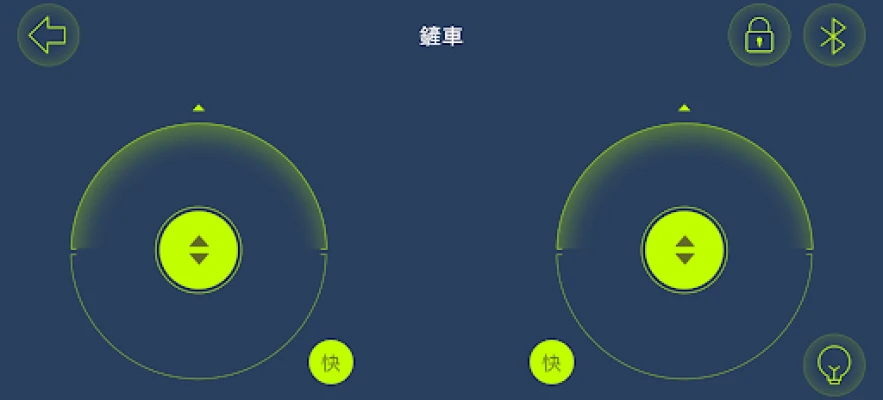
- Forward Movement: This function allows the robot to move straight ahead, enabling it to explore its surroundings.
- Backward Movement: The ability to reverse is crucial for maneuvering in tight spaces or avoiding obstacles.
- Turning Left: This function enables the robot to change direction to the left, allowing for more complex navigation.
- Turning Right: Similar to turning left, this function helps the robot adjust its path to the right.
By mastering these basic movements, you can create a robot that can navigate various terrains and complete tasks efficiently.
Assembling Your Robot: A Step-by-Step Process
Before you can control your robot, you need to assemble it correctly. Here’s a detailed process to guide you through the assembly and installation of the necessary blocks:
- Gather Your Materials: Ensure you have all the required components, including motors, sensors, wheels, and the main control unit.
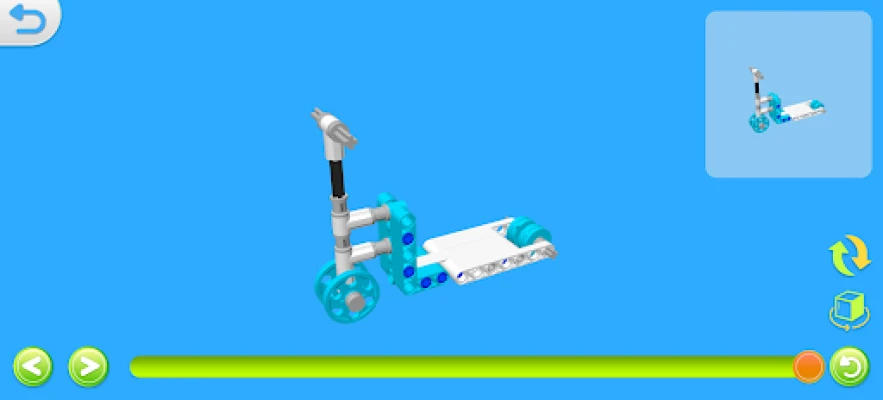
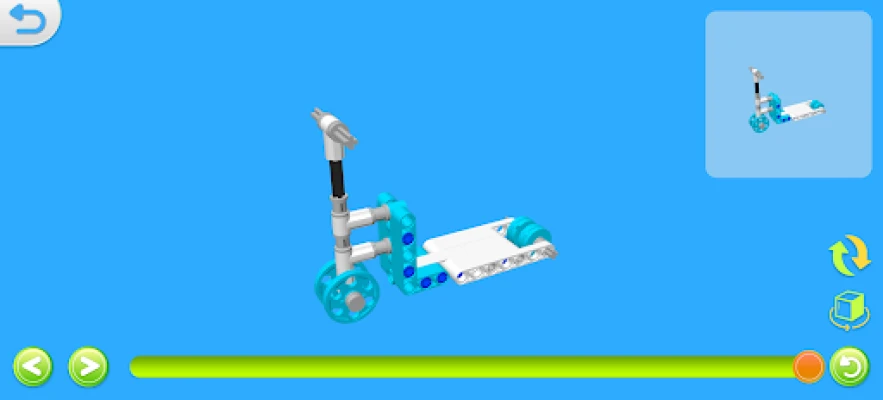
- Follow the Assembly Instructions: Use the provided manual or online resources to assemble the robot step by step. Pay close attention to the orientation of each component.
- Install the Blocks: Securely attach the blocks that will house the motors and sensors. Make sure they are firmly in place to avoid any operational issues.
- Connect the Wiring: Properly connect all wiring to ensure that power and signals are transmitted effectively between components.
- Test the Assembly: Before programming, conduct a preliminary test to ensure that all parts are functioning correctly.
Following these steps will ensure that your robot is assembled correctly and ready for programming.
Programming Your Robot with Block Edit Software
Once your robot is assembled, the next step is to program it using block edit software. This user-friendly interface allows you to control your robot’s movements and functions easily. Here’s how to get started:
- Install the Block Edit Software: Download and install the software compatible with your robot model. Ensure that your computer meets the necessary system requirements.
- Familiarize Yourself with the Interface: Spend some time exploring the software interface. Understand where to find the different blocks that represent various functions.
- Create a New Project: Start a new project within the software. This will be the workspace where you will build your program.
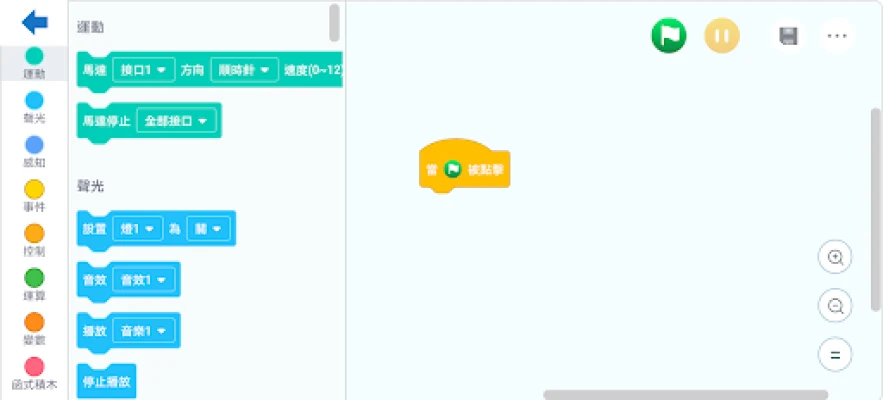
- Drag and Drop Blocks: Use the drag-and-drop feature to add movement blocks to your program. Arrange them in the order you want your robot to execute the commands.
- Test Your Program: After programming, upload the code to your robot and conduct a test run. Observe how it performs the tasks and make adjustments as necessary.
Block programming simplifies the coding process, making it accessible for beginners while still offering advanced features for experienced users.
Conclusion: Bringing Your Robot to Life
Controlling a robot involves understanding its movement capabilities, assembling it correctly, and programming it effectively. By mastering these skills, you can create a robot that performs a variety of tasks, from simple navigation to complex operations. Embrace the world of robotics, and let your creativity guide you in building and programming your very own robot!
With practice and experimentation, you will become proficient in robot control and programming, opening up a world of possibilities in robotics.
Rate the App
User Reviews















Popular Apps










Editor's Choice









