
Latest Version
1.5
October 26, 2024
Clementoni S.p.A.
Games
Android
0
Free
it.clementoni.robomakerstart
Report a Problem
More About RoboMaker® START
Unlocking Creativity with the RoboMaker® START App: A Comprehensive Guide
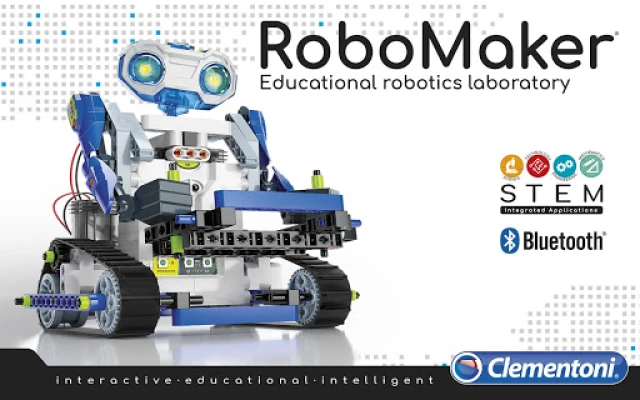
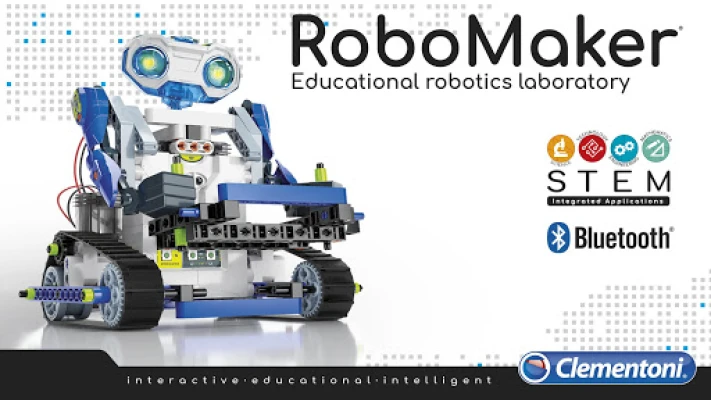
The RoboMaker® START app revolutionizes the way we interact with robotics, offering a seamless connection to robots via Bluetooth® Low Energy. This innovative app is divided into four distinct sections, each designed to enhance your experience and understanding of robotics. Let’s explore these sections in detail.
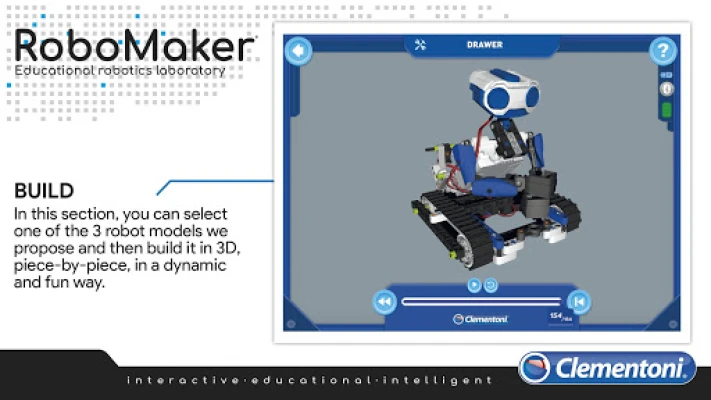
1. BUILD: Construct Your Robot in 3D
The BUILD section of the RoboMaker® START app allows users to reconstruct three different robot models in a dynamic 3D environment. This interactive feature enables you to assemble your robot piece by piece, providing a hands-on approach to learning. As you add components, you can easily resize and rotate the model 360°, giving you a comprehensive view of how each module connects. This immersive experience not only enhances your understanding of robotics but also makes the learning process enjoyable.
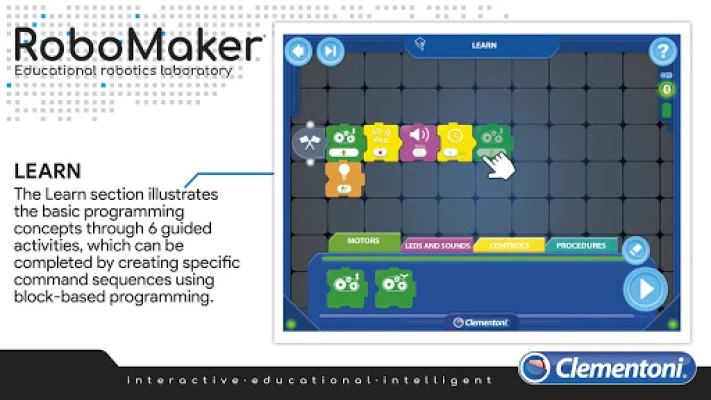
2. LEARN: Master the Basics of Programming
In the LEARN section, users are introduced to fundamental programming concepts through six guided activities—two for each robot model. These activities utilize Clementoni block-based programming, allowing you to create specific command sequences. This hands-on approach ensures that you grasp the essential programming skills needed to control your robots effectively. By engaging with these activities, you’ll build a solid foundation in programming that will serve you well in more advanced projects.
3. CREATE: Unleash Your Imagination
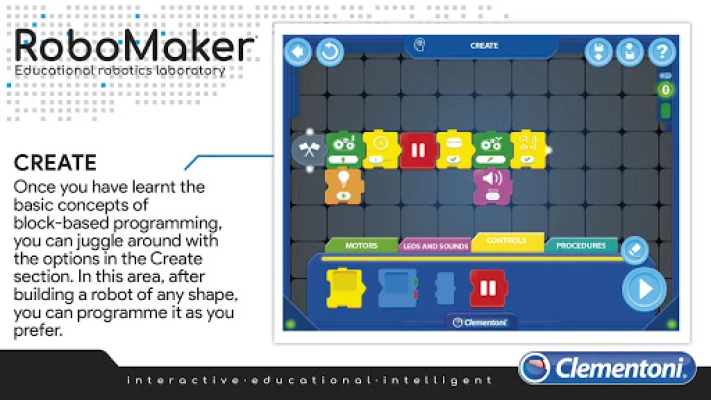
Once you’ve mastered the basics, the CREATE section invites you to unleash your creativity. Here, you can design and program a robot of any shape and size according to your preferences. Unlike the guided activities in the LEARN section, this area allows for free exploration. You won’t receive immediate feedback on whether your programming sequence is correct, encouraging you to think critically and troubleshoot your designs. This freedom fosters innovation and helps you develop problem-solving skills as you work towards achieving your desired outcomes.
4. CONTROL: Real-Time Command Execution
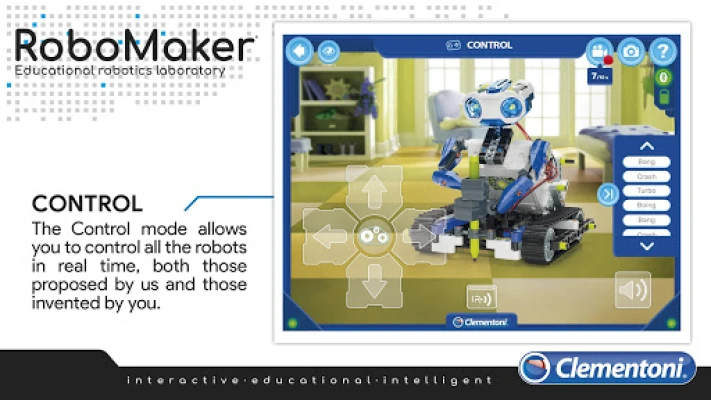
The CONTROL mode offers a unique experience by allowing you to command the three robot models in real time without the need for block-based programming. Each command you send is executed instantly, providing immediate feedback and interaction. Since each robot features different electronic components and functions, the app includes a specific control page for each model. This tailored approach ensures that you can effectively manage and operate each robot, enhancing your overall experience.
Join the RoboMaker® Adventure Today!
With the RoboMaker® START app, you have the opportunity to step into the shoes of a programmer and embark on an engaging and educational journey. Whether you’re building, learning, creating, or controlling, each section of the app is designed to enhance your understanding of robotics and programming. So, what are you waiting for? Dive into the world of RoboMaker® and start your adventure today!
By exploring the features of the RoboMaker® START app, you not only gain valuable skills in robotics and programming but also ignite your creativity and problem-solving abilities. This app is more than just a tool; it’s a gateway to a future filled with possibilities in the world of technology.
Rate the App
User Reviews











Popular Apps










Editor's Choice