
Latest Version
1.2
October 29, 2024
Clementoni S.p.A.
Games
Android
0
Free
it.clementoni.robomaker
Report a Problem
More About RoboMaker®
Unlocking Creativity and Learning with the RoboMaker® App
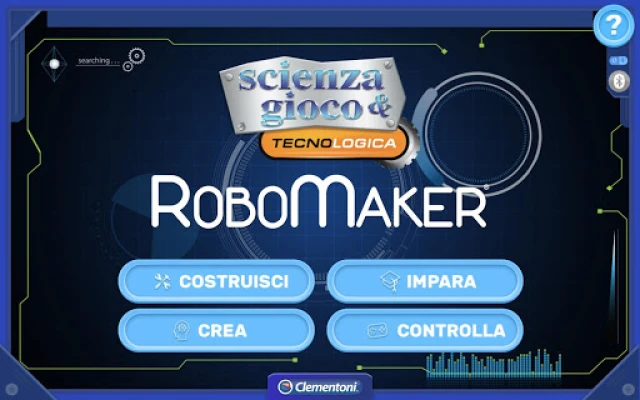
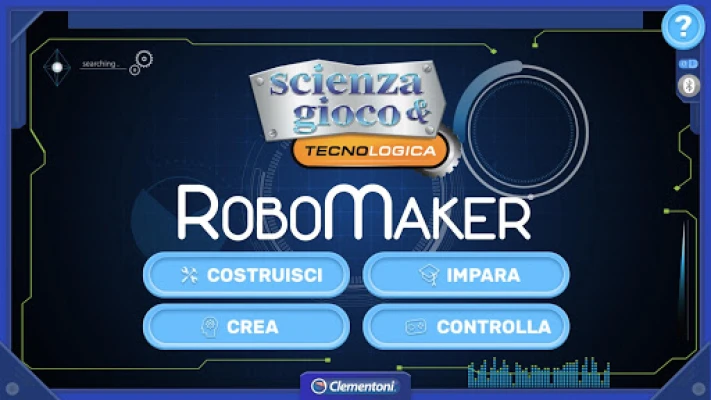
The RoboMaker® app revolutionizes the way we interact with robotics, offering a seamless connection to robots via Bluetooth® Low Energy. This innovative app is divided into four distinct sections, each designed to enhance your experience and understanding of robotics. Let’s explore these sections in detail.
1. Build: Construct Your Robot in 3D
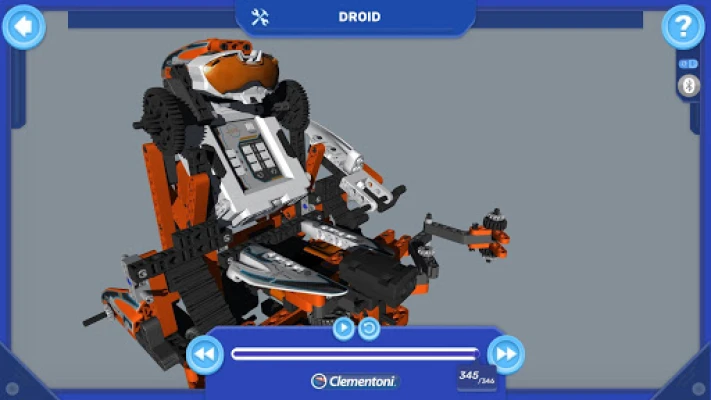
The Build section of the RoboMaker® app allows users to reconstruct five unique robot models in a dynamic 3D environment. This interactive feature enables you to assemble your robot piece by piece, providing a hands-on approach to learning. As you add components, you can easily resize and rotate the model 360°, giving you a comprehensive view of how each module connects. This immersive experience not only enhances your understanding of robotics but also sparks creativity as you visualize your robot's design.
2. Learn: Master the Basics of Programming
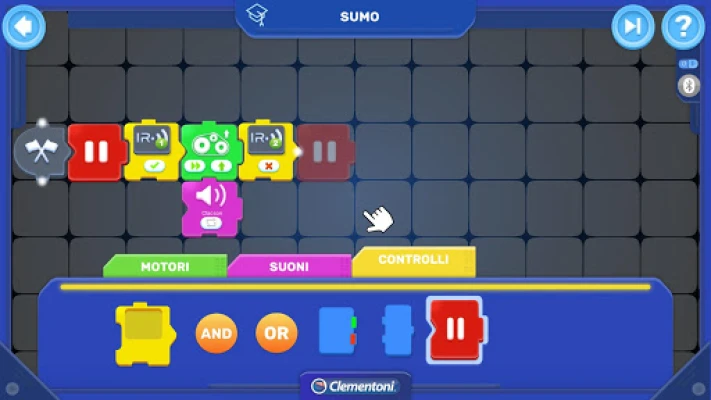
In the Learn section, users can dive into the fundamentals of programming through ten engaging guided activities—two for each robot model. These activities utilize Clementoni block-based programming, making it easy for beginners to grasp essential programming concepts. By creating specific command sequences, you’ll build a solid foundation in programming, preparing you for more advanced challenges ahead.
3. Create: Unleash Your Imagination
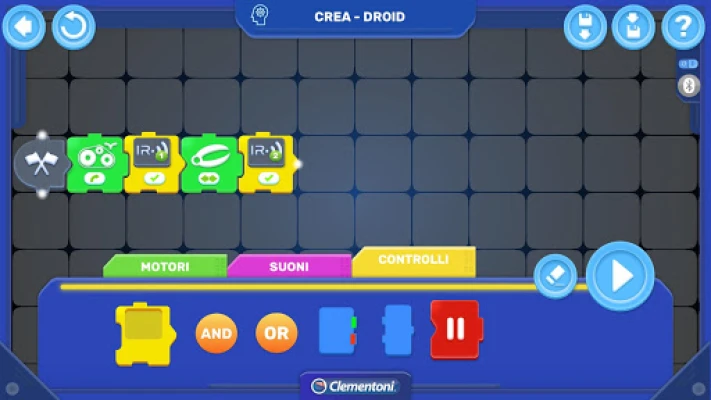
Once you’ve mastered the basics, the Create section invites you to unleash your creativity. Here, you can design and program your robot in any way you choose. This section encourages free exploration, allowing you to experiment with different programming sequences without immediate feedback from the app. It’s a space where you can test your skills and see if your robot performs as intended, fostering problem-solving and critical thinking.
4. Control: Real-Time Command Execution
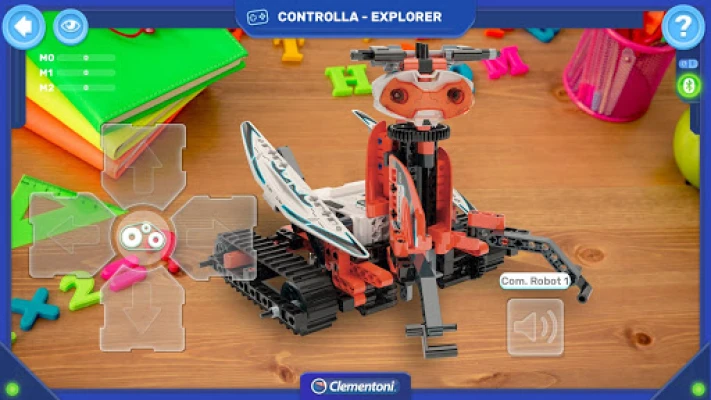
The Control mode offers a unique experience, allowing you to command your robots in real time without the need for block-based programming. Each of the five robot models has its own dedicated control page, tailored to its specific electronic components and functions. This feature ensures that every command you send is executed instantly, providing a responsive and engaging interaction with your robot. Whether you’re navigating obstacles or performing tasks, the Control mode enhances the hands-on experience of robotics.
Join the RoboMaker® Adventure Today!
With its engaging sections—Build, Learn, Create, and Control—the RoboMaker® app offers a comprehensive platform for anyone interested in robotics. Whether you’re a beginner or an experienced programmer, this app provides the tools and resources needed to explore the fascinating world of robotics. So, what are you waiting for? Step into the programmer’s shoes and embark on this exciting and educational journey!
Experience the thrill of building, learning, creating, and controlling your own robots with the RoboMaker® app. It’s not just an app; it’s a gateway to innovation and creativity in the realm of robotics.
Rate the App
User Reviews












Popular Apps










Editor's Choice