
Latest Version
May 27, 2026
Lupis Labs Software
Games
Android
0
Free
com.magicwach.rdefense_free
Report a Problem
More About Robo Defense FREE
Unlocking the Ultimate Gaming Experience: Free vs. Full Version Features
In the world of mobile gaming, players often seek the best experience without compromising on performance. This article delves into the features of both the free and full versions of a popular game, highlighting their unique offerings and providing essential performance tips for an optimal gaming experience.
Exploring the Free Version
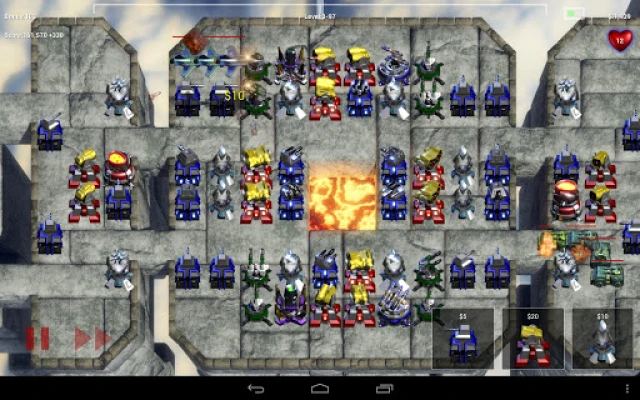
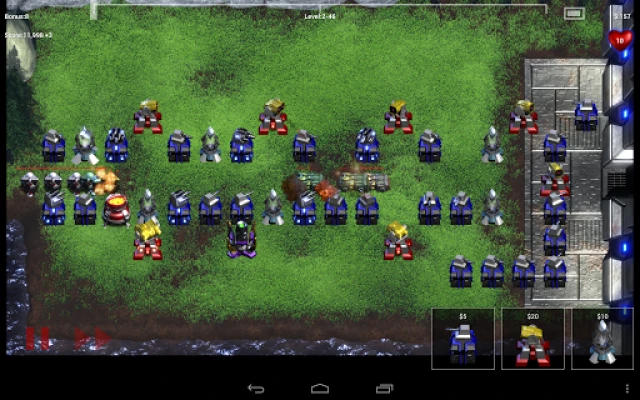
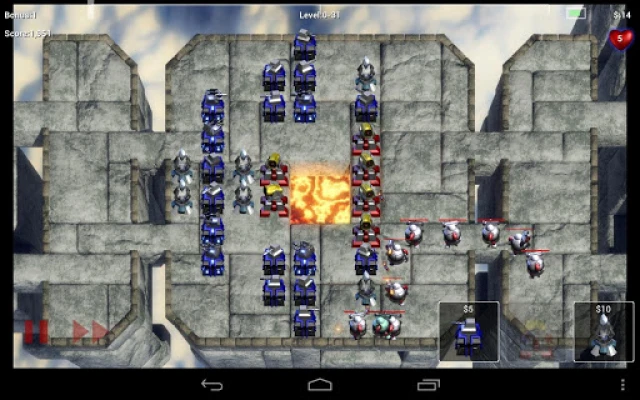
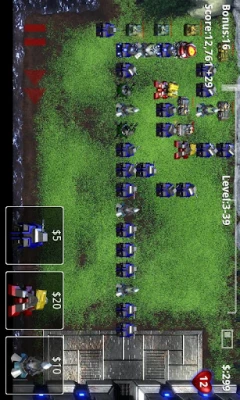
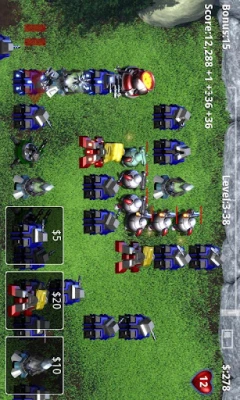
The free version of the game provides players with a single map that boasts an impressive 11 difficulty levels. This variety allows gamers to challenge themselves and hone their skills without any financial commitment. The free version serves as an excellent introduction to the game, enabling players to familiarize themselves with the mechanics and gameplay.
Upgrading to the Full Version
For those who crave more excitement, the full version is available, offering a plethora of additional maps and the freedom to explore unlimited upgrade options and difficulty levels. This expansion not only enhances the gaming experience but also keeps players engaged for longer periods. Importantly, any progress made in the free version seamlessly transfers to the full version, ensuring that players can continue their journey without losing any hard-earned achievements.
Device-Specific Performance Fixes
Different devices may encounter unique performance issues while playing the game. Here are some tailored solutions for popular smartphones:
- HTC Desire, San Francisco: If you experience issues, try turning off the "High Quality Graphics" setting. This adjustment has been known to resolve various performance-related problems.
- Galaxy S: For users facing stuttering performance, enabling the "16-bit backgrounds" option can significantly improve gameplay fluidity.
- Atrix: Disabling sound can enhance stability, providing a smoother gaming experience.
General Performance Tips for Optimal Gameplay
If you find that the game is running sluggishly, consider the following tips to enhance performance:
- Play Fully Zoomed In: Adjusting your view to be fully zoomed in can help improve performance on various devices.
- Disable High-Quality Graphics Mode: Access the options menu and turn off "High Quality Graphics Mode." This simple change can alleviate performance issues on certain phone models.
Conclusion: Choose Your Adventure
Whether you opt for the free version or decide to invest in the full version, both offer unique experiences tailored to different gaming preferences. The free version provides a solid foundation, while the full version expands the adventure with more maps and challenges. By following the performance tips outlined above, players can ensure a smooth and enjoyable gaming experience, regardless of the device they use.
For more insights and updates, visit Lupis Labs.
Rate the App
User Reviews














Popular Apps










Editor's Choice









