
Latest Version
1.3
June 11, 2025
cic apps
Games
Android
0
Free
com.hotwheel.roads
Report a Problem
More About Roads for Toy Car Wheels
Transform Your Playtime: Create Custom Roads for Hot Wheels Toy Cars
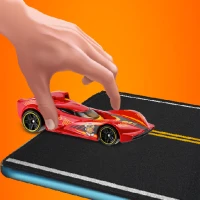
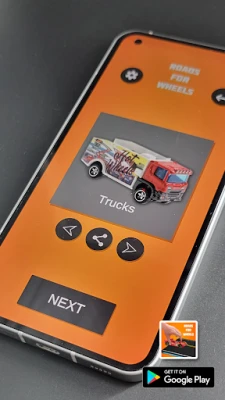
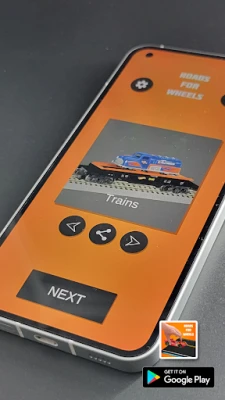
Are you ready to elevate your Hot Wheels experience? With the latest app, you can design and customize your own racing tracks, making playtime more exciting than ever. This guide will walk you through the simple steps to create the ultimate racing environment for your toy cars.
Unleash Your Creativity with Custom Tracks
Gone are the days of standard tracks. The new app allows you to unleash your creativity by selecting various road designs and terrains. Whether you prefer smooth highways or rugged off-road paths, the possibilities are endless. Here’s how to get started:
Step 1: Download the App
First, download the app from your device’s app store. It’s user-friendly and designed for all ages, ensuring that everyone can join in on the fun. Once installed, open the app and get ready to create your dream track.
Step 2: Choose Your Road Design
After launching the app, you’ll be greeted with a variety of road designs. From classic racetracks to adventurous mountain paths, select the one that excites you the most. Each design offers unique features that can enhance your racing experience.
Step 3: Select Your Terrain
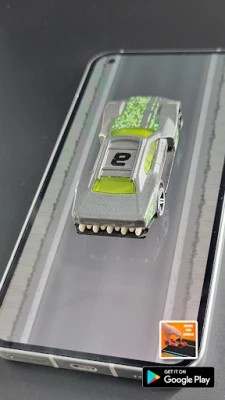
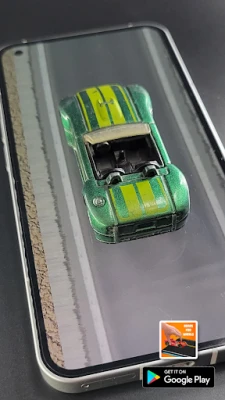
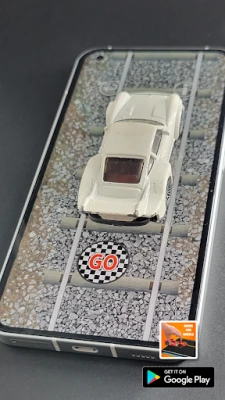
Next, it’s time to choose the terrain. The app provides options like asphalt, dirt, and even futuristic landscapes. Consider how each terrain will affect your Hot Wheels cars’ performance. For instance, a dirt track may offer a different challenge compared to a smooth asphalt road.
Step 4: Customize Your Track
Now comes the fun part—customization! You can add loops, jumps, and obstacles to make your track more thrilling. Experiment with different configurations to see what works best for your cars. The app allows you to visualize your track in real-time, making adjustments easy and intuitive.
Enhance Your Racing Experience
Creating a custom track is just the beginning. Here are some tips to enhance your racing experience:
Incorporate Challenges
To make your races more exciting, incorporate challenges such as timed laps or obstacle courses. This not only adds a competitive edge but also encourages creativity in how you navigate the track.
Invite Friends for a Race
Share the fun by inviting friends over for a racing tournament. Set up multiple tracks and see who can complete the course the fastest. This social aspect can turn a simple play session into an unforgettable event.
Document Your Races
Consider documenting your races by recording videos or taking photos. This allows you to relive the excitement and share your creations with others online. You might even inspire fellow Hot Wheels enthusiasts to create their own custom tracks!
Conclusion: The Future of Hot Wheels Play
With the ability to create custom roads and terrains, the app revolutionizes the way we play with Hot Wheels toy cars. By following these simple steps, you can design a unique racing experience that keeps the fun going for hours. So, download the app, unleash your creativity, and get ready to race!
Remember, the only limit is your imagination. Happy racing!
Rate the App
User Reviews















Popular Apps










Editor's Choice