

Latest Version
December 10, 2025
PhotoLab99
Tools
Android
0
Free
com.photolab99.reverse.image.search.searchimage
Report a Problem
More About Reverse Image Search - RIMP
Mastering Reverse Image Search: A Comprehensive Guide
In today's digital landscape, the ability to perform a reverse image search has become an invaluable tool for various users, from photographers to consumers and researchers. This technique allows individuals to upload an image or paste an image URL into a search engine, which then analyzes the image and returns relevant results. Understanding how to effectively utilize this feature can enhance your online experience and protect your visual content.
Understanding Reverse Image Search
Reverse image search is a powerful method that enables users to find information related to a specific image. By leveraging advanced algorithms, search engines can dissect the visual elements of an image, including colors, shapes, textures, and identifiable objects. This analysis is then compared against a vast database of indexed images, allowing the search engine to present results that share similar visual characteristics.
How Reverse Image Search Works
The process of reverse image searching involves several key steps:
- Image Upload or URL Input: Users can either upload an image directly or input the URL of an image they wish to analyze.
- Visual Content Analysis: The search engine examines the image's visual content, breaking it down into its fundamental components.
- Database Comparison: The analyzed data is matched against a comprehensive database of indexed images to find similarities.
- Results Presentation: Finally, the search engine displays results that include images with comparable visual traits.
Key Features of Reverse Image Search
Reverse image search tools come equipped with a variety of features that enhance their functionality:
- Find Similar Images: Discover images that closely resemble the one you uploaded, making it easier to locate variations or duplicates.
- Identify Modified or Original Images: Determine whether an image has been altered or if it is the original version, which is particularly useful for photographers and artists.
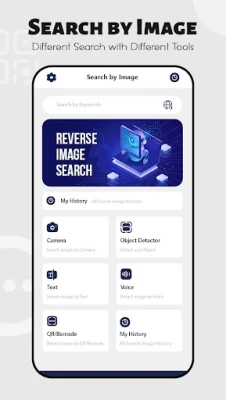
- Text Detection: Extract text from any live image or from your gallery, allowing for quick information retrieval.
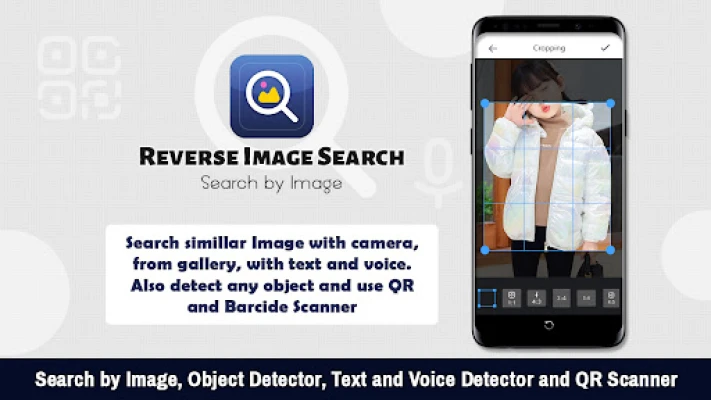
- Object Detection: Utilize the object detector option to identify specific items within an image, whether taken from a camera or selected from your gallery.
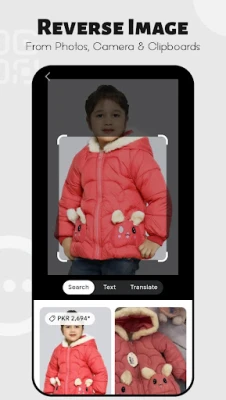
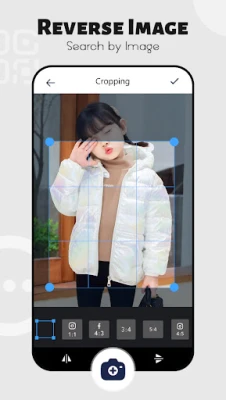
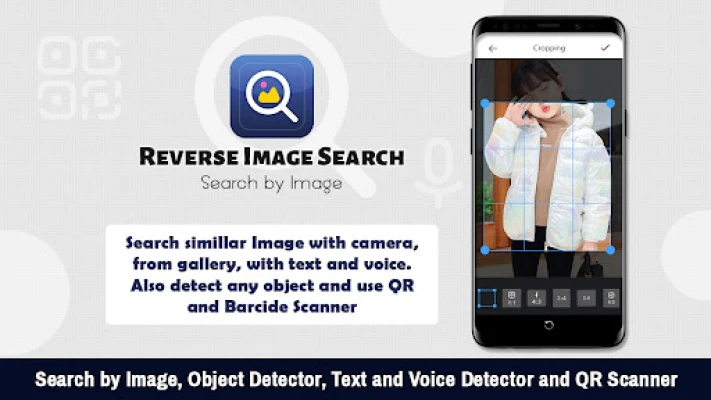
- Partial Image Search: Search using a segment of an image, which is beneficial when dealing with composite images made up of multiple elements.
- Voice Search Capability: Use voice commands to find images, streamlining the search process for users on the go.
- QR/Barcode Scanner: Quickly locate information by scanning QR codes or barcodes, integrating seamlessly with reverse image search functionalities.
Applications of Reverse Image Search
The versatility of reverse image search makes it applicable in various fields:
For Photographers
Photographers can utilize reverse image search to monitor the use of their work online, ensuring that their images are not being used without permission. This tool helps in protecting intellectual property and maintaining the integrity of their portfolios.
For Consumers
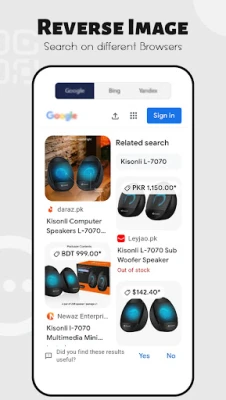
Consumers often encounter products online that pique their interest. By using reverse image search, they can quickly find similar products, compare prices, and make informed purchasing decisions. This feature enhances the shopping experience by providing access to a broader range of options.
For Researchers
Researchers can gather visual information efficiently by using reverse image search to locate sources, verify the authenticity of images, and explore related visual content. This capability is particularly useful in academic and professional settings where accurate information is paramount.
Conclusion
Mastering reverse image search can significantly enhance your online interactions, whether you are a photographer protecting your work, a consumer seeking products, or a researcher gathering visual data. By understanding how this powerful tool operates and leveraging its features, you can unlock a wealth of information and ensure that your visual content remains secure. Embrace the capabilities of reverse image search and elevate your digital experience today!
Rate the App
User Reviews















Popular Apps










Editor's Choice









