Latest Version
4.5
December 03, 2025
Wewish
Tools
Android
0
Free
com.appre
Report a Problem
More About Remote for Apple TV
Control Your Apple TV with Your Android Device: The Ultimate Guide
Imagine lounging on your couch, effortlessly controlling your Apple TV with your Android device. With the right app, you can play, pause, rewind, and fast-forward your favorite shows and movies without ever reaching for the traditional remote. This guide will explore how to enhance your viewing experience by using your Android device as a remote control for your Apple TV.
Why Use Your Android Device as a Remote for Apple TV?
Using your Android device to control your Apple TV offers unparalleled convenience. Here are some compelling reasons to make the switch:
- Seamless Control: Play, pause, rewind, and fast-forward your favorite content with just a few taps.
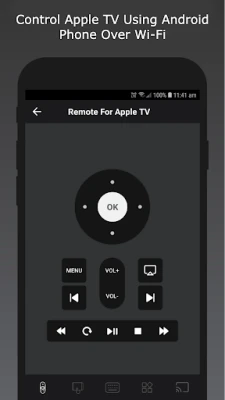
- Volume Adjustment: Easily adjust the volume without fumbling for the remote.
- Input Switching: Switch between different inputs effortlessly, making your viewing experience smoother.
- Additional Features: Enjoy a range of functionalities that enhance your control over the Apple TV.
Introducing the Remote for Apple TV App
The Remote for Apple TV app is designed to provide a user-friendly interface that allows you to control your Apple TV directly from your Android device. Download it today and experience the convenience of a wireless remote control!
Key Features of the Remote for Apple TV App
This app is packed with features that make it an essential tool for any Apple TV user:
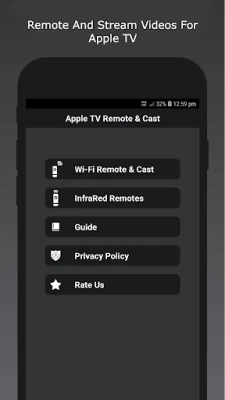
- Wi-Fi Remote Control: The app connects to your Apple TV via Wi-Fi, ensuring a stable and responsive connection.
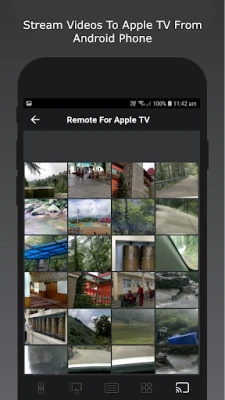
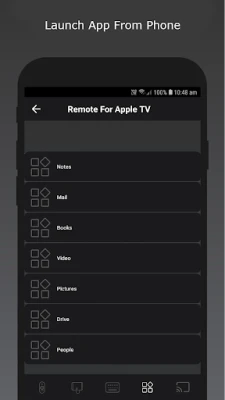
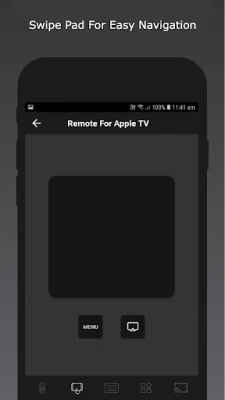
- Comprehensive Control: Navigate through menus, control playback, and adjust volume all from your Android device.
- User-Friendly Interface: The app is designed for ease of use, making it accessible for everyone.
- Instant Setup: Download the app and start controlling your Apple TV in minutes.
Supported Apple TV Models
The Remote for Apple TV app is compatible with a wide range of Apple TV models, ensuring that you can enjoy its features regardless of your device:
- Apple TV (4K 3rd Generation)
- Apple TV (4K 2nd Generation)
- Apple TV (4K 1st Generation)
- Apple TV (4th Generation HD)
- Apple TV (3rd Generation)
- Apple TV (2nd Generation)
How to Set Up the Remote for Apple TV App
Setting up the Remote for Apple TV app is a straightforward process. Follow these simple steps:
- Download the App: Visit the Google Play Store and search for "Remote for Apple TV." Download and install the app on your Android device.
- Connect to Wi-Fi: Ensure that your Android device and Apple TV are connected to the same Wi-Fi network.
- Open the App: Launch the Remote for Apple TV app on your Android device.
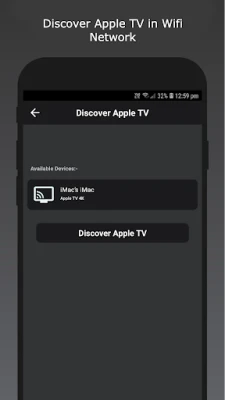
- Pair Your Devices: Follow the on-screen instructions to pair your Android device with your Apple TV.
- Start Controlling: Once paired, you can start using your Android device to control your Apple TV.
Disclaimer
Please note that we are not affiliated with Apple, and this app is not an official product of Apple. It is designed to enhance your Apple TV experience by providing an alternative control method through your Android device.
Conclusion
Transform your Apple TV experience by using your Android device as a remote control. With the Remote for Apple TV app, you can enjoy seamless navigation, volume control, and playback features right from your smartphone. Download the app today and take your viewing experience to the next level!
Rate the App
User Reviews















Popular Apps










Editor's Choice









