

Latest Version
3.0.0.23
August 17, 2024
Remo Software
Tools
Android
0
Free
com.remoduplicatefilesremover
Report a Problem
More About Remo Duplicate File Remover
Maximize Your Android Storage: Eliminate Duplicate Files with Remo Duplicate File Remover
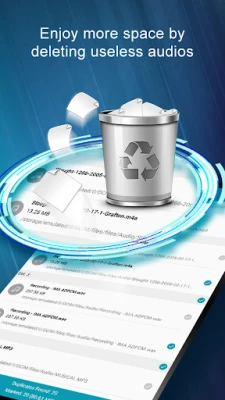
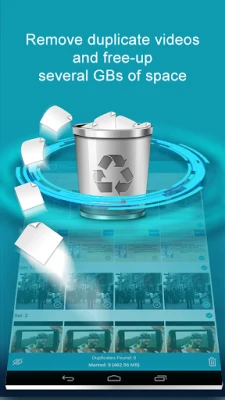
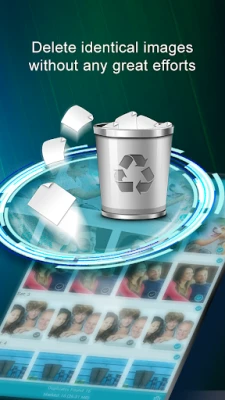
In today's digital age, Android devices come equipped with ample storage space, allowing users to store a vast array of files. However, this convenience often leads to a common issue: the accumulation of unnecessary files, particularly duplicates. On average, approximately 10% of storage on any device is occupied by duplicate files. This is where Remo Duplicate File Remover steps in, providing an efficient solution to reclaim valuable space on your Android device.
Why Duplicate Files Are a Problem
Duplicate files can clutter your device, making it difficult to find important documents and media. They not only consume storage space but can also slow down your device's performance. By removing these duplicates, you can enhance your device's efficiency and ensure that you have enough space for new files and applications.
Key Features of Remo Duplicate File Remover
Remo Duplicate File Remover is a lightweight application packed with features designed to simplify the process of identifying and deleting duplicate files. Here are some of its standout features:
- Completely Free: Enjoy the benefits of this powerful app without any cost.
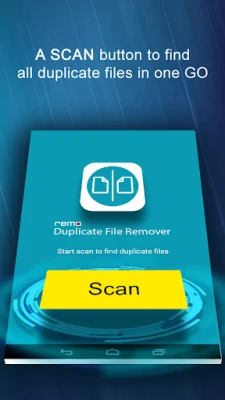
- One-Tap Scan: Initiate a comprehensive scan of your entire storage space with just a single tap.
- User-Friendly Interface: Navigate the app effortlessly with its simple and intuitive design.
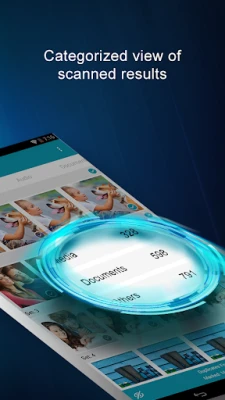
- Organized File Management: The app categorizes files into three distinct menus: Media, Documents, and Others.
- Regular Notifications: Stay updated with notifications about new duplicate files every 15 days.
How to Use Remo Duplicate File Remover
Using Remo Duplicate File Remover is straightforward and user-friendly. Follow these simple steps to clean up your Android device:
- Click “Scan”: Launch the app and tap the “Scan” button to begin the process.
- Review the Results: Once the scan is complete, the app will display three tabs for easy navigation:
- Media: Contains duplicates of images, videos, and audio files.
- Documents: Lists duplicate files such as .pdf, .txt, .xls, and more.
- Others: Includes all other file types, like .zip files.
- Select and Delete: Choose the appropriate tab, select the duplicate files you wish to remove, and hit delete.
Benefits of Using Remo Duplicate File Remover
By utilizing Remo Duplicate File Remover, you can experience several benefits:
- Free Up Storage Space: Remove unnecessary duplicates to make room for new files and applications.
- Improve Device Performance: A decluttered device runs more smoothly and efficiently.
- Save Time: Quickly identify and delete duplicates without manually searching through files.
- Regular Maintenance: With notifications every 15 days, you can keep your device optimized effortlessly.
Conclusion
In conclusion, managing storage on your Android device is crucial for maintaining optimal performance. With Remo Duplicate File Remover, you can easily identify and eliminate duplicate files, freeing up valuable space and enhancing your device's efficiency. Download this free app today and take the first step towards a cleaner, more organized digital life.
Rate the App
User Reviews















Popular Apps










Editor's Choice









