
Latest Version
7.17.0
July 25, 2026
Laerdal Medical
Education
Android
1
Free
com.laerdal.qcprclassroom.qcprclassroom
Report a Problem
More About QCPR Classroom
Enhancing CPR Quality with Real-Time Feedback: The Ultimate Guide
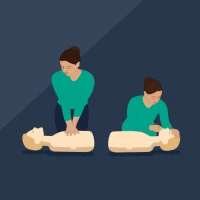
In the realm of emergency response, delivering high-quality Cardiopulmonary Resuscitation (CPR) is crucial. To aid in this endeavor, innovative applications have emerged that offer real-time feedback, ensuring that learners can refine their skills effectively. This article delves into the key features of such an app, designed to elevate the quality of CPR training.
Real-Time Feedback for Optimal Compression Rate
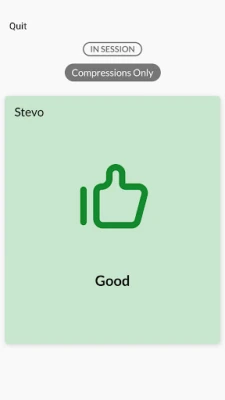
One of the fundamental aspects of effective CPR is maintaining the correct compression rate. The app provides live feedback on the compression rate, allowing learners to adjust their rhythm in real-time. This immediate response helps ensure that compressions are delivered at the recommended rate of 100 to 120 compressions per minute, which is vital for maximizing blood flow during resuscitation.
Ensuring Proper Compression Depth
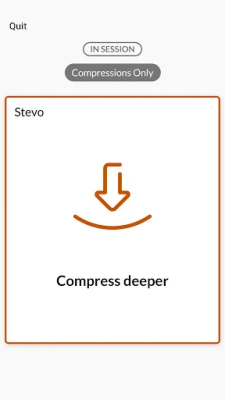
Compression depth is another critical factor in successful CPR. The application monitors and evaluates the depth of each compression, guiding users to achieve the optimal depth of at least 2 inches (5 cm) for adults. By receiving instant feedback, learners can make necessary adjustments, enhancing the effectiveness of their compressions and increasing the chances of a positive outcome.
Full Release: A Key Component of Effective CPR
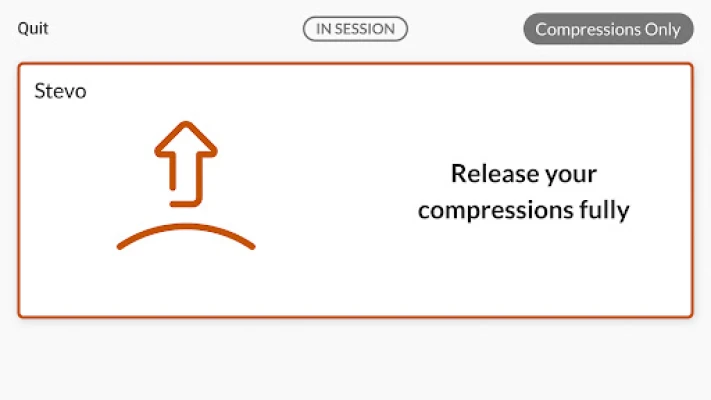
Achieving full release between compressions is essential for allowing the heart to refill with blood. The app tracks the release phase, ensuring that learners do not compress too quickly without allowing for full chest recoil. This feature is vital for maintaining proper circulation and improving the overall quality of CPR.
Monitoring Ventilation Volume
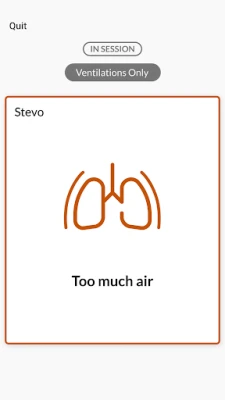
In addition to compressions, the app also assesses the volume of ventilation provided during CPR. Proper ventilation is crucial for delivering adequate oxygen to the lungs. By offering feedback on ventilation volume, the application helps learners understand the importance of delivering the right amount of air, ensuring that each breath is effective and contributes to the resuscitation effort.
Personalized Feedback and Improvement Scores
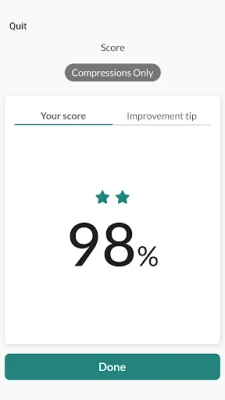
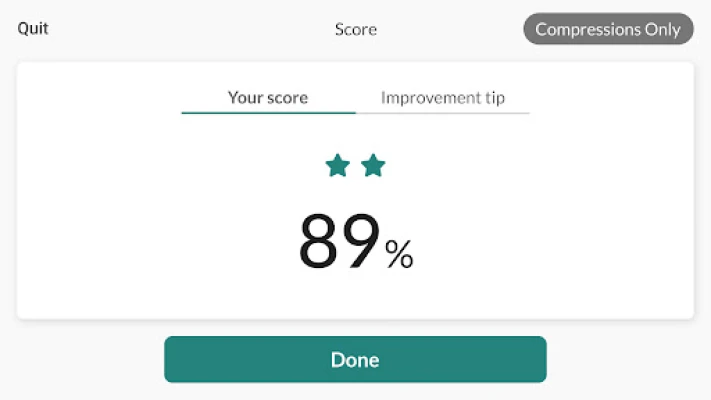
Each learner receives a score based on their performance, along with tailored hints for improvement. This personalized feedback mechanism allows users to identify specific areas where they can enhance their skills. By focusing on these suggestions, learners can progressively refine their techniques, leading to better outcomes in real-life scenarios.
Engaging Learning with QCPR Race Mode
To make the learning process more engaging, the app features a QCPR Race Mode specifically designed for the Little Anne QCPR manikin. This interactive mode encourages friendly competition among learners, motivating them to improve their CPR skills while having fun. By gamifying the training experience, users are more likely to retain information and develop confidence in their abilities.
Conclusion: Elevating CPR Training with Technology
Incorporating technology into CPR training has revolutionized the way learners acquire and refine their skills. With features such as real-time feedback on compression rate, depth, full release, and ventilation volume, the app provides a comprehensive training experience. Personalized scores and hints for improvement further enhance the learning process, while engaging modes like QCPR Race Mode keep users motivated. By leveraging these advanced tools, individuals can significantly improve their CPR techniques, ultimately saving lives when it matters most.
Rate the App
User Reviews















Popular Apps










Editor's Choice









