

Latest Version
July 20, 2026
Halmul Shient
Tools
Android
0
Free
com.satoshi.gameps.remote.play
Report a Problem
More About PS Remote Play Controller
Transform Your Mobile Device with PS Remote Play – Game Controller
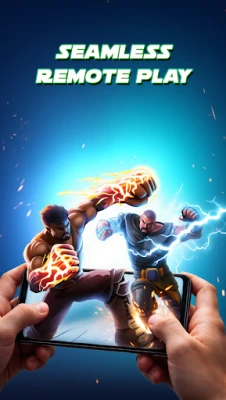
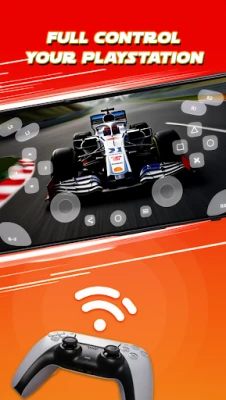
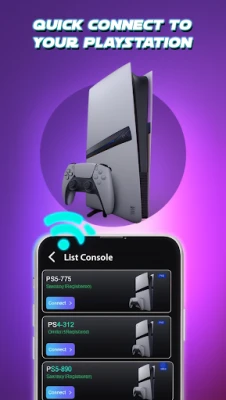
Experience the ultimate gaming freedom with the PS Remote Play – Game Controller, an innovative app that turns your mobile device into a fully functional on-screen game controller for PlayStation Remote Play. Now, you can dive into your favorite PS5 and PS4 games anytime, anywhere—even without a physical controller in hand.
Key Features of PS Remote Play – Game Controller
Virtual Game Controller
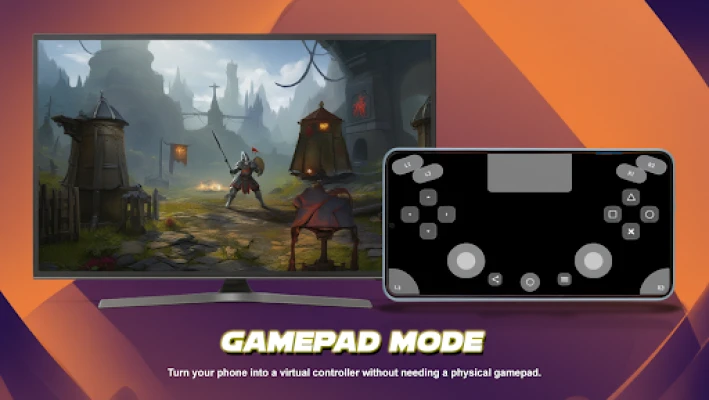
When you find yourself without a physical gamepad, the PS Remote Play – Game Controller provides a comprehensive on-screen controller. This virtual gamepad is designed specifically for PS Remote Play, ensuring you never miss a gaming session.
Play Anywhere
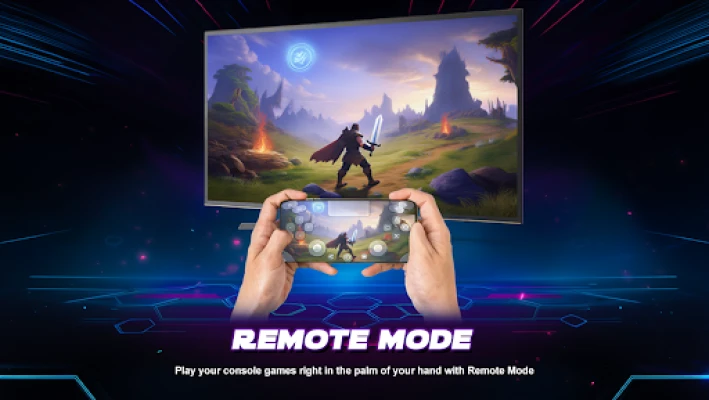
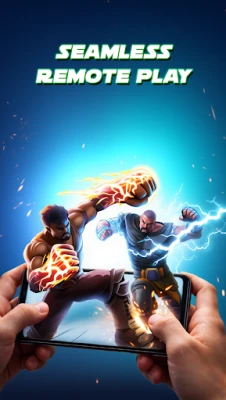
With this app, you can access your console remotely and control your gameplay directly from your smartphone. The touch controls are intuitive, allowing for seamless gaming experiences whether you’re at home or on the go.
PS5 & PS4 Support
The app is compatible with both PS5 and PS4 remote play sessions. It features layouts that mimic the design of real controllers, providing a familiar feel that enhances your gaming experience.
Smooth & Responsive Controls
Enjoy optimized low-latency input under stable network conditions. The PS Remote Play – Game Controller ensures that your commands are executed swiftly, allowing for a smooth gaming experience without frustrating delays.
Why Choose PS Remote Play – Game Controller?
- No physical controller required
- User-friendly and clean interface
- Lightweight and easy to navigate
- Ideal for gaming on the move
- Flexible alternative for all PS Remote Play enthusiasts
How to Use PS Remote Play – Game Controller
- Ensure your console supports PlayStation Remote Play.
- Launch the PS Remote Play – Game Controller app on your mobile device.
- Sign in and connect to your PlayStation console.
- Start playing using the on-screen controller.
Supported Scenarios for Enhanced Gaming
The PS Remote Play – Game Controller is versatile and supports various gaming scenarios:
- PS5 Remote Play with touch controller mapping for an immersive experience.
- PS4 Remote Play featuring a familiar layout for ease of use.
- Wi-Fi gaming sessions that allow you to play from virtually anywhere.
- Mobile gaming without the need for a TV, perfect for travel or quick sessions.
Disclaimer
Please note that this app serves as a third-party companion for PlayStation Remote Play. It is not affiliated with or endorsed by Sony Interactive Entertainment, ensuring that you can enjoy your gaming experience without any official constraints.
In conclusion, the PS Remote Play – Game Controller is an essential tool for gamers who want to maintain their gaming lifestyle on the go. With its user-friendly interface, compatibility with both PS5 and PS4, and the ability to play anywhere, this app is a game-changer for mobile gaming enthusiasts. Download it today and elevate your gaming experience to new heights!
Rate the App
User Reviews















Popular Apps










Editor's Choice









