Latest Version
1.0.2
March 02, 2026
TV Master - Smart TV Remote Control
Entertainment
Android
0
Free
ps.remote.play.game.ps4.ps5.controller.playstation.joystick.pad
Report a Problem
More About PS Remote Play Controller
Transform Your Phone into a PlayStation Controller: The Ultimate Guide to PS Remote Play
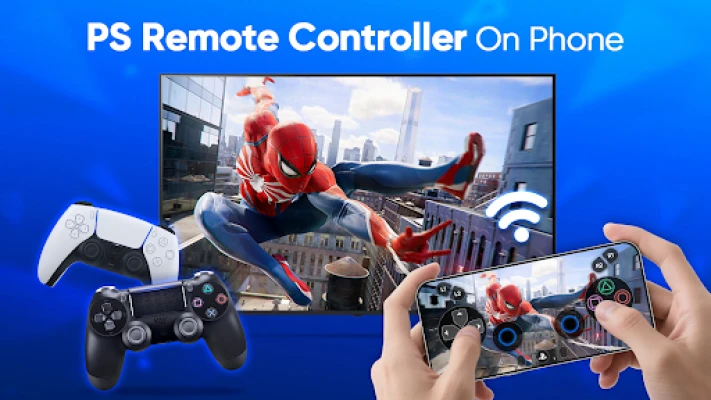
Have you ever dreamed of using your smartphone as a PlayStation controller? Your wish has been granted! With the PS Remote Play feature, you can turn your mobile device into a fully functional DualShock controller. This innovation allows you to enjoy multiplayer gaming even if you only have one PS4 controller available. Let’s dive into how you can enhance your gaming experience with this remarkable technology.
Key Features of PS Remote Play
The PS Remote Play app offers a variety of features that make gaming more accessible and enjoyable. Here are some of the standout functionalities:
Virtual DualShock Controller for PS4 & PS5
With the PS Remote Play app, your mobile device transforms into a virtual DualShock controller. This means you can control your PS4 or PS5 games directly from your phone, providing a seamless gaming experience.
Low Latency Streaming
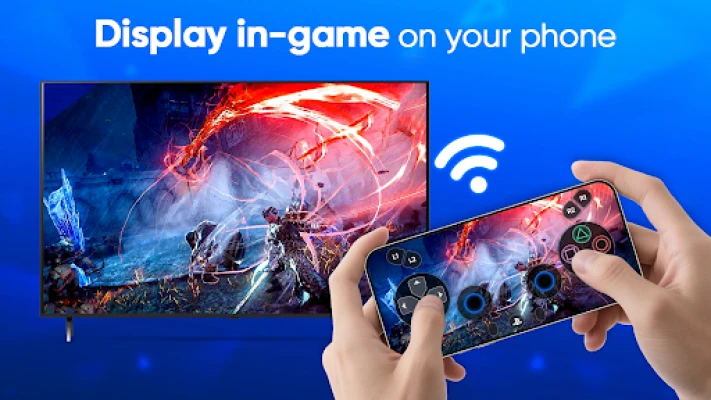
Experience smooth gameplay as you stream PS4 and PS5 games to your device. The app ensures low latency, allowing you to use your phone as a virtual joystick or joypad without any noticeable delay.
Screen Mode for Direct Gameplay
In Screen Mode, you can display PS4 and PS5 games directly on your phone. This feature offers real-time game streaming with full touchscreen controls, making it easy to engage with your favorite titles wherever you are.
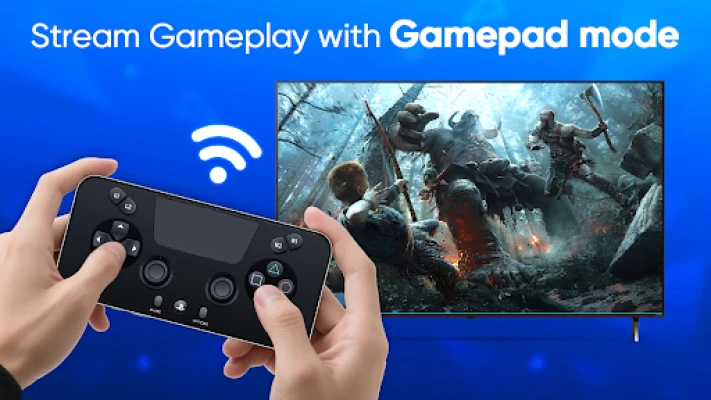
Gamepad Mode for Focused Play
Gamepad Mode allows your phone to function as a game controller without displaying the game screen. This way, you can concentrate on playing on your TV, just like you would with a traditional DualShock controller.
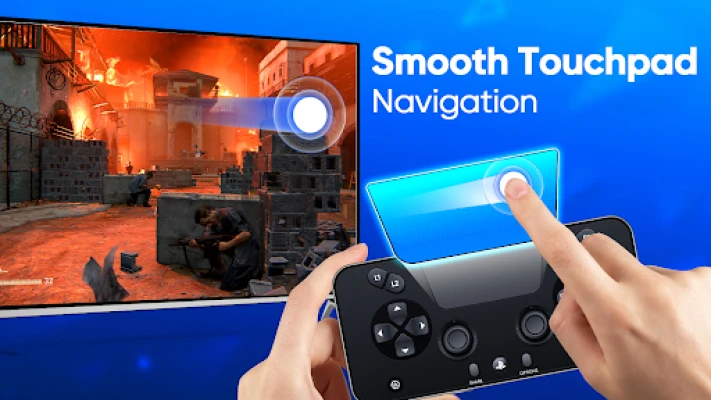
Smooth Touchpad Navigation
Navigate through PlayStation menus effortlessly with the smooth touchpad feature. Simply tap or swipe on your phone to select games and access various options, enhancing your overall gaming experience.
How to Get Started with the PS Remote Play App
Ready to transform your phone into a PlayStation controller? Follow these simple steps to get started:
- Ensure Connectivity: Make sure your PlayStation console and mobile device are connected to the same Wi-Fi network.
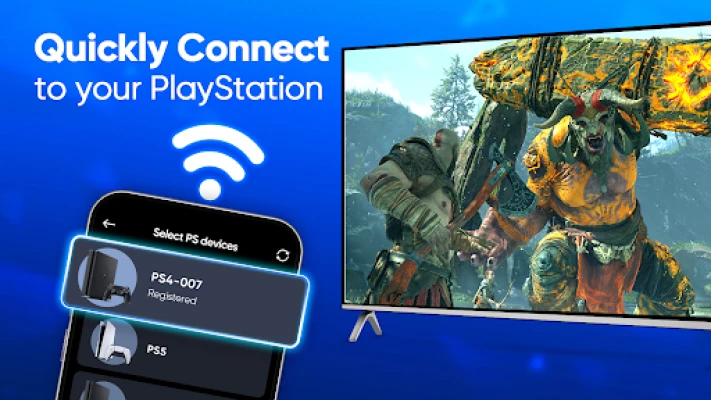
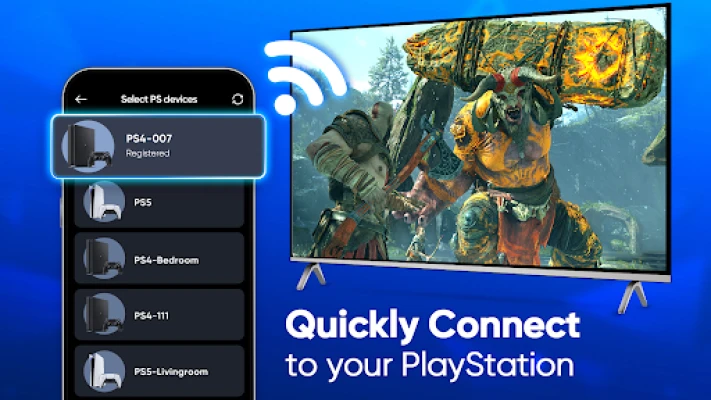
- Connect to Your Console: The app will automatically connect to your PS4 or PS5. If it doesn’t, you can add it manually.
- Select Your Mode: Choose between Gamepad Mode or Screen Mode based on your preference.
- Log In: Sign in to your PlayStation App account to start gaming on your phone!
Why Choose PS Remote Play?
Whether you’re at home, commuting, or simply looking for a more convenient way to play, the PS Remote Play app elevates your gaming experience. It allows you to enjoy your favorite games without the need for an extra controller, making it an ideal solution for multiplayer gaming sessions.
Download the PS Remote Play App Today!
Don’t miss out on the opportunity to enhance your gaming experience. Download the PS Remote Play app now and take your PlayStation gaming to the next level. With your phone as a controller, you can enjoy gaming anytime, anywhere!
Disclaimer
Please note that this remote play controller for PlayStation is not affiliated with Sony Group Corporation or any other trademarks mentioned, including PlayStation, PS Remote Play, PlayStation app, DualSense, DualShock, PS5, and PS4.
Embrace the future of gaming with PS Remote Play and enjoy the flexibility of gaming on your terms!
Rate the App
User Reviews











Popular Apps










Editor's Choice









