
Latest Version
April 30, 2026
GeoNexus
Tools
Android
0
$3.49
com.trance.psremoteplay
Report a Problem
More About PS Remote Play
Transform Your Smartphone into a Powerful Virtual Controller for PlayStation
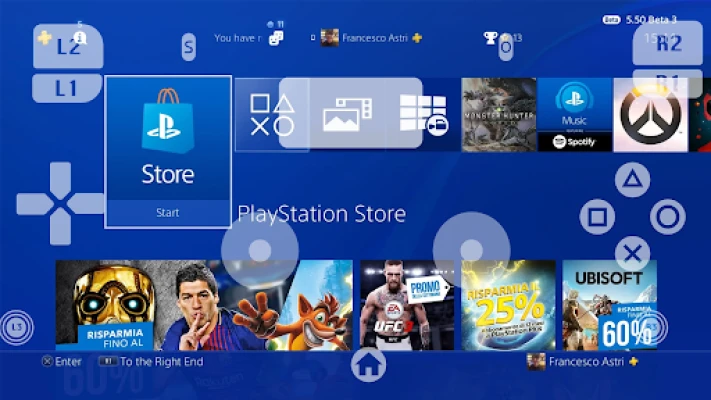
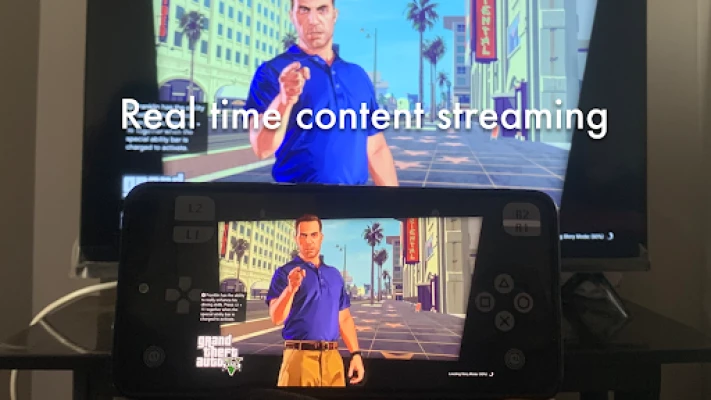
Unlock the full potential of your gaming experience by turning your smartphone into a dynamic virtual controller for your PlayStation console. With PS Remote Play, you can effortlessly control your console from virtually anywhere—whether you’re connected to your home WiFi or using mobile data. Experience your favorite games with minimal lag, thanks to cutting-edge video streaming technology designed for optimal performance.
Key Features of PS Remote Play
Multi-Console Support
One of the standout features of PS Remote Play is its multi-console support. This functionality allows you to manage and control multiple PlayStation consoles with ease. Whether you own a PS4, PS5, or both, switching between consoles is seamless, making it perfect for gamers who enjoy a diverse library of games.
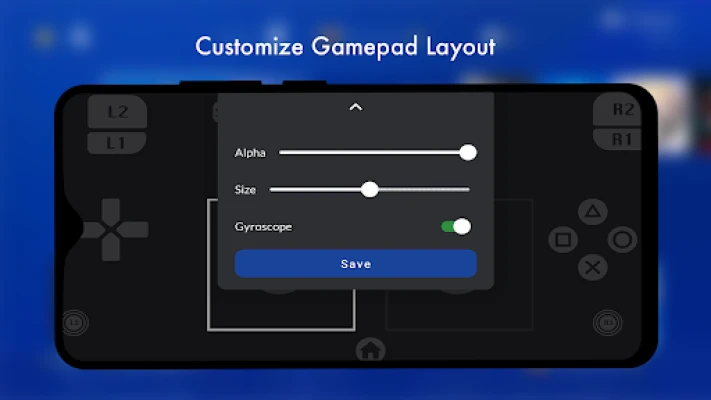
Customizable On-Screen Gamepad
Every gamer has a unique playstyle, and the customizable on-screen gamepad feature caters to that individuality. Tailor your virtual gamepad layout to fit your preferences, ensuring that you have quick access to all the controls you need. Adjust button sizes, positions, and even the overall layout to create a personalized gaming experience that feels just right.
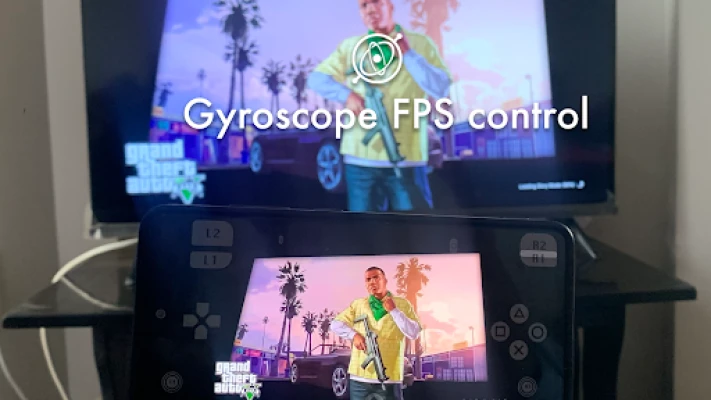
Gyroscope Controls for Enhanced Gameplay
For fans of first-person shooters and action games, the gyroscope controls feature significantly enhances gameplay. This technology allows for precise aiming and movement, giving you an edge in competitive gaming scenarios. With the gyroscope support, you can tilt and turn your smartphone to control your character’s movements, making for a more immersive experience.
Third-Party Controller Compatibility
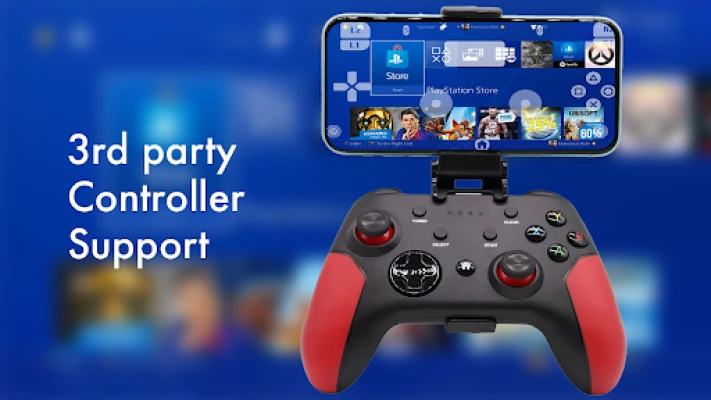
PS Remote Play doesn’t just stop at the virtual gamepad. It also offers third-party controller compatibility, allowing you to use your favorite gaming controllers without any restrictions. Whether you prefer a classic gamepad or a more advanced controller, you can connect it to your smartphone and enjoy a familiar gaming experience on the go.
Low Latency Streaming for Smooth Gameplay
One of the most critical aspects of remote gaming is latency. With PS Remote Play, you can enjoy low latency streaming that ensures smooth, high-quality gameplay directly from your PlayStation console. This feature minimizes lag, allowing you to react quickly and maintain your competitive edge, whether you’re playing solo or with friends.
How to Get Started with PS Remote Play
Getting started with PS Remote Play is simple and straightforward. Follow these steps to transform your smartphone into a powerful gaming controller:
- Download the PS Remote Play App: Available on both iOS and Android, download the app from the respective app store.
- Connect Your PlayStation Console: Ensure your console is set up for remote play. You may need to enable remote play in the settings menu.
- Sign In to Your PlayStation Network Account: Use your PSN credentials to log in and link your console to the app.
- Customize Your Gamepad: Adjust the on-screen controls to your liking for a more personalized experience.
- Start Playing: Choose your favorite game and enjoy seamless gameplay from anywhere!
Conclusion
PS Remote Play revolutionizes the way you interact with your PlayStation console, offering flexibility and convenience like never before. With features such as multi-console support, customizable controls, and low latency streaming, you can enjoy your gaming sessions without being tethered to your console. Whether you’re at home or on the go, your gaming experience is just a tap away. Embrace the future of gaming with PS Remote Play and take your gaming to new heights!
Disclaimer: All trademarks mentioned are the property of their respective owners.
Rate the App
User Reviews















Popular Apps










Editor's Choice









