

Latest Version
1.17.1
October 12, 2024
Henrik Rydgård
Games
Android
0
Free
org.ppsspp.ppsspp
Report a Problem
More About PPSSPP - PSP emulator
Unlock the Power of Gaming with PPSSPP: The Ultimate PSP Emulator for Android
In the realm of mobile gaming, PPSSPP stands out as the premier emulator for PlayStation Portable (PSP) on Android devices. This powerful tool allows gamers to relive their favorite PSP titles, offering a seamless experience that can rival the original console. However, the performance of games may vary based on the specifications of your device.
Why Choose PPSSPP for Your PSP Gaming Experience?
PPSSPP is not just any emulator; it is the original and most reliable option available for Android users. With its user-friendly interface and extensive compatibility, it has become the go-to choice for gamers looking to enjoy classic PSP games on their mobile devices. Here are some key features that make PPSSPP a must-have:
- Wide Game Compatibility: PPSSPP supports a vast library of PSP games, allowing you to play many of your favorites.
- High-Quality Graphics: Experience enhanced graphics and smoother gameplay, thanks to the emulator's advanced rendering capabilities.
- Customizable Controls: Tailor your gaming experience with adjustable control settings that suit your play style.
- Save and Load States: Never lose your progress with the ability to save and load your game states at any time.
Getting Started with PPSSPP: A Step-by-Step Guide
To embark on your gaming journey with PPSSPP, follow these simple steps:
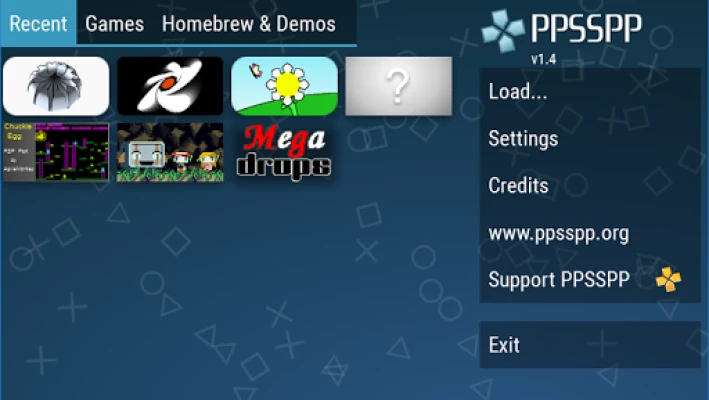
- Download and Install: Begin by downloading the PPSSPP emulator from the official website. Install it on your Android device.
- Obtain PSP Games: Note that no games are included with the PPSSPP download. You will need to use your own legitimate PSP games. Convert them into
.ISOor.CSOfiles. - Transfer Games to Your Device: Place your game files in the
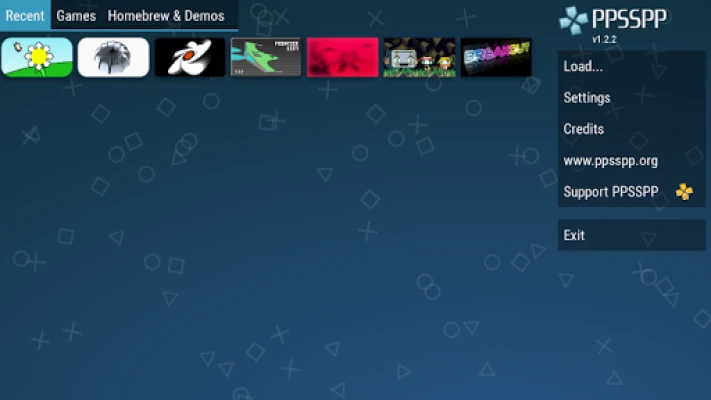
/PSP/GAMEdirectory on your SD card or USB storage. - Launch the Emulator: Open PPSSPP, navigate to your game files, and start playing!
Exploring Free Homebrew Games
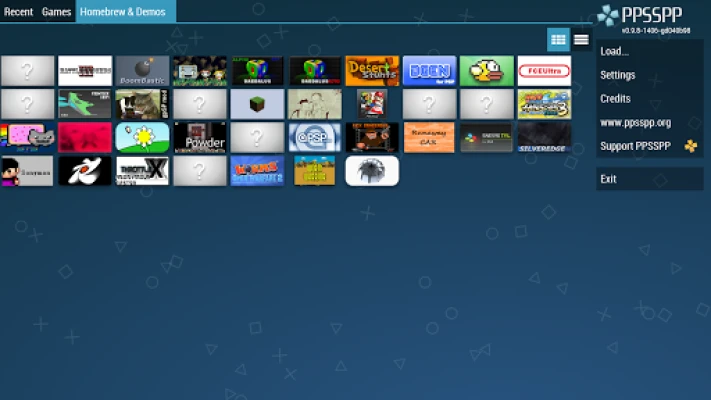
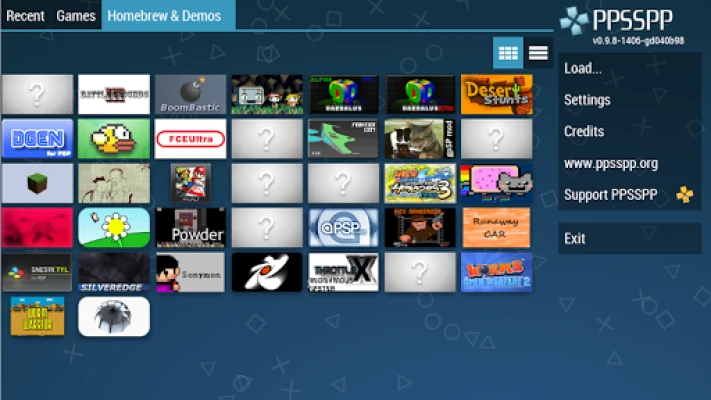
If you're looking for something new, consider exploring free homebrew games available online. These games are created by independent developers and can be a great addition to your gaming library. Simply download them and place them in the same /PSP/GAME folder to enjoy a unique gaming experience.
Support Future Development with PPSSPP Gold
While the free version of PPSSPP offers an incredible gaming experience, you can further support the development of this fantastic emulator by opting for PPSSPP Gold. This paid version not only helps fund future updates and improvements but also provides additional features and benefits for dedicated gamers.
Stay Informed: Game Compatibility and Community Support
For those interested in the compatibility of specific games, the official PPSSPP website offers a wealth of information. Visit PPSSPP.org to access forums and community discussions where you can find insights on game performance and troubleshooting tips. Engaging with the community can enhance your gaming experience and help you discover new titles to try.
Conclusion: Elevate Your Gaming with PPSSPP
PPSSPP is undeniably the best PSP emulator for Android, providing gamers with the tools they need to enjoy their favorite titles on the go. With its extensive compatibility, high-quality graphics, and customizable features, it transforms your mobile device into a portable gaming console. Whether you’re revisiting classic games or exploring new homebrew titles, PPSSPP is your gateway to an unparalleled gaming experience. Download it today and start your adventure!
Rate the App
User Reviews













Popular Apps










Editor's Choice