

Latest Version
11.0.7
September 05, 2025
System monitor tools lab - Cpu Ram Battery
Tools
Android
0
$1.99
com.glgjing.hawkeye
Report a Problem
More About Powerful RAM Monitor Pro
Ultimate Guide to Temperature Monitoring and System Optimization Tools
In today's tech-driven world, maintaining optimal performance of your devices is crucial. One of the key aspects of device management is temperature monitoring. This article delves into the essential features of temperature monitoring tools, including alarms, floating windows, widgets, and multi-theme support, ensuring your system runs smoothly and efficiently.
Temperature Monitoring: Stay Ahead of Overheating Issues
Temperature monitoring is vital for preventing hardware damage and ensuring longevity. A reliable temperature monitor will alert you when your CPU or battery exceeds safe temperature thresholds. You have the flexibility to enable or disable these overheating alarms based on your preferences, allowing for a customized experience tailored to your needs.
Real-Time Monitoring with Floating Windows
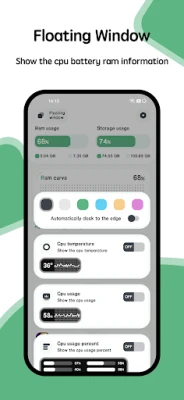
One of the standout features of modern temperature monitoring tools is the floating window functionality. This feature provides real-time insights into your system's performance, displaying critical metrics such as:
- CPU Temperature: Keep an eye on your processor's heat levels to prevent overheating.
- Battery Temperature: Monitor your battery's health and temperature to extend its lifespan.
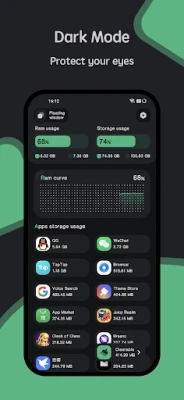
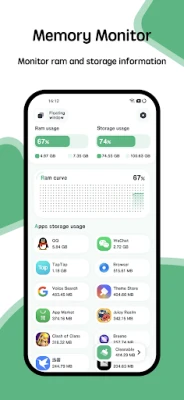
- RAM Usage: Track your memory usage to optimize performance and prevent slowdowns.
The floating windows can be customized to appear on your status bar or desktop, ensuring that you have easy access to vital information without interrupting your workflow.
Widgets for Enhanced Functionality
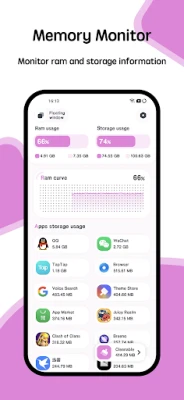
Widgets are an excellent way to enhance your user experience. With dedicated RAM, CPU, and battery widgets, you can quickly access essential information at a glance. These widgets not only provide real-time data but also allow for easy monitoring of your system's health, making it simpler to identify potential issues before they escalate.
Multi-Theme Support: Personalize Your Experience
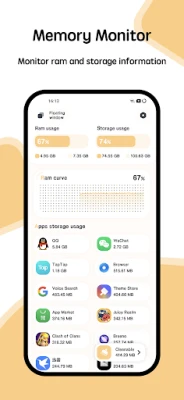
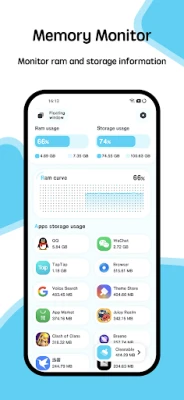
A powerful cleaner tool should not only be functional but also visually appealing. With multi-theme support, you can choose from a variety of themes that suit your personal style. This feature allows you to switch themes effortlessly, ensuring that your monitoring tool is not only effective but also aesthetically pleasing.
Conclusion: Optimize Your Device with Advanced Monitoring Tools
In conclusion, investing in a comprehensive temperature monitoring tool is essential for anyone looking to maintain their device's performance and longevity. With features like customizable alarms, real-time floating windows, informative widgets, and multi-theme support, you can ensure that your system remains in peak condition. By staying proactive about temperature management, you can prevent overheating issues and enhance your overall user experience.
Take control of your device's health today and enjoy the benefits of a well-optimized system!
Rate the App
User Reviews















Popular Apps










Editor's Choice









