


Latest Version
2.1.5
June 22, 2026
R.Khan Apps Cottage
Tools
Android
0
Free
com.planetarynetmeter.speedapp
Report a Problem
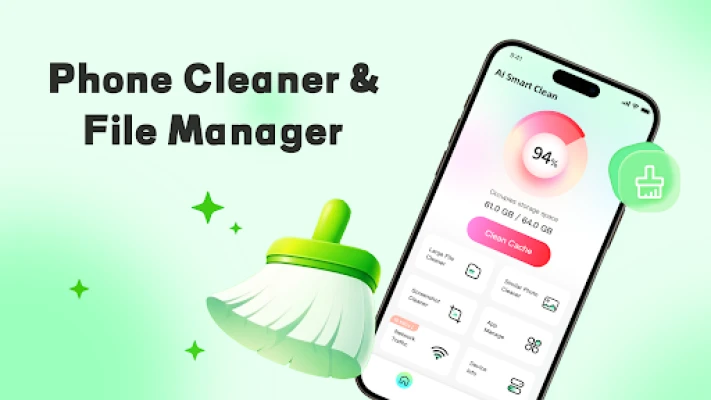
More About Phone Cleaner & Manager-Pure
Revolutionize Your Storage with Intelligent Classification Management
In today's digital age, managing files efficiently is crucial for both personal and professional use. With the advent of Intelligent Classification Management, users can now effortlessly organize their digital assets, including images, videos, and documents. This innovative system categorizes files automatically, making it easier to locate and manage them. Let’s explore the key features that make this tool indispensable for effective storage management.
Automatic File Categorization
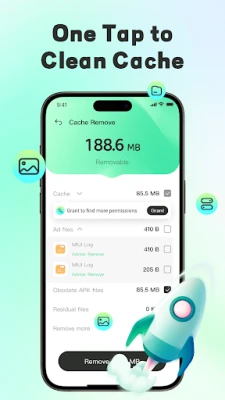
Intelligent Classification Management utilizes advanced algorithms to automatically identify and categorize various file types. Whether it’s images, videos, or documents, this system sorts them into designated folders based on their categories. This feature not only saves time but also enhances productivity by allowing users to quickly locate large files and organize temporary remnants, similar content, and downloaded installation packages.
Effortless Document Preview
One of the standout features of this management system is its ability to support rapid previewing of multiple document formats. Users can easily view PDFs, PPTs, Word documents, and Excel files without the need to open each file individually. This functionality streamlines the review process, enabling users to make informed decisions about file management quickly.
Streamlined Large File Processing
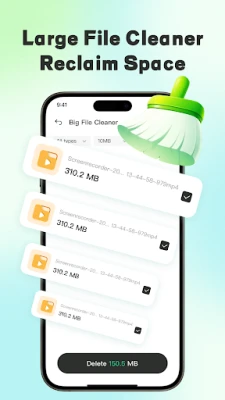
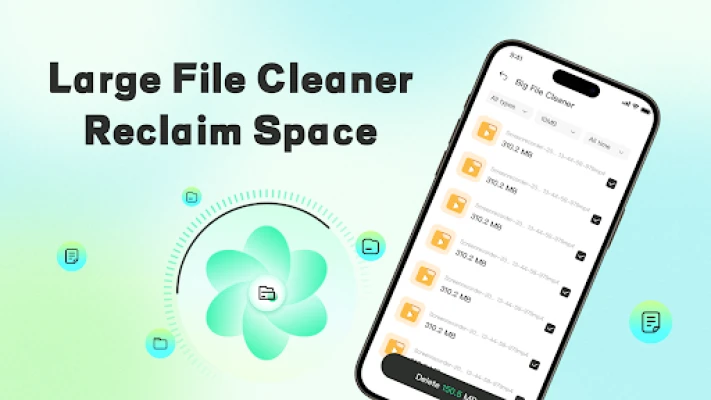
Managing large files can often be a daunting task. However, with Intelligent Classification Management, users can quickly scan and process large files such as videos and extensive documents. The system displays detailed file paths, allowing for easy identification and manual batch removal of unnecessary files. This feature is particularly beneficial for users who frequently work with large media files, ensuring that their storage remains organized and efficient.
Organizing Similar Content
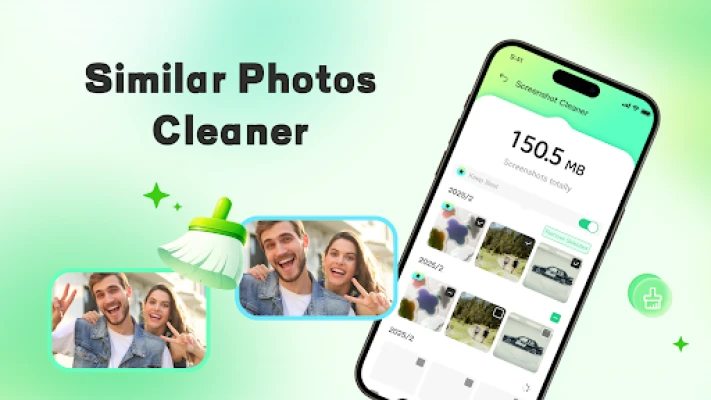
Redundant content can clutter your digital space, making it challenging to find what you need. Intelligent Classification Management intelligently identifies similar images and screenshots, helping users to view and remove duplicate files. This capability ensures that your photo albums and digital libraries remain tidy and well-organized, enhancing your overall user experience.
Application Information Overview
Keeping track of installed applications can be overwhelming, especially with numerous programs vying for attention. This management tool lists all installed applications, allowing users to easily identify and manually uninstall programs that are no longer needed. This feature not only frees up valuable storage space but also optimizes device performance.
Commitment to Data Security
In an era where data privacy is paramount, Intelligent Classification Management prioritizes user security. The system only requests necessary permissions to function effectively. All operations are executed locally, ensuring that no files are collected, uploaded, or shared without user consent. This commitment to data security fosters trust and confidence among users.
Understanding Required Permissions
To deliver its core functionalities, Intelligent Classification Management requires specific permissions:
- MANAGE_EXTERNAL_STORAGE: This permission is essential for scanning, identifying, and managing redundant files on your device. It analyzes the storage structure and organizes large files, all performed locally to maintain user privacy.
- FOREGROUND_SERVICE_SPECIAL_USE: This permission ensures that user-initiated scanning or batch organization tasks run smoothly in the background, preventing any interruptions during processing.
The system strictly adheres to Google's privacy policy, ensuring that all permissions are utilized solely to enhance the file organization experience. Your trust is paramount, and we are committed to safeguarding your data.
Start Your Journey to Efficient Storage Management
Don’t let disorganized files slow you down. Download Intelligent Classification Management today and experience the benefits of efficient storage management. With its powerful features and commitment to data security, you can take control of your digital assets like never before.
Rate the App
User Reviews















Popular Apps










Editor's Choice









