

Latest Version
2.8
September 06, 2024
PC Creator-3D Simulation Game
Games
iOS
91.9 MB
0
Free
Report a Problem
More About PC Simulator-Assemble Computer
Master the Art of PC Building with PC Building Simulator
Are you daunted by the thought of building your own PC? Fear not! PC Building Simulator is here to transform you from a novice into a skilled PC architect. This engaging simulation game provides step-by-step instructions that demystify the assembly process, ensuring you understand the function of each component and how they fit together.
Experience the Thrill of Building Your Own PC
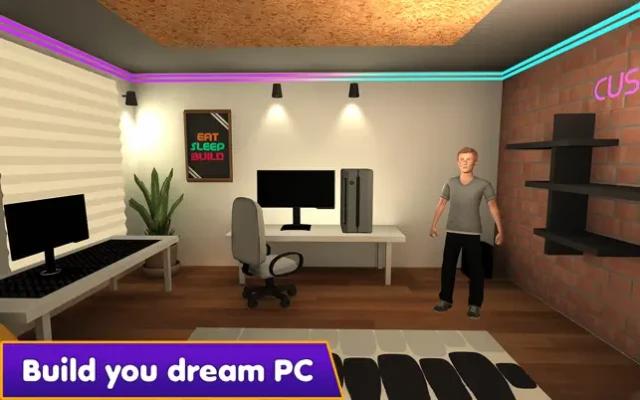
In PC Building Simulator, you will embark on a journey to assemble a home PC tailored to your specifications. This game not only teaches you the fundamentals of PC assembly but also allows you to build a thriving business by repairing and customizing various computers. With access to real-world components and comprehensive software installation, you can become the ultimate PC architect and gain invaluable knowledge along the way.
How to Play PC Building Simulator
Getting started with PC Building Simulator is straightforward. Here’s a quick guide on how to navigate the game:
- Receive Customer Orders: As you progress, you will receive various orders from customers looking for custom-built computers.
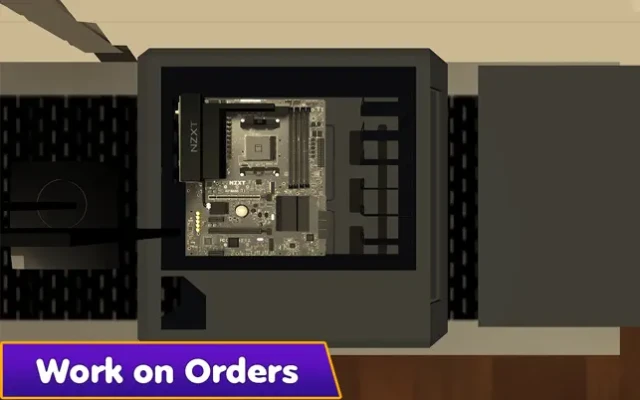
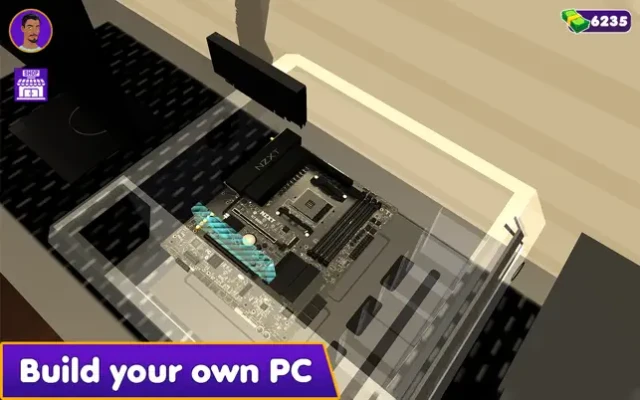
- Assemble Your PC: Begin by dragging the CPU onto the workbench. Customize the CPU’s color to reflect your creativity.
- Install Components: Carefully place all essential accessories into the CPU by selecting items from your inventory.
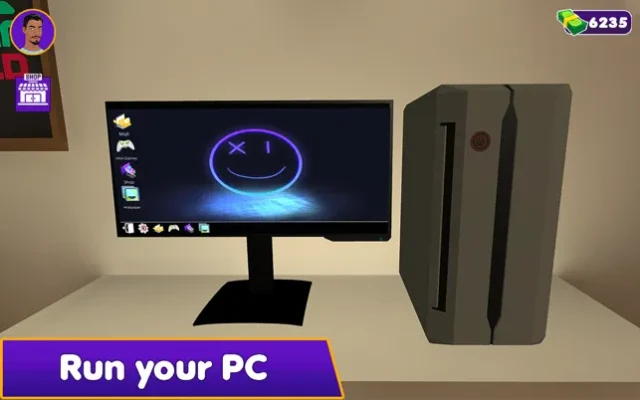
- Operating System Installation: Choose your preferred operating system, power on the machine, and log in to install necessary software such as browsers, drivers, and wallpapers.
- Deliver Orders Promptly: Complete your builds efficiently to satisfy your customers and accept new orders while you work on assembling home computers.
Key Features of PC Building Simulator
PC Building Simulator is packed with features that enhance your gaming experience:
- Become a PC Architect: Take charge of your PC building journey and design custom machines that meet your customers' needs.
- Build a PC Empire: Expand your business by assembling and repairing a variety of PCs for your clientele.
- Real-World Components: Work with authentic hardware and software, giving you a realistic building experience.
- Time Management Skills: Improve your efficiency to attract more customers and grow your business.
- Diverse Component Selection: Showcase a wide range of components to your customers, allowing for personalized builds.
- Run Your Own Business: Manage your operations, from customer service to inventory, and watch your PC empire flourish.
Why Choose PC Building Simulator?
Whether you are a seasoned gamer or a complete beginner, PC Building Simulator offers an immersive experience that combines education with entertainment. The game’s realistic approach to PC building not only enhances your understanding of hardware but also equips you with practical skills that can be applied in the real world.
By engaging with this simulation, you will learn about the intricacies of PC components, their functions, and how they interact with one another. This knowledge is invaluable for anyone looking to build or upgrade their own computer.
Conclusion: Start Your PC Building Journey Today!
Don’t let the complexity of PC building intimidate you. With PC Building Simulator, you can learn at your own pace while enjoying the process. Assemble your dream PC, manage your own business, and become a master of PC architecture. Dive into the world of PC building today and unlock your potential!
Rate the App
User Reviews















Popular Apps










Editor's Choice









