
Latest Version
May 24, 2026
CREATY GLOBAL
Games
Android
0
$7.99
com.creatyglobal.pccreatorthreepro
Report a Problem
More About PC Creator 3 PRO- Build & Grow
Unleash Your Creativity with the Ultimate 3D PC Building Simulator
Step into the world of technology and design with a revolutionary 3D PC building simulator that offers an unparalleled experience for both novice and seasoned builders. This immersive platform allows you to explore thousands of real PC components, customize your setup, and manage your own tech empire—all from the comfort of your home. Let’s dive into the features that make this simulator a must-have for tech enthusiasts.
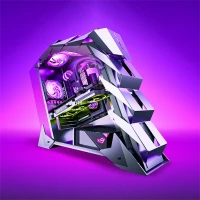
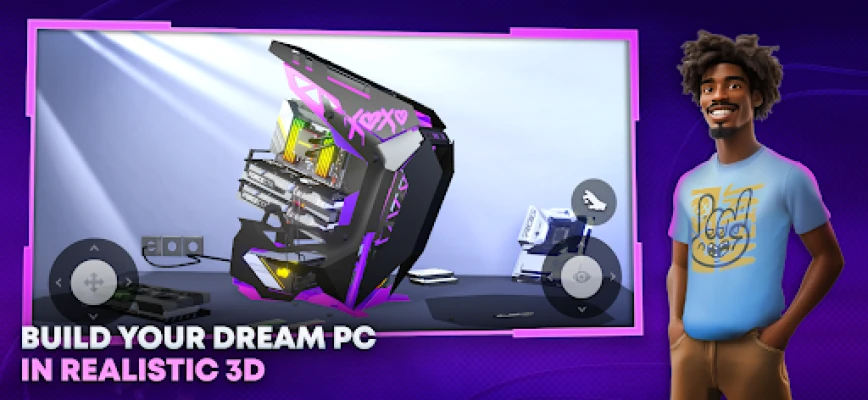
Realistic 3D PC Building Experience
Experience the thrill of building your dream PC with a vast selection of authentic components. Choose from an extensive array of parts, including:
- Cases: Select from various designs and sizes to suit your aesthetic.
- CPUs: Pick the perfect processor for your performance needs.
- GPUs: Enhance your graphics capabilities with top-tier graphics cards.
- Motherboards: Ensure compatibility and expandability with the right motherboard.
- RAM: Optimize your system’s speed with the right memory options.
- Storage: Choose between HDDs, SSDs, and M.2 drives for your data needs.
- Power Supplies: Ensure your system runs smoothly with reliable power sources.
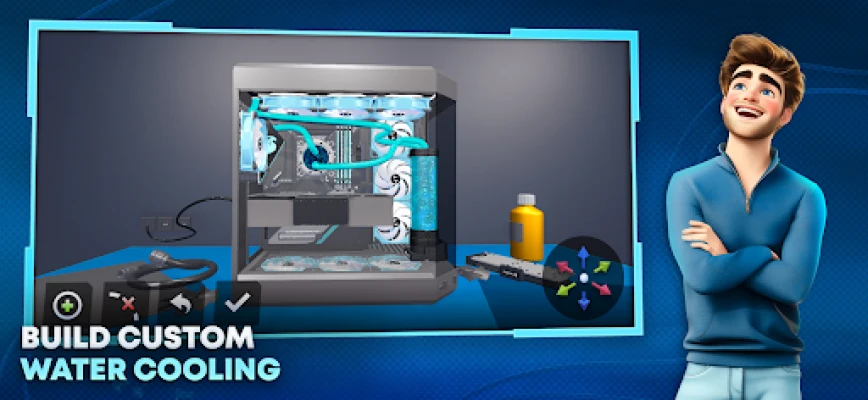
- Cooling Systems: Master the art of thermal management with air and liquid cooling solutions.
Engage in intricate mechanics such as cable management, liquid cooling loops, and the precise application of thermal paste, all rendered in stunning 3D graphics that bring your creations to life.
Extensive Customization Options
Make your PC truly yours with a plethora of customization features. Express your unique style through:
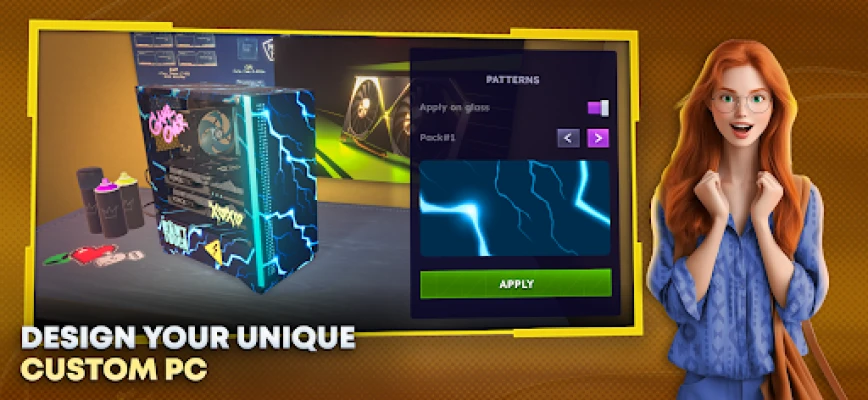
- Case Decoration: Use sprays, stickers, and textures to personalize your PC case.
- Lighting Effects: Add dynamic lighting to create an atmosphere that reflects your personality.
- Gaming Room Customization: Transform your gaming space by changing tables, monitors, keyboards, posters, neon lights, furniture, and flooring.
This level of detail allows you to create a gaming environment that is not only functional but also visually stunning.
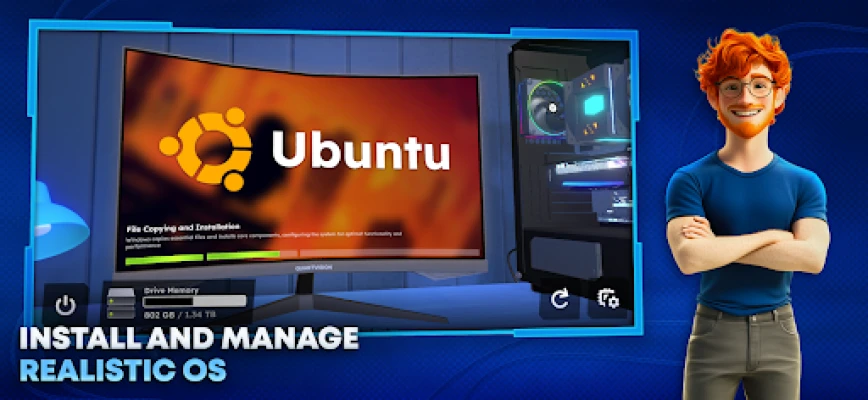
Immersive Operating System Simulation
Take control of your digital environment by installing and managing various operating systems and software. Experience:
- Realistic Installation Processes: Navigate through installation steps and experience load times that reflect actual storage types.
- Software Management: Utilize antivirus programs, benchmark tools, and diagnostic utilities to keep your system running optimally.
This feature enhances your understanding of how software interacts with hardware, making you a more informed builder.
Expand Your Tech Empire
Grow your business through strategic management and decision-making. As you progress, you will:
- Fulfill Orders: Take on various tasks such as upgrading, diagnosing, optimizing, and overclocking systems.
- Gain Experience: Build your reputation and earn currency to unlock exclusive components and features.
This aspect of the simulator adds a layer of depth, allowing you to experience the challenges and rewards of running a tech business.
Advanced Mechanics for Enthusiasts
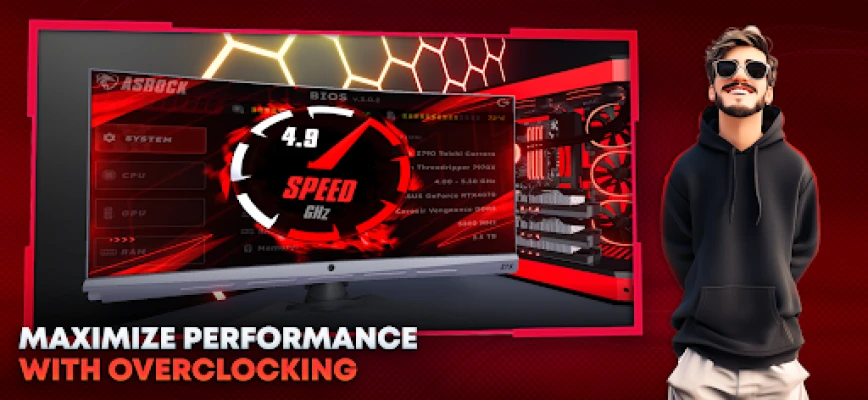
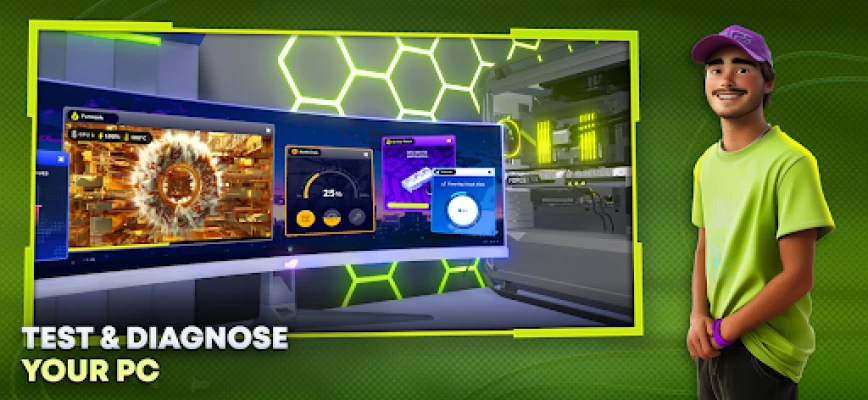
Dive deep into the technical aspects of PC building with advanced mechanics that simulate real-world scenarios. Explore:
- Overclocking: Learn how to push your components to their limits safely.
- Cooling Simulations: Manage temperatures effectively and understand performance bottlenecks.
- Component Compatibility: Ensure that all parts work harmoniously together.
- Stress Testing: Conduct hardware stress tests to evaluate performance under pressure.
This level of detail is perfect for those who want to deepen their understanding of PC hardware and performance optimization.
Key Features of the Simulator
- Realistic 3D Graphics: Enjoy detailed interactions and lifelike visuals.
- Comprehensive Compatibility Checks: Ensure all components work together seamlessly.
- Dynamic Economic Management: Experience the challenges of running a tech business.
- In-Depth OS Interactions: Engage with software in a realistic manner.
With these features, the simulator not only entertains but also educates, making it an invaluable tool for anyone interested in technology.
Ready to Build, Customize, and Conquer?
Don’t miss out on the opportunity to unleash your creativity and technical skills. Download PC Creator 3 PRO now and embark on your journey to becoming a master PC builder!
Rate the App
User Reviews














Popular Apps










Editor's Choice









