
Latest Version
1.1
September 07, 2024
PC Creator Build Tycoon Sim
Games
iOS
51.1 MB
0
Free
Report a Problem
More About PC Building Simulator 3D
Master the Art of PC Building with PC Building Simulator
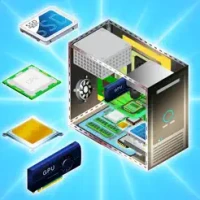
Are you daunted by the thought of building your own PC? Fear not! PC Building Simulator is here to transform you from a novice into a skilled PC architect. This engaging simulation game provides step-by-step instructions that demystify the assembly process, ensuring you understand how each component fits into the bigger picture.
Why Choose PC Building Simulator?
In PC Building Simulator, you will not only learn how to assemble a home PC but also gain insights into repairing various systems. The game features real-world components, allowing you to experience the intricacies of hardware and software installation. By the end of your journey, you’ll be equipped with the knowledge to build your own PC empire.
How to Play PC Building Simulator
Getting started with PC Building Simulator is straightforward. Here’s a quick guide on how to navigate the game:
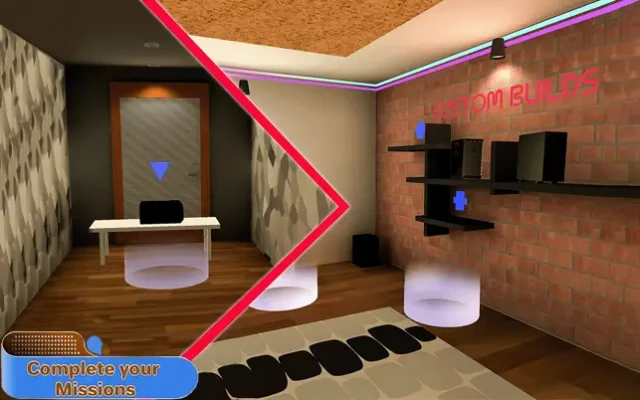
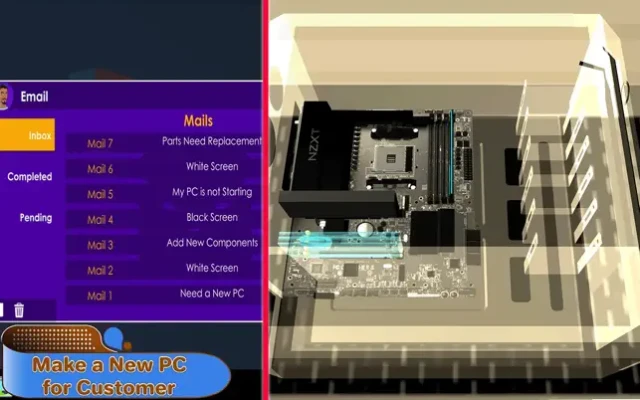
- Receive Customer Orders: As you progress, you will receive various orders from customers looking for custom-built computers.
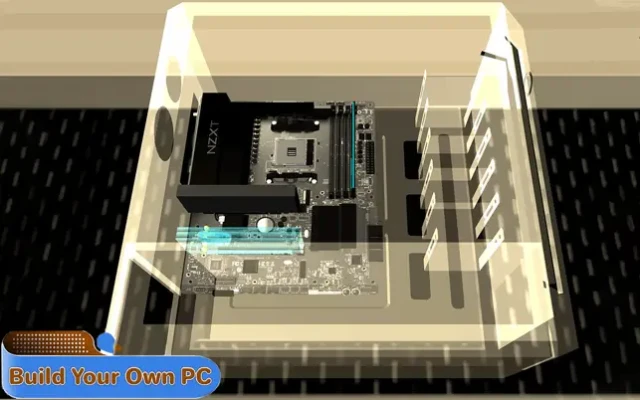
- Assemble Your PC: Begin by dragging the CPU onto the workbench. Customize the CPU color to match your vision.
- Add Components: Carefully place essential accessories into the CPU by selecting items from your inventory.
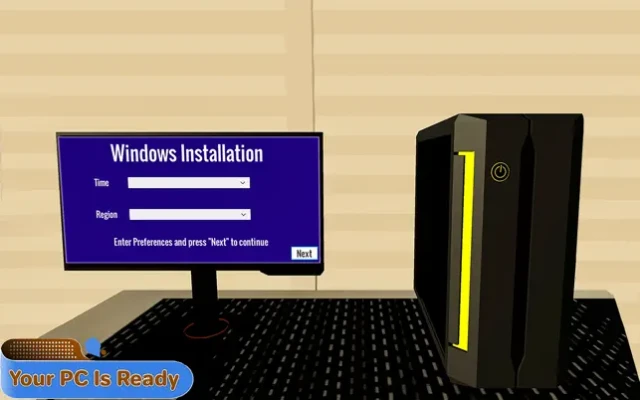
- Install the Operating System: Choose your preferred operating system, power on the machine, and log in.
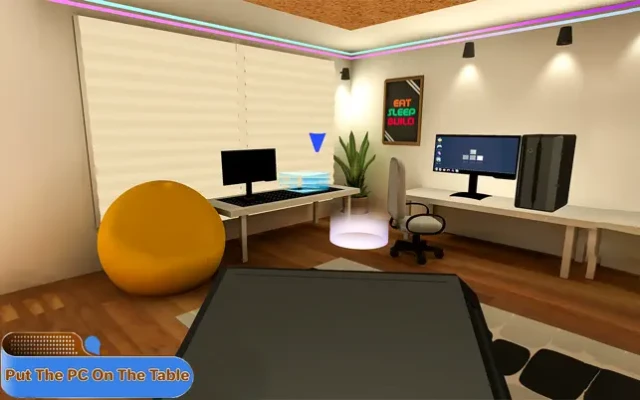
- Complete the Setup: Install necessary drivers, browsers, and wallpapers, then deliver the finished product to your customer.
- Expand Your Business: While fulfilling orders, continue to accept new ones to grow your PC-building enterprise.
Key Features of PC Building Simulator
PC Building Simulator offers a plethora of features that enhance your gaming experience:
- Become a PC Architect: Design and build custom PCs tailored to your customers' needs.
- Build Your PC Empire: Assemble computers for clients and expand your business.
- Real-World Components: Work with authentic hardware and software, providing a realistic building experience.
- Time Management Skills: Improve your efficiency to satisfy more customers and grow your reputation.
- Diverse Component Selection: Showcase a wide variety of components to attract and retain customers.
- Run Your Own Business: Manage your operations, from customer service to inventory management.
Why PC Building Simulator is Perfect for Beginners
For those new to PC building, PC Building Simulator serves as an invaluable educational tool. The game breaks down complex concepts into manageable steps, making it easy to grasp the fundamentals of PC assembly. You’ll learn about the function of each component, from the CPU to the power supply, and how they work together to create a fully operational system.
Conclusion: Start Your PC Building Journey Today
Whether you aspire to build your own gaming rig or simply want to understand the mechanics behind PC assembly, PC Building Simulator is the perfect platform to start your journey. With its user-friendly interface, realistic components, and engaging gameplay, you’ll be well on your way to becoming a proficient PC builder. Dive into the world of PC architecture and watch your skills flourish!
Rate the App
User Reviews















Popular Apps










Editor's Choice









