


Latest Version
8.7.2
August 10, 2024
NortonMobile
Tools
Android
0
Free
com.symantec.mobile.idsafe
Report a Problem
More About Norton Password Manager
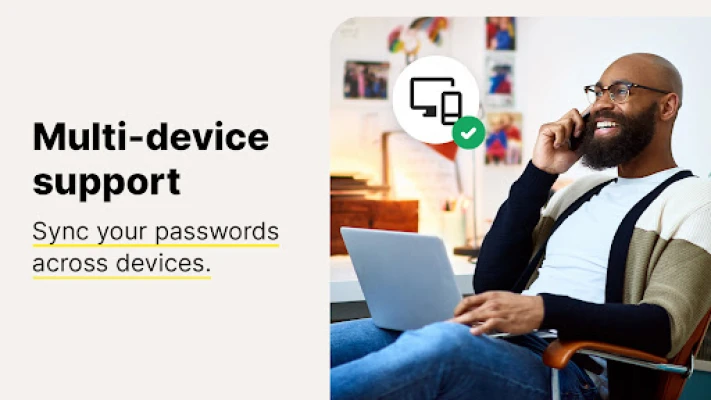
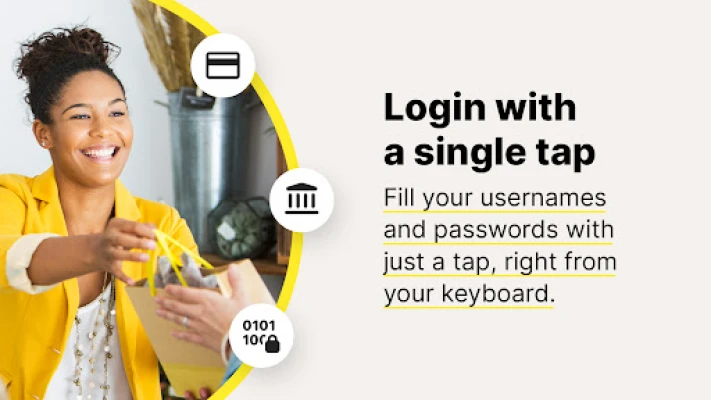
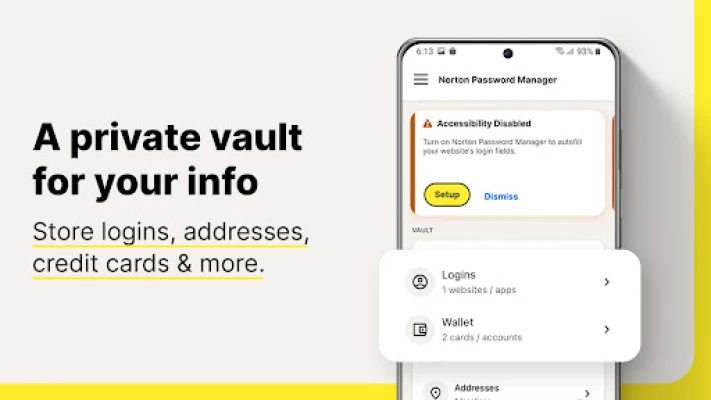
Norton Password Manager is an application that helps you securely store and manage your passwords for various websites and apps. It offers a convenient and efficient way to log in to your accounts with just a single tap. Your passwords are stored in an online vault, which can be accessed from any device, making it easier to sync and access your passwords wherever you go.
One of the key features of Norton Password Manager is its strong encryption and two-factor authentication, ensuring that only you have access to your password vault. This adds an extra layer of security and helps protect your data from cybercriminals and hacking attempts. The application is also free to use and can be accessed on multiple devices, including computers, tablets, and phones.
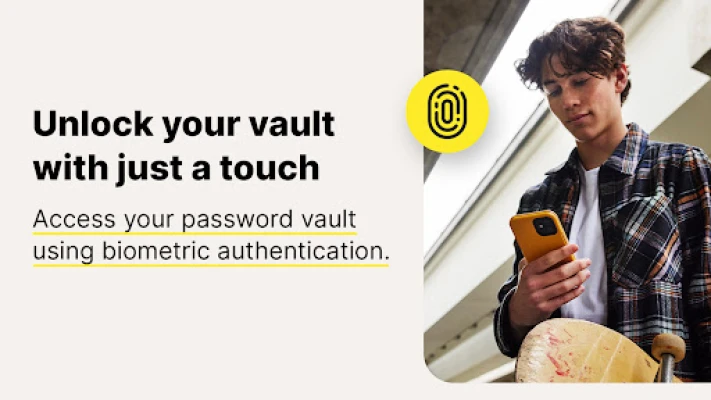
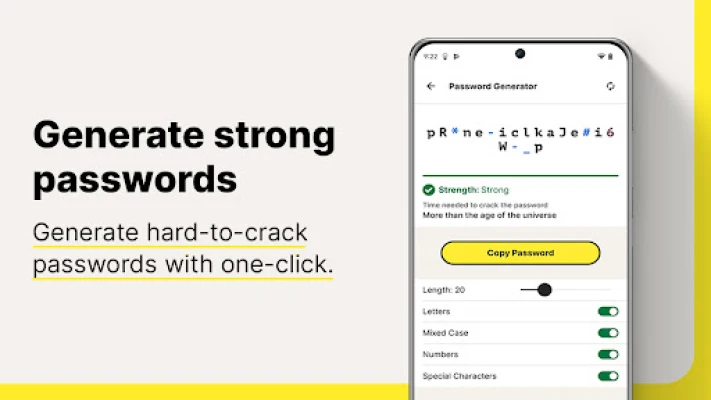
In addition to storing and syncing your passwords, Norton Password Manager also offers a biometric unlock feature for Android devices. This allows you to access your vault quickly and securely using your fingerprint. The application also has a password assessment feature that checks the strength of your passwords and provides recommendations for creating stronger ones.
Norton Password Manager takes the privacy of its users seriously and uses zero-knowledge encryption to ensure that your information remains private, even from the company itself. It also offers a privacy policy that outlines how personal data is safeguarded. The application also utilizes accessibility features provided by Android to fill in credentials stored in your vault, making it easier for users with disabilities to use the app.
Overall, Norton Password Manager is a reliable and secure solution for managing your passwords. It offers convenience, strong encryption, and biometric authentication, making it a valuable tool for protecting your personal information online. With its free version, you can store a limited number of entries, but this will not affect any existing entries in your vault.
Rate the App
User Reviews















Popular Apps










Editor's Choice









