

Latest Version
1.0.0.12
July 21, 2026
National Commercial Bank Jamaica Limited
Finance
Android
0
Free
com.jncb.wallet
Report a Problem
More About NCB Pay
Unlock Seamless Transactions with NCB Pay: Your Ultimate Digital Wallet
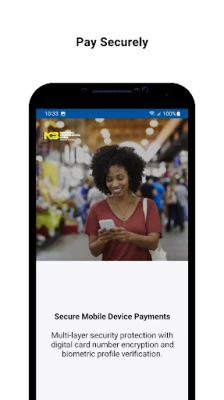
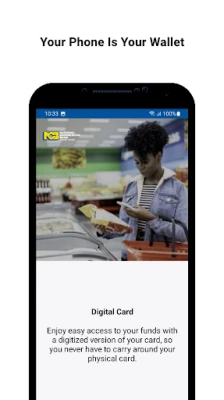
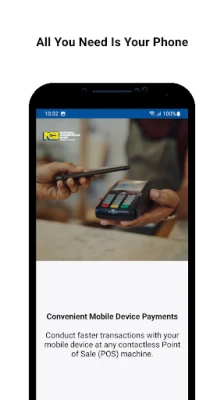
In today's fast-paced world, convenience and security in financial transactions are paramount. NCB Pay emerges as a leading digital wallet solution, empowering users to make secure virtual payments effortlessly using select Android smartphones. By linking your existing NCB credit or prepaid card to the NCB Pay digital wallet, you can enjoy seamless contactless payments at any Point-of-Sale (POS) terminal worldwide.
Ensure Your Device is Ready for NCB Pay
Before diving into the world of digital payments, it's essential to ensure that your mobile device is equipped for the task. To use NCB Pay, your Android smartphone must have Near Field Communication (NFC) capabilities enabled. This technology allows for quick and secure communication between your device and the POS terminal.
Getting Started with NCB Pay
Ready to embrace the future of payments? Follow these simple steps to set up your NCB Pay digital wallet:
- Check NFC Compatibility: Verify that your Android device supports NFC technology.
- Download the App: Install and launch the NCB Pay app from the Google Play Store.
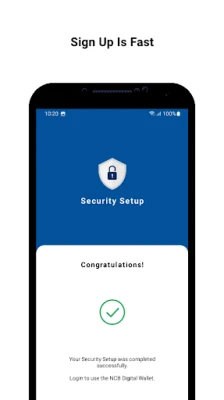
- Create Your PIN: Set up a secure four-digit PIN and register using your NCB online banking credentials. If you haven't registered for online banking yet, a one-time password will be sent to authenticate your account.
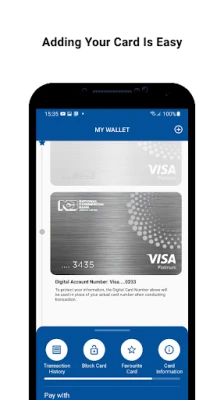
- Add Your Cards: Follow the on-screen instructions to link your NCB credit or prepaid cards to the wallet.
- Start Paying: You're all set! Enjoy quick and easy checkouts with just a tap of your phone.
How to Use NCB Pay for Contactless Shopping
Shopping with NCB Pay is designed to be a hassle-free experience. To make a payment, simply tap your Android smartphone at compatible POS terminals or wave your phone within 4-10 cm of the terminal. This method ensures that your transactions are not only fast but also secure, allowing you to shop with peace of mind.
Explore More with NCB Pay
For additional information and assistance, visit the FAQs section within the app or head over to jncb.com/NCBPay. Here, you can find answers to common questions and learn more about maximizing your NCB Pay experience.
Your Feedback Matters
At NCB, we are committed to enhancing your digital wallet experience. We value your feedback and suggestions, as they help us improve our services. Please share your thoughts with us or leave a review to help us serve you better.
Important Note for Users
Currently, NCB Visa Debit and Business credit cards are not supported on the NCB Pay platform. Stay tuned for updates as we continue to expand our offerings and enhance your digital payment options.
In conclusion, NCB Pay is your gateway to a modern, efficient, and secure payment experience. By following the simple setup process and utilizing the app for contactless transactions, you can enjoy the convenience of digital payments wherever you go. Embrace the future of finance with NCB Pay today!
Rate the App
User Reviews














Popular Apps










Editor's Choice









