

Latest Version
1.0.40.20
January 25, 2026
Jump Dong
Tools
Android
0
Free
com.dong.multirun
Report a Problem
More About Multi Run - Parallel Dual App
Securely Manage Multiple Accounts on One Device
In today's digital age, juggling multiple accounts across various platforms has become a necessity for many. Whether it's for social media, gaming, or work, having the ability to manage different profiles seamlessly can enhance productivity and improve your online experience. This article explores how to run multiple accounts securely, ensuring that your data remains isolated and your privacy intact.
Clone Your Favorite Apps for Enhanced Management
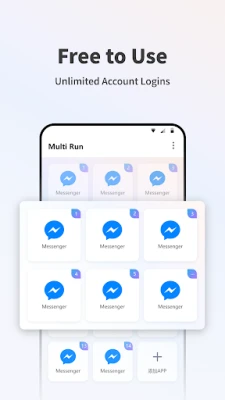
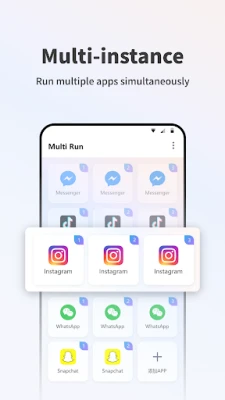
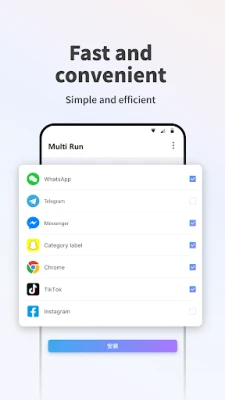
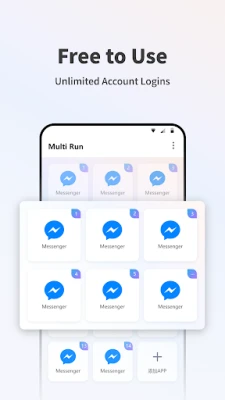
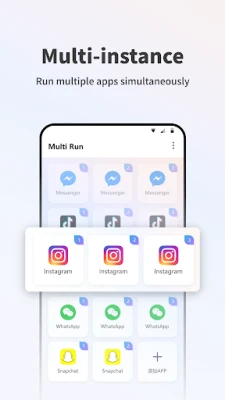
Imagine being able to clone popular applications like WhatsApp, Instagram, TikTok, and over 2000 other apps. This feature allows you to manage personal, work, and gaming profiles simultaneously on a single device. By utilizing app cloning technology, you can keep your data 100% isolated, preventing any overlap between your accounts. This means you can enjoy the benefits of multiple profiles without the hassle of logging in and out constantly.
Maximize Your Gaming Experience with Dual Accounts
For avid gamers, having dual accounts can significantly enhance your gaming experience. Whether you’re playing PUBG, Free Fire, or Genshin Impact, managing two accounts allows you to double your resources and strategize more effectively. You can share devices with friends or family without compromising your progress or personal data. This feature not only boosts your gaming power but also provides a competitive edge in multiplayer environments.
Achieve Work-Life Balance with Ease
Maintaining a healthy work-life balance is crucial in today’s fast-paced world. With the ability to create separate workspaces for professional and personal use, you can streamline your daily activities. Features like auto-scheduling switches allow you to mute work-related apps after hours, ensuring that you can unwind without distractions. Additionally, utilizing Stealth Mode to hide sensitive applications adds an extra layer of privacy, allowing you to focus on what matters most.
Benefits of Running Multiple Accounts Securely
- Enhanced Privacy: Keeping your personal and professional accounts separate minimizes the risk of data breaches and unauthorized access.
- Increased Productivity: Easily switch between accounts without the need to log in and out, saving you time and effort.
- Improved Organization: Manage different aspects of your life—social, work, and gaming—without confusion or overlap.
- Flexibility: Enjoy the freedom to use multiple accounts on a single device, making it easier to connect with friends, colleagues, and gaming partners.
How to Get Started with Multiple Account Management
To begin managing multiple accounts securely, follow these simple steps:
- Choose the Right App Cloning Tool: Research and select a reliable app cloning tool that supports the applications you use most frequently.
- Install and Set Up: Download the app cloning tool and follow the installation instructions. Set up your accounts as needed.
- Customize Your Settings: Take advantage of features like auto-scheduling and Stealth Mode to tailor your experience to your lifestyle.
- Stay Updated: Regularly check for updates to your app cloning tool to ensure optimal performance and security.
Conclusion
Running multiple accounts securely on one device is not just a convenience; it’s a necessity in our interconnected world. By utilizing app cloning technology, you can enhance your productivity, maximize your gaming experience, and maintain a healthy work-life balance. Embrace the power of managing multiple profiles with ease and enjoy the benefits of a more organized digital life.
Rate the App
User Reviews















Popular Apps










Editor's Choice









