


Latest Version
9.0.2
May 30, 2025
Play Your PC Games Remotely
Games
iOS
11.6 MB
0
Free
Report a Problem
More About Moonlight Game Streaming
Ultimate Guide to Streaming Games with NVIDIA GeForce Experience and LizardByte Sunshine
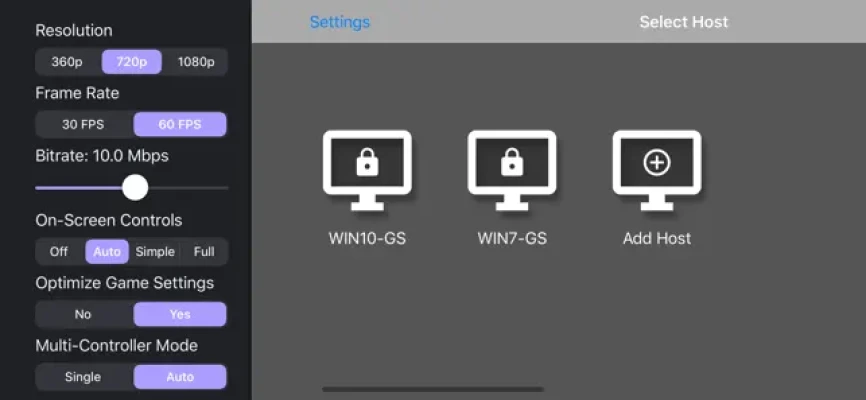
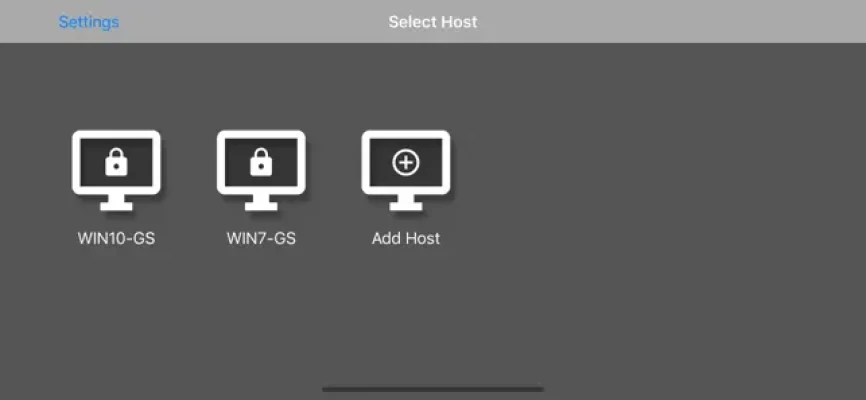
In the world of gaming, streaming has become an essential feature for many players. If you own a gaming PC equipped with an NVIDIA GPU, you can easily set up game streaming using NVIDIA GeForce Experience (GFE). Alternatively, for those who prefer a more versatile option, LizardByte Sunshine offers a solution that works with all GPUs. This guide will walk you through the setup process and highlight the features of both platforms.
Setting Up NVIDIA GeForce Experience for Game Streaming
To begin streaming your games with NVIDIA GeForce Experience, follow these simple steps:
- Install NVIDIA GeForce Experience: Ensure that you have the latest version of GFE installed on your compatible gaming PC.
- Enable GameStream: Navigate to the SHIELD settings page within GFE and enable the GameStream feature.
- Connect Your Device: Use a compatible device to connect to your gaming PC and start streaming your favorite games.
With these steps completed, you are ready to enjoy seamless game streaming directly from your PC.
Using LizardByte Sunshine for Universal Game Streaming
If you prefer a solution that is not limited to NVIDIA GPUs, LizardByte Sunshine is an excellent alternative. Here’s how to get started:
- Download and Install Sunshine: Visit the official website to download Sunshine and install it on your PC.
- Complete the First-Time Setup: Follow the on-screen instructions to configure Sunshine for optimal performance.
- Start Streaming: Once setup is complete, you can begin streaming games from any game store.
Key Features of NVIDIA GeForce Experience and LizardByte Sunshine
Both NVIDIA GeForce Experience and LizardByte Sunshine come packed with features that enhance your gaming experience. Here are some of the standout features:
- Open-Source and Free: LizardByte Sunshine is completely open-source, allowing users to customize and contribute to its development.
- High-Quality Streaming: Enjoy streaming at resolutions up to 4K with 120 FPS and HDR support.
- Game Store Compatibility: Stream games purchased from any game store, providing flexibility in your gaming library.
- Controller Support: Both platforms support various controllers, including MFi, PS4/5, and Xbox Bluetooth controllers, as well as Bluetooth keyboard and mouse.
- Wake-on-LAN Feature: This feature allows you to wake your PC remotely for streaming, ensuring you can access your games whenever you want.
- Local Co-op Play: Connect up to four controllers for local co-op gaming, making it perfect for multiplayer sessions with friends.
Additional Requirements for Optimal Streaming
To ensure a smooth streaming experience, consider the following requirements:
- WiFi Connection: A 5 GHz WiFi connection is highly recommended for optimal performance and reduced latency.
- Gamepad Recommendation: For fast-paced games, using a physical gamepad can enhance your control and responsiveness.
Troubleshooting and Support
If you encounter any issues while setting up or using either platform, don’t hesitate to seek help. You can find support links within the Moonlight app or visit the official support page for assistance.
Explore the Open-Source Community
For those interested in the technical side, the source code for the Moonlight app is available on GitHub. This allows developers and enthusiasts to explore, modify, and contribute to the project. You can find the code here.
Conclusion
Whether you choose NVIDIA GeForce Experience or LizardByte Sunshine, both platforms offer robust solutions for game streaming. With their impressive features and user-friendly setups, you can enjoy your favorite games from anywhere in your home. Embrace the future of gaming and start streaming today!
All trademarks mentioned in this article are the property of their respective owners.
Rate the App
User Reviews














Popular Apps










Editor's Choice









