Latest Version
1.7.1
September 25, 2024
Kiddoware - Parental Control App Provider
Tools
Android
0
Free
com.kiddoware.kidsplace.remotecontrol
Report a Problem
More About Kids Place Remote Control
Ultimate Guide to Kids Place Remote Parental Control & Monitoring
In today's digital age, ensuring the safety of your children online is more crucial than ever. The Kids Place Remote Parental Control & Monitoring tool offers a comprehensive solution for parents looking to manage their children's device usage effectively. This powerful application allows you to monitor and control your child's activities remotely, providing peace of mind in an increasingly complex digital landscape.
What is Kids Place Remote Parental Control?
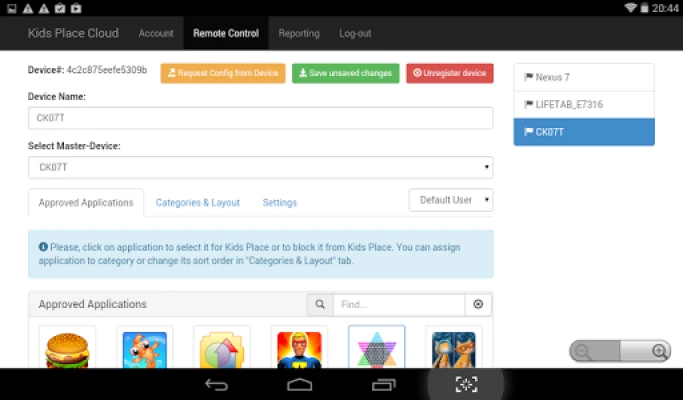
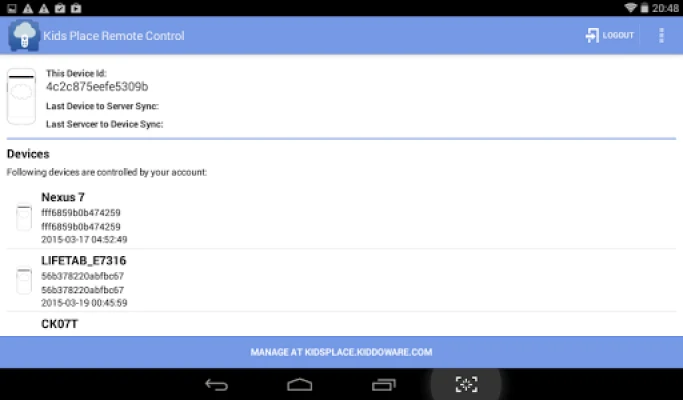
The Kids Place Remote Parental Control & Monitoring app is designed to empower parents by enabling them to manage the Kids Place Parental Control App from a cloud-based console. Accessible at kidsplace.kiddoware.com, this tool allows for seamless remote management of one or multiple devices. With its user-friendly interface, parents can easily monitor their children's activities and ensure they are safe while using their devices.
Monitor Your Child's Device from Anywhere
One of the standout features of the Kids Place app is its ability to monitor your child's phone or tablet from any web-enabled device. Parents can log in to the Kids Place website to adjust settings, track usage, and oversee app activity. This flexibility ensures that you can keep an eye on your child's device, whether you're at home or on the go.
Prevent Unwanted Behavior with Effective Controls
With the combination of the Kids Place app and its remote monitoring capabilities, parents can effectively prevent unwanted behaviors. Whether it's blocking access to dangerous websites or restricting the use of harmful applications, this parental control tool provides comprehensive oversight. By utilizing the Kids Place app, you can create a safer digital environment for your children.
Key Features of Kids Place Remote Parental Control
- Cloud-Based Management: Easily manage your child's device settings from anywhere.
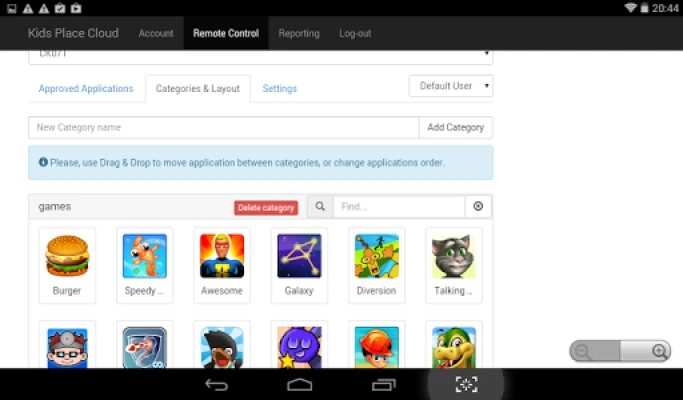
- Remote App Management: Add or remove applications from Kids Place remotely.
- Configuration Management: Export and import settings to manage multiple devices effortlessly.
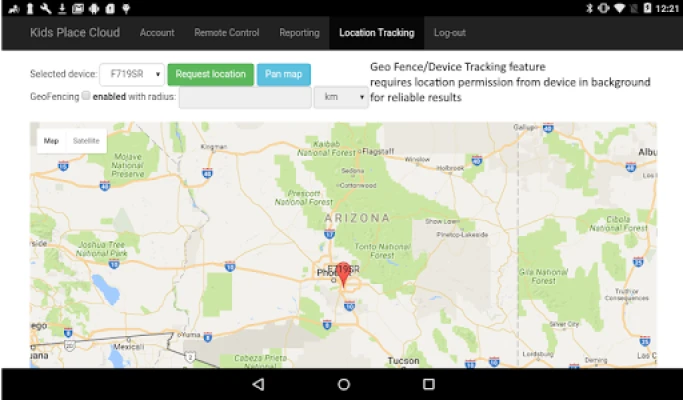
- Geo-Location Tracking: Access real-time location data with background permission for accurate tracking.
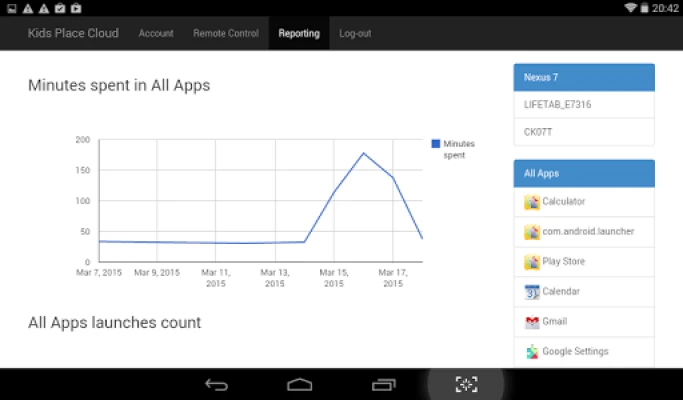
- Comprehensive Reporting: View detailed reports on app usage and screen time.
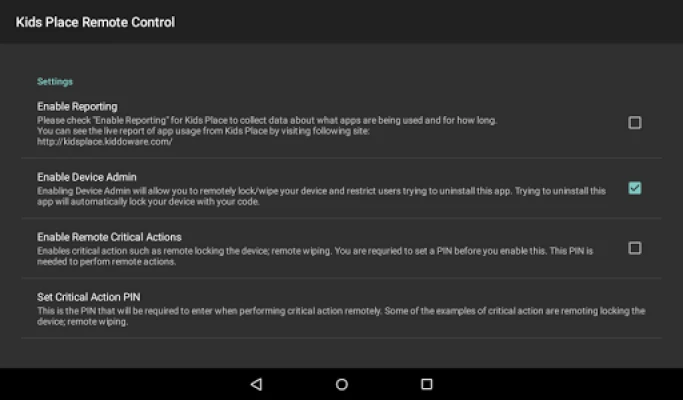
- Device Locking and Wiping: Remotely lock or wipe a device if necessary.
- User-Friendly Interface: Designed for ease of use, making it accessible for all parents.
- Free Trial: Enjoy a 15-day free trial upon account creation to explore all features.
Why Choose Kids Place Remote Parental Control?
As cyber threats continue to rise, protecting your children from harmful content and apps is paramount. The Kids Place Remote Parental Control & Monitoring app stands out as one of the best solutions available. It not only provides robust monitoring features but also offers a user-friendly experience that makes it easy for parents to stay informed about their children's online activities.
Enhance Your Child's Safety Today
In an era where cyber attacks and harmful applications pose significant risks, adding an extra layer of security is essential. The Kids Place Remote Parental Control & Monitoring app equips parents with the tools they need to safeguard their children effectively. Download the app for free and take the first step towards ensuring your child's online safety.
Important Permissions and Features
To maximize the functionality of the Kids Place app, it requests certain device administrator permissions. These include:
- Reset Password: This feature allows parents to change the device password remotely, ensuring that children cannot access the device without permission.
- Force Lock: This option enables parents to lock the device remotely, providing an additional layer of security when needed.
These permissions are optional but highly recommended for parents who want complete control over their child's device usage.
Conclusion
The Kids Place Remote Parental Control & Monitoring app is an invaluable tool for modern parents. With its extensive features and user-friendly design, it empowers you to monitor and manage your child's device usage effectively. By taking advantage of this powerful parental control solution, you can ensure a safer online experience for your children. Don't wait—download Kids Place today and take control of your child's digital world!
Rate the App
User Reviews















Popular Apps










Editor's Choice









