Latest Version
1.0.0
October 26, 2024
Astonish Inc.
Tools
Android
0
Free
com.astonishinc.jumbo_clock
Report a Problem
More About Jumbo Clock
The Ultimate Clock App: Simple, Effective, and User-Friendly
In a world filled with complex applications, finding a straightforward clock app that meets your needs can be a challenge. This innovative clock app stands out by offering a clean, no-frills design that prioritizes functionality and ease of use. Whether you need a bedside clock or a reliable time display during meetings, this app has you covered.
Always On: Your Time, Your Way
This clock app remains active until you switch to another application or turn off your device. Simply unlock your phone, and the time is readily available for you to see. This feature ensures that you can always keep track of time without any hassle.
Customizable Color Options
Choose from nine different color options, ranging from high-contrast to low-contrast shades. This variety allows you to select a color scheme that suits your preferences and enhances visibility, making it easier to read the time in any lighting condition.
Compatibility with Older Devices
This app is designed to work seamlessly on older phones and tablets, ensuring that you can enjoy its benefits regardless of your device's age. Its simplicity makes it an ideal choice for anyone looking for a reliable clock without the need for the latest technology.
Perfect for Various Situations
Whether you’re using it as a bedside clock, glancing at it during Zoom meetings, or relying on it for on-stage performances, this app is versatile enough to meet your needs. Its straightforward design allows for quick and easy access to the time, making it a valuable tool in any setting.
Night Vision Friendly
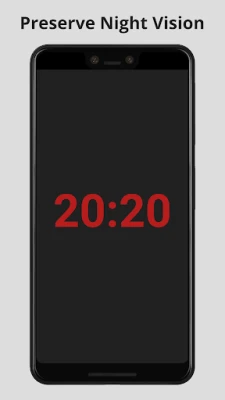
The optional red setting is particularly useful for preserving your night vision. This feature is ideal for nighttime activities such as sailing or camping, allowing you to check the time without straining your eyes.
Minimalist Design: Less is More
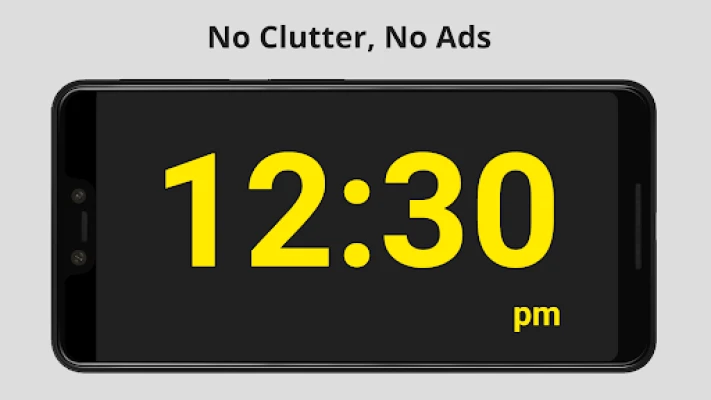
This app is intentionally designed to be simple and uncluttered. If you prefer applications filled with numerous features and settings, this may not be the right choice for you. Instead, it focuses on delivering a straightforward clock experience without unnecessary distractions.
Key Features of the Clock App
- Forever free to use
- No ads or trackers
- No data collection or nag-ware
- No in-app purchases or special permissions required
- Compatible with older phones
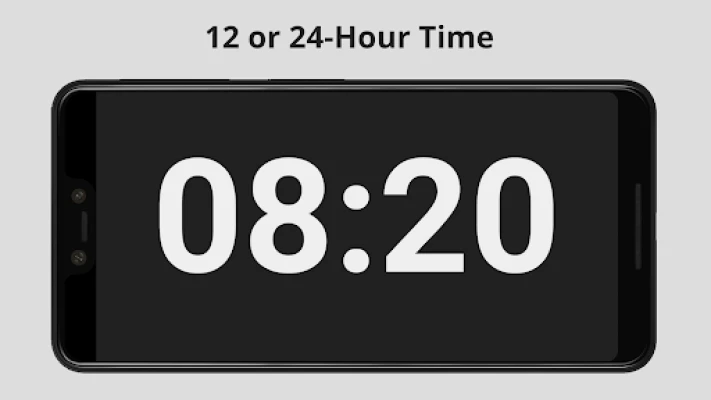
- Choose between 12-hour or 24-hour (military) time formats
- Optional red color to preserve night vision
- Functions offline, without the need for cell service or Wi-Fi
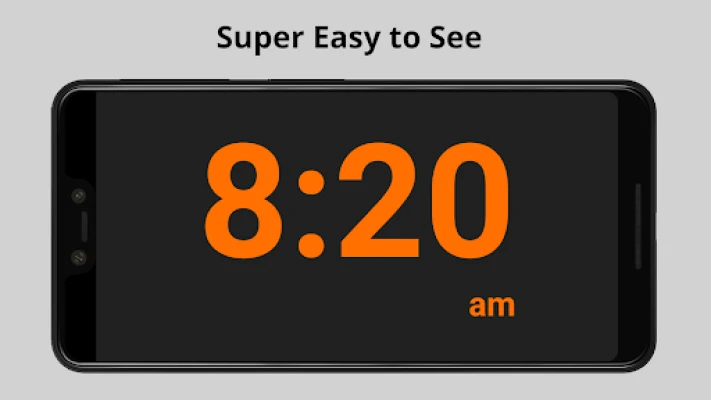
- Nine color options, including high-contrast and dim colors
- Plain, dark background for easy reading and lower power consumption
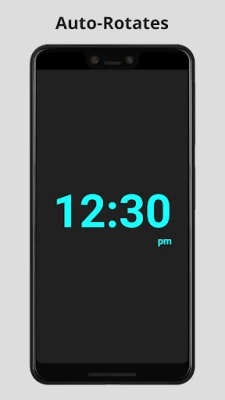
- Auto-rotates between portrait and landscape modes
- Entire display dedicated to the clock—nothing else
How to Use the Clock App
Using the app is incredibly straightforward:
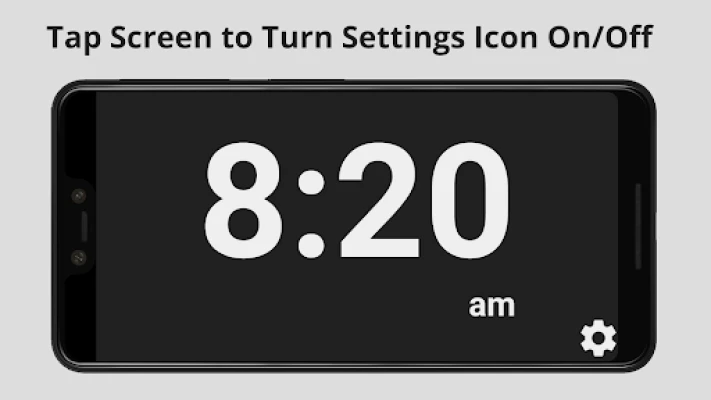
- Tap anywhere on the screen to reveal the settings icon. Tap again to hide it.
- Change colors and select between 12-hour or 24-hour time formats (12-hour is the default).
- Swipe up to access the phone menu bar for switching apps or exiting the app.
What This App Is Not
It’s essential to understand the app's limitations:
- Not a timer or countdown clock
- No weather updates or date display
- No alarm functionality (your existing phone alarm will still work)
- No decorative icons or clutter that could hinder readability
- No seconds display, allowing for a larger time format
- No customizable fonts or backgrounds—just a clear, easy-to-read font on a nearly black background
Please refrain from leaving negative reviews based on features that the app is not designed to provide. Feedback is welcome, and suggestions for future apps are encouraged.
Why This App Was Created
The inspiration for this app came from a personal experience. A family member with low vision expressed frustration over the difficulty of reading the time on her phone. She remarked on the overwhelming number of settings in most apps, which made them challenging to use. This feedback, along with similar comments from others, motivated the development of a simple, effective clock app. It serves as a reliable time display that is easy to see from a distance, day or night.
User Privacy and Data Security
Your privacy is a top priority. This app does not collect any user data, including device information or location. There’s nothing to sell or share, ensuring your information remains secure. For more details, please refer to the app’s privacy policy.
Spread the Word
This app is forever free, and its simplicity is designed to help those who struggle with traditional clock displays. With no marketing budget, your support in sharing this app with friends, family, and anyone who may benefit from it is invaluable. Remember to assist those with low vision in finding and installing this app, as they may face challenges navigating the app store.
Experience the ease and functionality of this unique clock app today, and enjoy a clearer view of time!
Rate the App
User Reviews















Popular Apps










Editor's Choice









