

Latest Version
5.18.24
January 15, 2026
iWawa
Education
Android
0
Free
com.sencatech.iwawa.iwawahome
Report a Problem
More About iWawa - Parental Control
Ultimate Guide to Parental Control Features in Kids TV on iWawa
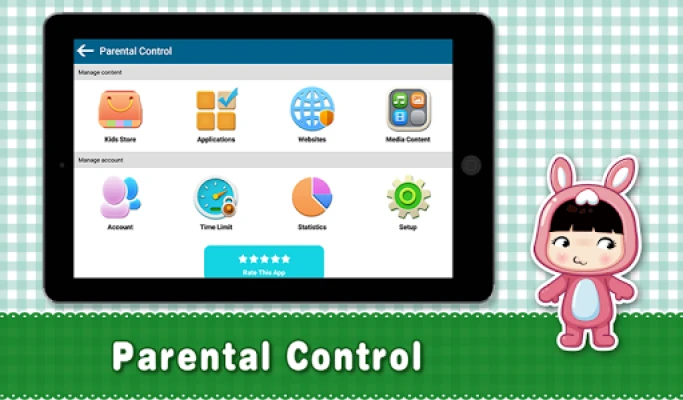
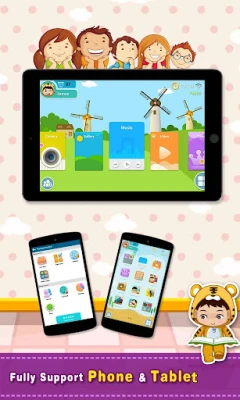
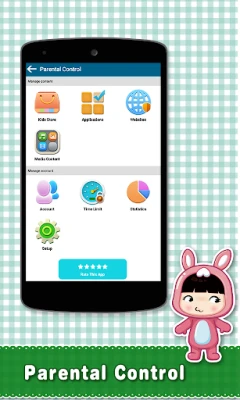
In today's digital age, managing children's screen time and ensuring they engage with appropriate content is crucial for parents. The Kids TV in iWawa app offers a variety of features that empower parents to take control of their children's digital experience. This article explores how parents can effectively manage their children's use of tablets and mobile phones, filter app access, customize desktop themes, and add apps to their children's desktops.
Managing Screen Time for Children
One of the primary concerns for parents is the amount of time children spend on devices. With the Kids TV app, parents can easily manage and limit the time their children use tablets or mobile phones. This feature not only helps in promoting a healthy balance between screen time and other activities but also encourages children to engage in physical play and social interactions.
Filtering and Selecting Apps for Safe Usage
Another significant advantage of the Kids TV app is the ability for parents to filter and select which apps their children can access. This feature ensures that children are only exposed to age-appropriate content, providing peace of mind for parents. By curating a list of approved apps, parents can create a safe digital environment that fosters learning and creativity while minimizing exposure to unsuitable material.
Customizing Desktop Themes for a Personalized Experience
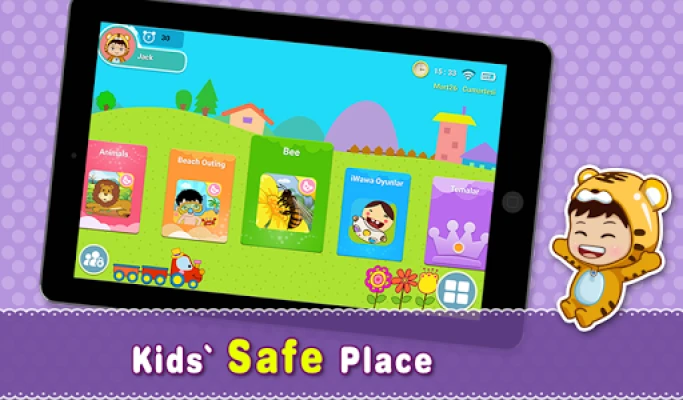
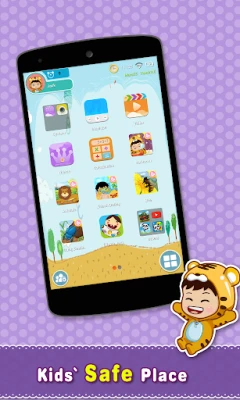
Personalization plays a vital role in enhancing a child's engagement with technology. The Kids TV app allows parents to set different themes for their children's desktops. This customization not only makes the interface more appealing but also helps children feel a sense of ownership over their digital space. By choosing themes that reflect their child's interests, parents can make the experience more enjoyable and interactive.
Adding Apps to Children's Desktops for Easy Access
Convenience is key when it comes to children's apps. The Kids TV app enables parents to add specific apps directly to their children's desktops. This feature simplifies navigation and ensures that children can easily access their favorite educational games and videos. By streamlining the user experience, parents can encourage their children to explore and learn without unnecessary distractions.
Important Considerations for Using Kids TV in iWawa
While the Kids TV app offers numerous benefits, it's essential for parents to understand its limitations. Notably, Kids TV in iWawa is not a video downloader and cannot play videos offline, except for local music. All content is powered by the YouTube API, meaning that the app does not have direct control over the videos available. Parents should be aware that an internet connection (Wi-Fi or cellular data) is required to access the app's features.
Additionally, all trademarks and copyrights associated with the content belong to their respective owners and are utilized under the terms of Fair Use and the Digital Millennium Copyrights Act (DMCA). If parents encounter any content that may infringe copyrights, they can report it through the appropriate channels provided by YouTube.
Conclusion: Empowering Parents in the Digital Age
The Kids TV app in iWawa equips parents with essential tools to manage their children's digital experiences effectively. By utilizing features such as screen time management, app filtering, desktop customization, and easy app access, parents can create a safe and engaging environment for their children. As technology continues to evolve, staying informed and proactive in managing children's screen time is more important than ever.
For more information on YouTube's Terms of Service, please visit: YouTube Terms of Service.
To report any copyright infringement, please use the following link: YouTube Copyright Report.
Rate the App
User Reviews















Popular Apps










Editor's Choice









