
Latest Version
0.0.0.12
July 27, 2025
Hayer Inc.
Tools
Android
0
$3.49
com.tvwebbrowserpaid.v22
Report a Problem
More About Internet Browser (TV)
Discover the Best Free Internet Browser for Your TV: Stream Movies and Surf the Web Effortlessly
In today's digital age, having a reliable internet browser on your TV can transform your viewing experience. Whether you're streaming the latest movies, binge-watching your favorite series, or simply browsing the web, a high-quality browser is essential. This article explores one of the top free internet browsers designed specifically for TV, highlighting its features and benefits.
Seamless Streaming and Browsing Experience
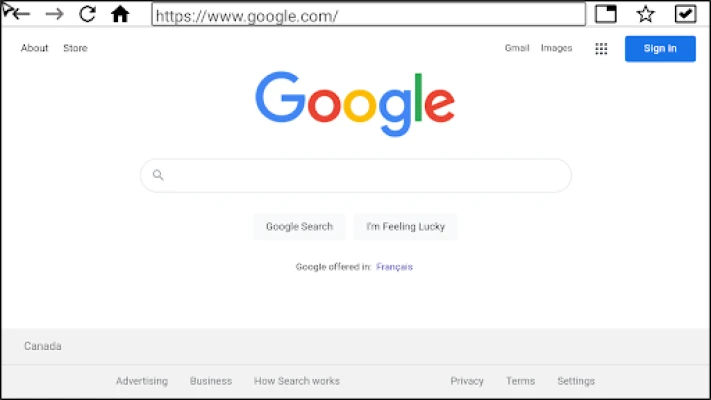
This exceptional internet browser offers a user-friendly interface that makes streaming movies and series a breeze. With its built-in support for Android TV, you can navigate effortlessly using your TV remote. No more fumbling with complicated controls; this browser is designed for simplicity and efficiency.
Key Features of the Best TV Internet Browser
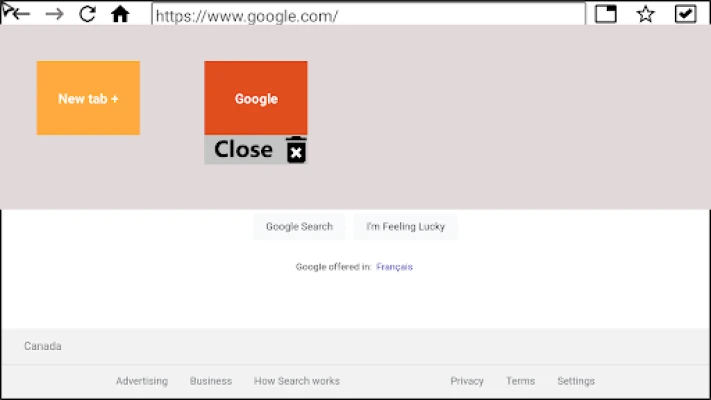
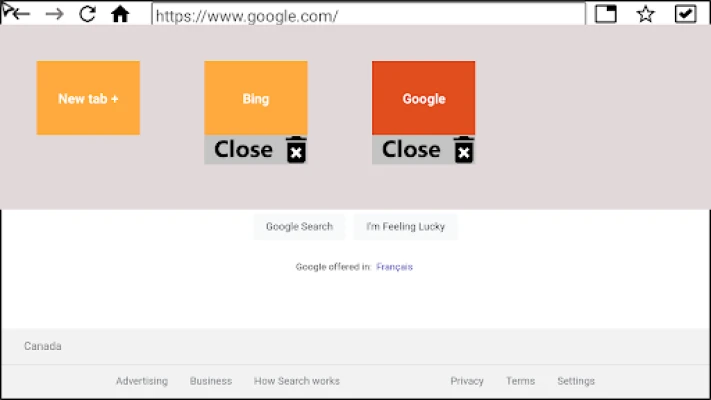
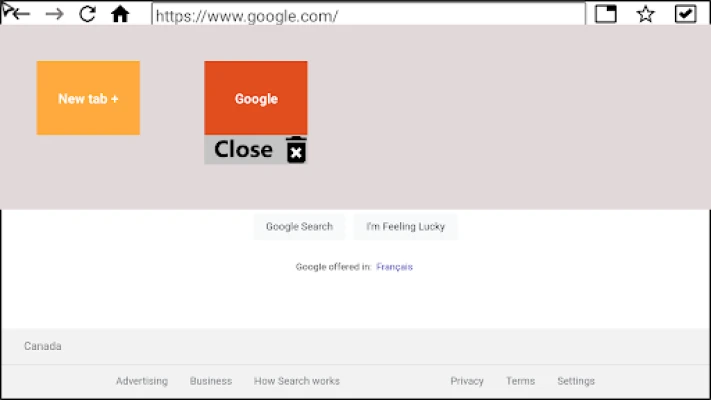
- Multiple Tabs Management: Easily create and manage multiple tabs, allowing you to switch between different websites without losing your place.
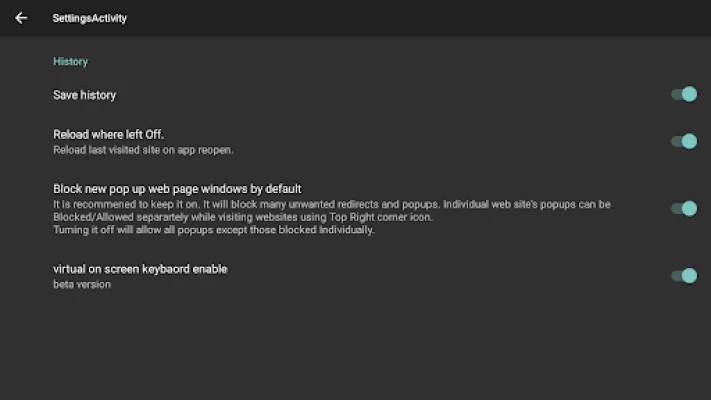
- Pop-Up Support: Enjoy a smooth browsing experience with effective pop-up management, ensuring that unwanted interruptions are minimized.
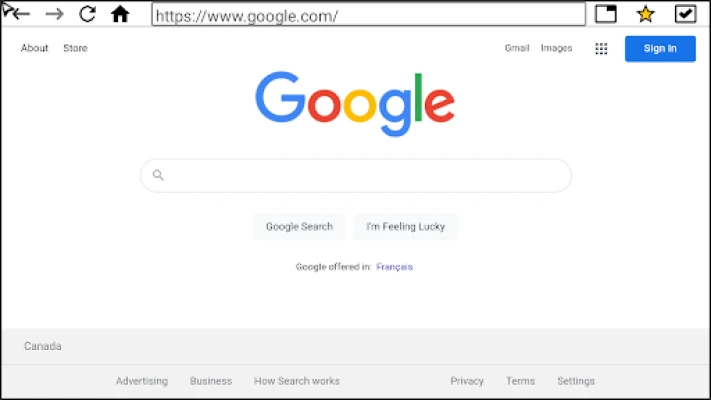
- Bookmarks for Quick Access: Save your favorite websites with bookmarks, making it easy to return to them whenever you want.
- Comprehensive History Tracking: Keep track of your browsing history, allowing you to revisit previously viewed content effortlessly.
- Full-Screen Video Playback: Experience your favorite videos in full-screen mode, enhancing your viewing pleasure.
Privacy and Security: Your Data is Safe
One of the standout features of this internet browser is its commitment to user privacy. Unlike many other applications, it does not collect or share any personal information, including your location or cookies. This means you can browse the web and stream content without worrying about your data being compromised.
Why Choose This Internet Browser for Your TV?
Choosing the right internet browser for your TV can significantly enhance your entertainment experience. Here are a few reasons why this browser stands out:
- User-Friendly Interface: Designed with the TV user in mind, it offers an intuitive layout that is easy to navigate.
- Optimized for Streaming: The browser is specifically optimized for streaming, ensuring smooth playback and minimal buffering.
- Free to Use: Enjoy all these features without any cost, making it an excellent choice for budget-conscious users.
- Regular Updates: The developers are committed to providing regular updates, ensuring that the browser remains compatible with the latest web standards and technologies.
How to Install the Internet Browser on Your TV
Installing this internet browser on your TV is a straightforward process. Follow these simple steps:
- Navigate to the Google Play Store on your Android TV.
- Search for the internet browser by name.
- Select the app from the search results and click on the "Install" button.
- Once installed, open the app and start exploring the web!
Conclusion: Elevate Your TV Experience with the Best Internet Browser
In conclusion, this free internet browser is an excellent addition to your TV, providing a seamless way to stream movies, series, and browse the web. With its user-friendly features, commitment to privacy, and ease of use, it stands out as one of the best options available. Don’t miss out on the opportunity to enhance your entertainment experience—install this browser today and enjoy everything the internet has to offer right from your TV!
Rate the App
User Reviews















Popular Apps










Editor's Choice









