

Latest Version
February 13, 2026
Hatton National Bank
Tools
Android
0
Free
com.hnb.authenticator
Report a Problem
More About HNB Authenticator
Enhance Your Mobile Security with Advanced Authentication Methods
In today's digital landscape, ensuring the security of your transactions is paramount. With a variety of interoperable form factors available, users can easily authenticate their transactions and approve requests directly from their mobile devices. This article explores the latest methods of mobile authentication, including SMS, in-app OTP, device-enabled biometrics, and push notifications, all designed to enhance your security experience.
Understanding Interoperable Authentication Methods
Interoperable authentication methods provide users with flexibility and convenience. By utilizing various technologies, you can secure your transactions with ease. Here are some of the most effective methods:
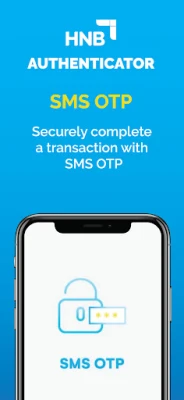
1. SMS Authentication
SMS authentication is one of the most widely used methods for verifying user identity. When a transaction request is initiated, a one-time password (OTP) is sent via SMS to the user's registered mobile number. This ensures that only the individual with access to the phone can approve the transaction, adding an extra layer of security.
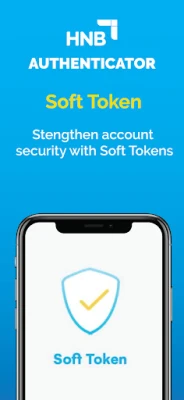
2. In-App OTP Generation
In-app OTP generation allows users to receive a one-time password directly within a mobile application. This method eliminates the need for SMS and provides a seamless experience. Users can generate OTPs even when offline, ensuring that they can authenticate transactions anytime, anywhere.
3. Device-Enabled Biometrics
Biometric authentication leverages unique physical characteristics, such as fingerprints or facial recognition, to verify identity. This method is not only secure but also incredibly convenient. Users can approve transaction requests with a simple touch or glance, making the process quick and efficient.
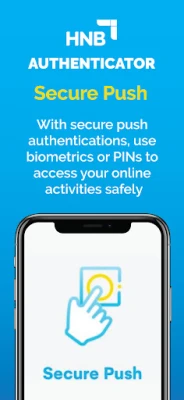
4. Push Notifications
Push notifications serve as an instant alert system for transaction requests. When a transaction is initiated, users receive a notification on their mobile device, prompting them to approve or deny the request. This method enhances security by ensuring that users are immediately informed of any activity related to their accounts.
Streamlining Transaction Approvals
With these advanced authentication methods, approving transaction requests has never been easier. Users can authenticate transactions with a simple swipe gesture, making the process not only secure but also user-friendly. The integration of these technologies into mobile applications allows for a seamless experience, reducing friction during transactions.
Offline Data Security with HNB Authenticator
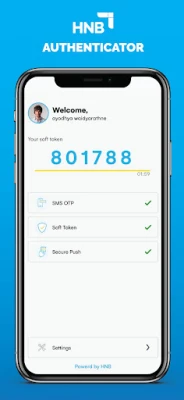
For users who require offline access, the HNB Authenticator app provides a reliable solution. This application enables users to generate one-time passwords (OTPs) without needing an internet connection. Whether you are traveling or in an area with limited connectivity, you can still authenticate your transactions securely.
Conclusion: The Future of Mobile Authentication
As digital transactions continue to rise, the importance of robust authentication methods cannot be overstated. By utilizing SMS, in-app OTPs, device-enabled biometrics, and push notifications, users can significantly enhance their mobile security. The HNB Authenticator further empowers users by providing offline OTP generation, ensuring that security is always within reach. Embrace these advanced authentication methods to protect your transactions and enjoy peace of mind in the digital age.
Rate the App
User Reviews















Popular Apps










Editor's Choice









