


Latest Version
February 23, 2026
Google LLC
Tools
Android
1
Free
com.google.android.wearable.watchface.rwf
Report a Problem
More About Google Pixel Watch Faces
Customize Your Smartwatch: A Comprehensive Guide to Watch Face Personalization
In the world of smartwatches, personalization is key to enhancing your user experience. With a variety of options available, you can tailor your watch face to reflect your style and meet your functional needs. This guide will walk you through the steps to customize your smartwatch effectively, ensuring that it not only looks great but also serves your daily requirements.
Explore a Variety of Watch Faces
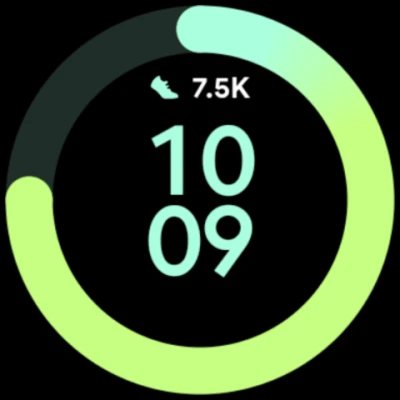
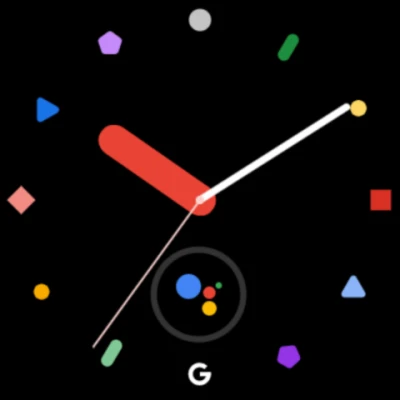
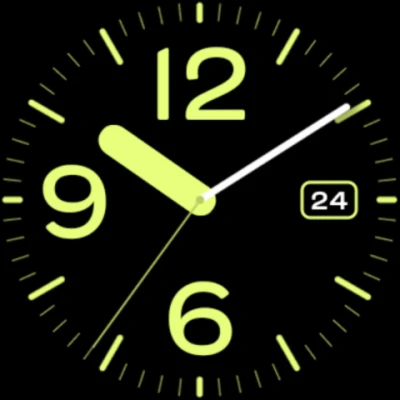
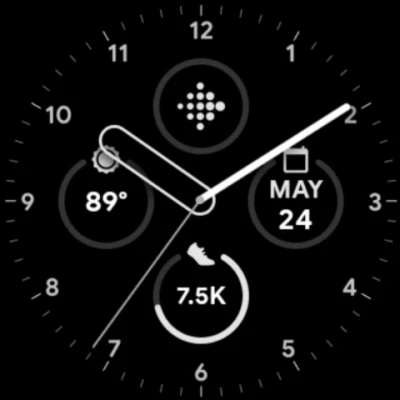
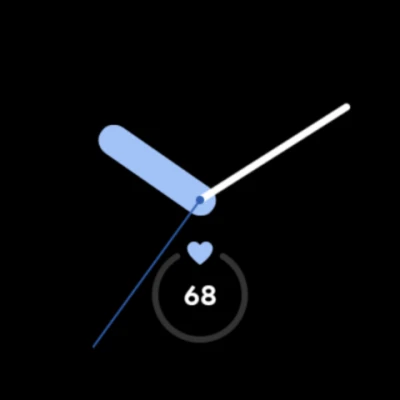
The first step in personalizing your smartwatch is to explore the diverse range of watch faces available through the app. Each watch face offers unique aesthetics and functionalities, allowing you to choose one that resonates with your personal style. Whether you prefer a classic analog look or a modern digital display, the options are plentiful. Take your time to browse through the selections and find the perfect watch face that complements your personality.
Select Your Desired Complications
Once you have chosen a watch face, the next step is to select the complications you want to display. Complications are additional features that provide quick access to information such as weather updates, calendar events, fitness stats, and more. By customizing these elements, you can ensure that your smartwatch serves as a practical tool tailored to your lifestyle. Choose the complications that matter most to you, and arrange them in a way that enhances usability.
Configure Your Watch Face Style
After selecting your complications, it’s time to configure the style of your watch face. This includes adjusting colors, fonts, and layouts to create a cohesive look that suits your taste. Many apps offer intuitive design tools that allow you to experiment with different styles until you find the perfect combination. Don’t hesitate to get creative—your smartwatch should be a reflection of your individuality.
Save Your Favorite Configurations
To streamline your experience, save your configured style and chosen complications as a favorite. This feature allows you to quickly switch between different watch faces based on your mood or activity. Whether you’re heading to a formal event or hitting the gym, having your favorites readily accessible makes it easy to adapt your smartwatch to any occasion. Simply tap to select your preferred configuration and enjoy a personalized experience at your fingertips.
Manage Your Favorites with Ease
As your preferences evolve, you may find that some watch faces no longer suit your style. Fortunately, you can easily delete any of your favorites. This flexibility ensures that your smartwatch remains a true reflection of your current tastes. If you ever wish to revisit a deleted watch face, you can always add it back to your favorites later. This feature allows for continuous customization, keeping your smartwatch experience fresh and engaging.
Conclusion: Embrace Personalization
Customizing your smartwatch is not just about aesthetics; it’s about creating a device that enhances your daily life. By exploring various watch faces, selecting meaningful complications, configuring styles, and managing your favorites, you can transform your smartwatch into a personalized companion. Embrace the power of customization and enjoy a smartwatch that truly reflects who you are.
Rate the App
User Reviews















Popular Apps










Editor's Choice









