

Latest Version
July 24, 2026
Google LLC
Tools
Android
0
Free
com.google.android.apps.mediashell
Report a Problem
More About Google Cast
Unlock the Power of Chromecast on Your Android TV
In today's digital age, streaming content has become an integral part of our entertainment experience. With the rise of smart TVs, the ability to cast your favorite shows, movies, and apps directly to your television has never been easier. One of the standout features that enhance this experience is the built-in Chromecast functionality available on select Android TV devices.
What is Chromecast Built-In?
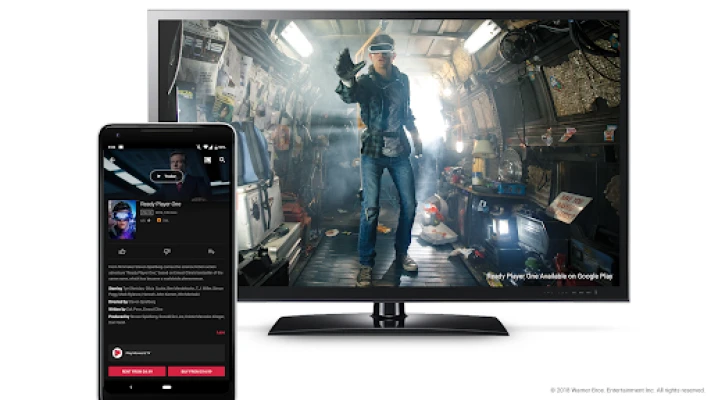
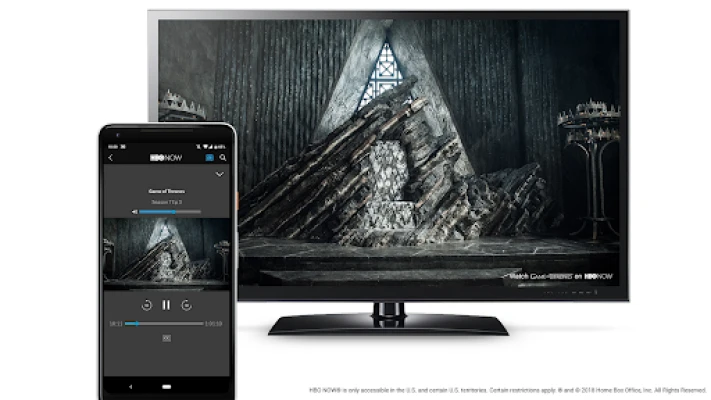
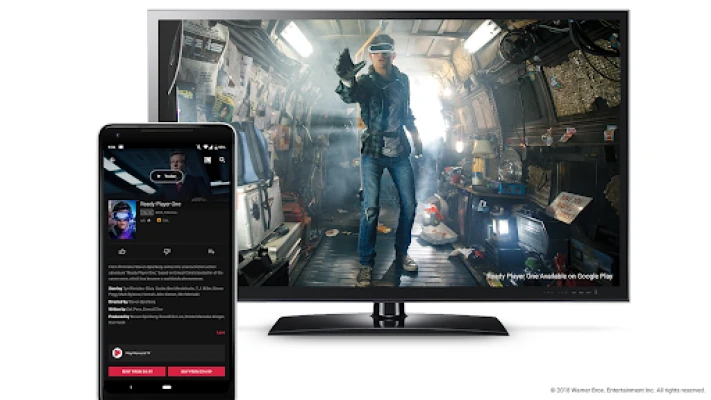
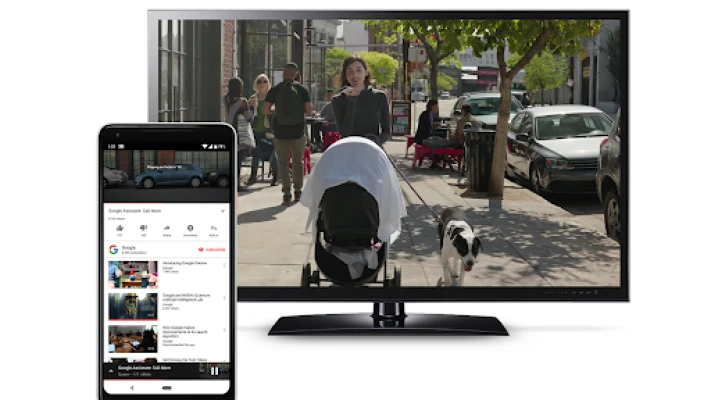
Chromecast built-in is a revolutionary feature that allows users to stream content from their mobile devices or computers directly to their television screens. This seamless integration means you can enjoy your favorite apps, videos, and music without the need for additional hardware. Simply connect your device to the same Wi-Fi network as your Android TV, and you’re ready to cast.
Benefits of Using Chromecast on Android TV
Utilizing Chromecast on your Android TV offers numerous advantages that enhance your viewing experience:
- Easy Streaming: With just a few taps on your smartphone or tablet, you can effortlessly stream content to your TV. No more fumbling with cables or complicated setups.
- Wide Compatibility: Chromecast works with a vast array of apps, including popular streaming services like Netflix, YouTube, and Spotify, ensuring you have access to a diverse range of content.
- Multi-Device Support: You can cast from multiple devices, allowing friends and family to share their favorite content without needing to switch inputs or remotes.
- High-Quality Streaming: Enjoy your media in stunning HD quality, making your viewing experience more immersive and enjoyable.
How to Use Chromecast on Your Android TV
Getting started with Chromecast on your Android TV is simple. Follow these steps to begin streaming:
- Ensure Compatibility: Make sure your Android TV is Google-approved and has Chromecast built-in. Most modern Android TVs come with this feature pre-installed.
- Connect to Wi-Fi: Ensure that both your Android TV and casting device (smartphone, tablet, or computer) are connected to the same Wi-Fi network.
- Open Your Favorite App: Launch an app that supports casting, such as Netflix or YouTube.
- Tap the Cast Icon: Look for the cast icon (a rectangle with a Wi-Fi symbol) within the app and tap it.
- Select Your TV: Choose your Android TV from the list of available devices.
- Start Streaming: Once connected, select the content you want to watch, and enjoy it on the big screen!
Popular Apps to Cast on Android TV
With Chromecast built-in, you can access a plethora of apps that enhance your entertainment options. Here are some popular apps that work seamlessly with Android TV:
- Netflix: Stream your favorite movies and series in high definition.
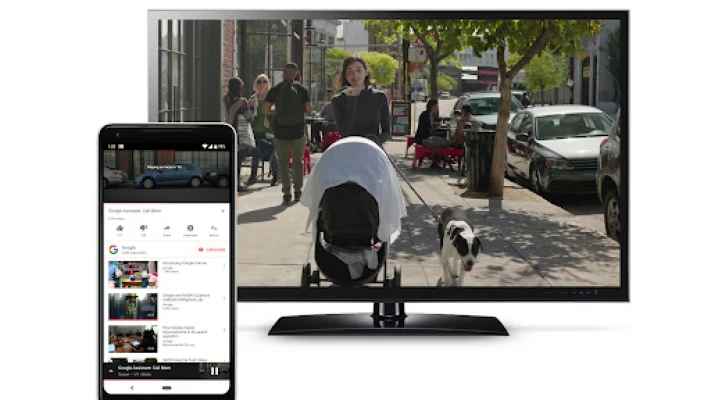
- YouTube: Watch videos, tutorials, and vlogs directly on your TV.
- Spotify: Enjoy your favorite music playlists and discover new artists.
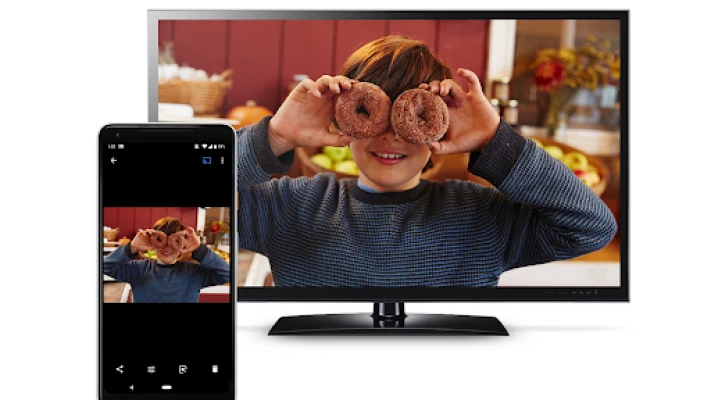
- Google Photos: Share your cherished memories and photos on the big screen.
- Disney+: Access a vast library of Disney classics, Marvel movies, and Star Wars content.
Conclusion
Chromecast built-in for Android TV is a game-changer for anyone looking to elevate their home entertainment experience. With its ease of use, compatibility with a wide range of apps, and high-quality streaming capabilities, it’s no wonder that this feature has become a staple in modern smart TVs. Whether you’re binge-watching your favorite series or sharing photos with family, Chromecast makes it all possible with just a few taps. Embrace the future of streaming and unlock the full potential of your Android TV today!
Rate the App
User Reviews















Popular Apps










Editor's Choice









