


Latest Version
August 11, 2024
Google LLC
Tools
Android
0
Free
com.google.android.apps.authenticator2
Report a Problem
More About Google Authenticator
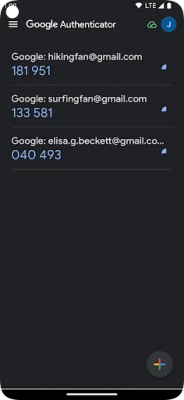
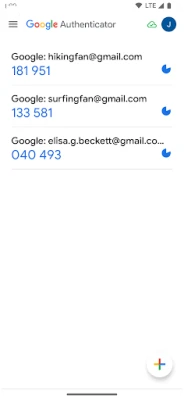
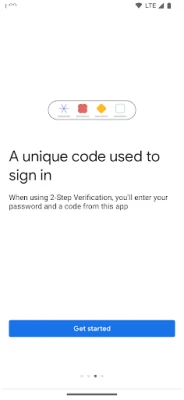
The Google Authenticator app is a security tool that adds an extra layer of protection to your online accounts. It requires you to enter a verification code, in addition to your password, when logging into your accounts. This code is generated by the app on your phone, making it difficult for hackers to access your accounts even if they have your password.
The verification code can be generated by the Google Authenticator app on your phone, even without a network or cellular connection. This means you can still access your accounts even in areas with poor reception or when you don't have access to Wi-Fi.
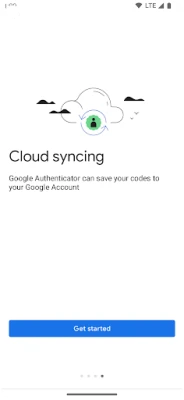
The app also allows you to sync your Authenticator codes to your Google Account and across your devices. This way, you can always access them even if you lose your phone. You can also set up your Authenticator accounts quickly and easily by scanning a QR code, ensuring that your codes are set up correctly.
The Google Authenticator app supports multiple accounts, so you can manage all your accounts in one place without having to switch between different apps. It also offers the option to choose between time-based and counter-based code generation, depending on your preferences. Additionally, you can transfer your accounts between devices using a QR code, making it convenient to switch to a new device.
In order to use Google Authenticator with Google, you need to enable 2-Step Verification on your Google Account. This adds an extra layer of security to your Google Account and helps protect your personal information. The app requires permission to access your camera in order to add accounts using QR codes, but this is solely for the purpose of making the setup process easier and more efficient.
Rate the App
User Reviews















Popular Apps










Editor's Choice









