
Latest Version
13.1.476.RC01.tng.release.auto
February 20, 2026
Google LLC
Tools
Android
2
Free
com.google.android.carassistant
Report a Problem
More About Google Assistant - in the car
Maximize Your Driving Experience with Google Assistant: A Comprehensive Guide
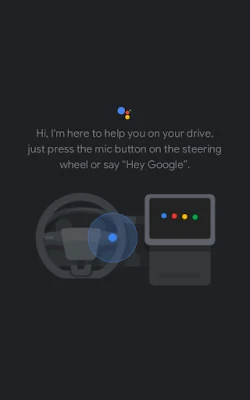
In today's fast-paced world, multitasking while driving can be a challenge. Fortunately, Google Assistant is here to simplify your daily tasks, allowing you to focus on the road while effortlessly managing your needs. With just your voice, you can navigate, communicate, control media, and even adjust your vehicle settings. Let’s explore how to make the most of Google Assistant while driving.
Effortless Navigation and Local Insights
Finding your way around town has never been easier. Google Assistant provides quick access to directions and local information, ensuring you reach your destination without hassle. Whether you need to locate a restaurant or check traffic conditions, just ask.
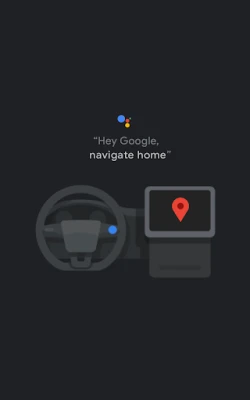
- Get Directions: "Hey Google, give me directions to the nearest gas station."
- Check Traffic: "Hey Google, how's the traffic to downtown?"
- Find Local Businesses: "Hey Google, where's the closest coffee shop?"
- Add Stops: "Hey Google, add a stop for a charge station on my route."
Stay Connected with Hands-Free Communication
Maintaining communication with friends and family is crucial, and Google Assistant makes it seamless. You can make calls and send texts without ever touching your phone, ensuring you stay connected while keeping your hands on the wheel.
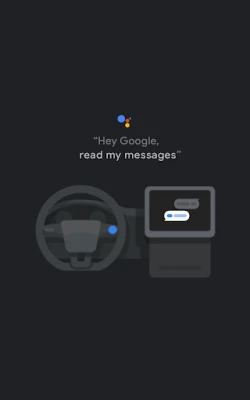
- Read Messages: "Hey Google, read my messages."
- Make Calls: "Hey Google, call John."
- Send Texts: "Hey Google, text Sarah 'I'll be there in 10 minutes'."
Control Your Media with Simple Voice Commands
Whether you're in the mood for music, podcasts, or audiobooks, Google Assistant allows you to control your media effortlessly. Enjoy your favorite content without the distraction of fiddling with your device.
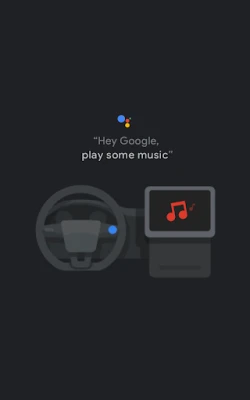
- Play Music: "Hey Google, play my workout playlist."
- Resume Podcasts: "Hey Google, resume my podcast."
- Adjust Volume: "Hey Google, turn up the volume."
Integrate Google Assistant into Your Vehicle
Enhance your driving experience by using Google Assistant to control various vehicle functions. This integration allows you to manage your car's settings and access vital information without taking your eyes off the road.
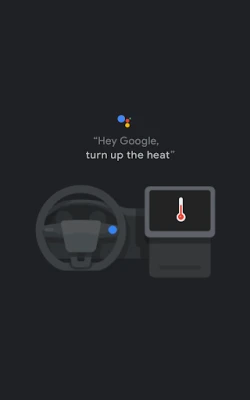
- Adjust Temperature: "Hey Google, set the temperature to 72 degrees."
- Check Range: "Hey Google, how far can I drive on my current charge?"
- Activate Defroster: "Hey Google, turn on the defroster."
Stay Organized with Daily Reminders and Information
Google Assistant can help you stay organized by providing timely reminders and information. From weather updates to your daily agenda, you can manage your tasks efficiently.
- Check Agenda: "Hey Google, what's on my agenda for today?"
- Get Weather Updates: "Hey Google, how's the weather today?"
- Create Reminders: "Hey Google, remind me to pick up groceries at 5 PM."
- Add to Shopping List: "Hey Google, add eggs to my shopping list."
Seamless Integration Across Apps and Devices
Google Assistant works harmoniously across various apps and devices, making it easier to manage your tasks. You can control smart home devices while on the go, ensuring convenience and peace of mind.
- Control Smart Home Devices: "Hey Google, set the living room temperature to 70 degrees."
- Check Device Status: "Hey Google, are the porch lights on?"
In conclusion, Google Assistant transforms your driving experience by allowing you to manage tasks effortlessly and safely. By utilizing voice commands, you can navigate, communicate, control media, and adjust vehicle settings—all while keeping your focus on the road. Embrace the convenience of Google Assistant and make your daily drives more enjoyable and efficient.
Remember, some features may require prior setup, a signed-in Google account, a current subscription, compatible devices, or internet connectivity. Start your journey with "Hey Google" today and experience the future of driving!
Rate the App
User Reviews















Popular Apps










Editor's Choice









