Latest Version
1.2.0
December 09, 2025
Apponfire Co. Ltd.
Tools
Android
1
Free
com.apponfire.android.droneapp
Report a Problem
More About Go Fly Drone Remote Controller
Enhance Your Drone Experience with the Ultimate Drone Controller App
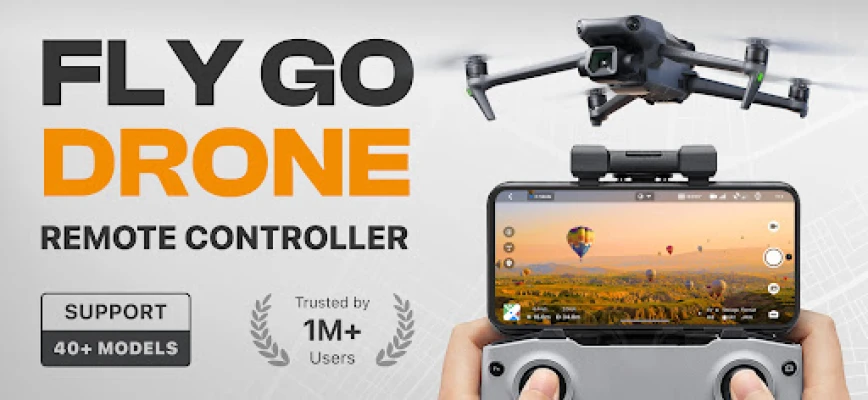
In the rapidly evolving world of drone technology, having a reliable and feature-rich drone controller app is essential for both hobbyists and professionals. The Drone Controller App offers a suite of intuitive features designed to elevate your drone flying experience. From advanced mapping capabilities to stunning panoramic photography, this app is your go-to solution for seamless drone operation.
Key Features of the Drone Controller App
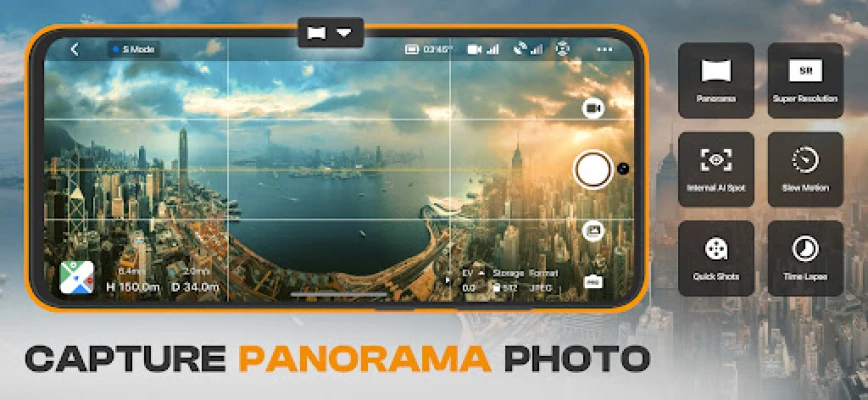
1. Stunning Drone Panorama Photography
Capture breathtaking panoramic images and videos effortlessly. With the drone camera view accessible from your phone, you can take stunning footage that enhances your travel experiences. Whether you're exploring scenic landscapes or urban environments, the app allows you to document your adventures in high definition.
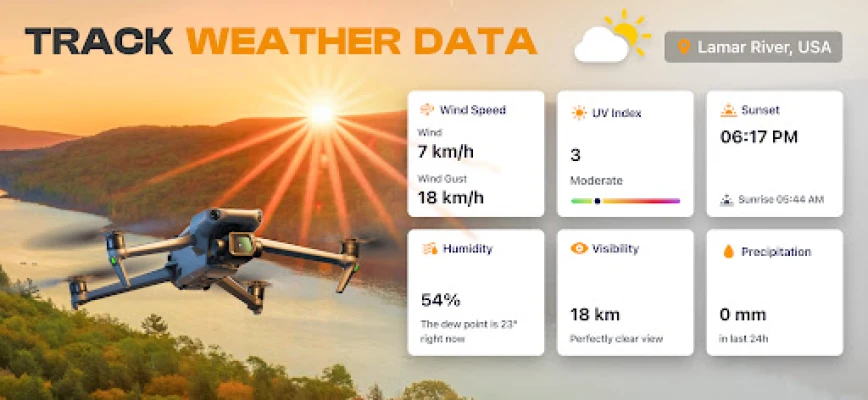
2. Real-Time UAV Weather Forecast
Stay informed about the weather conditions that affect your drone flights. The app provides real-time updates on temperature, wind speed, and precipitation levels, ensuring you have the necessary information to fly safely. With accurate UAV forecasts, you can plan your flights for optimal conditions, whether you're using a flycam or UAV.
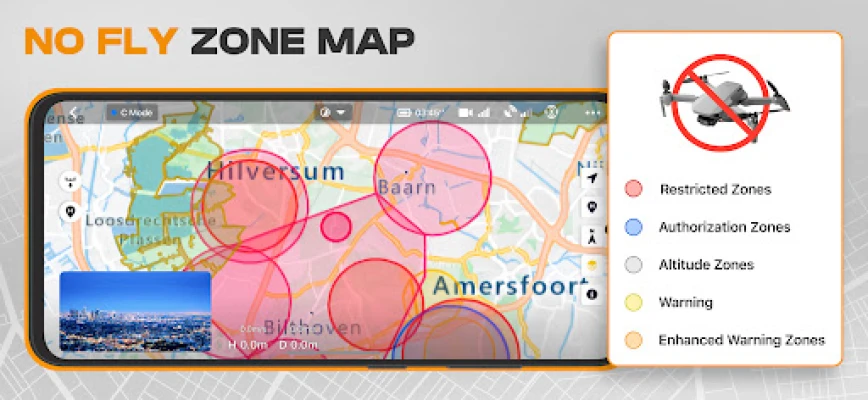
3. Comprehensive Drone No-Fly Zone Map
Safety is paramount when flying drones. The app features a drone no-fly zone map that alerts you to restricted areas, such as airports and military bases. This feature helps you comply with regulations and ensures safe flying, giving you peace of mind during your aerial adventures.
4. Smart Flight Modes for Enhanced Control
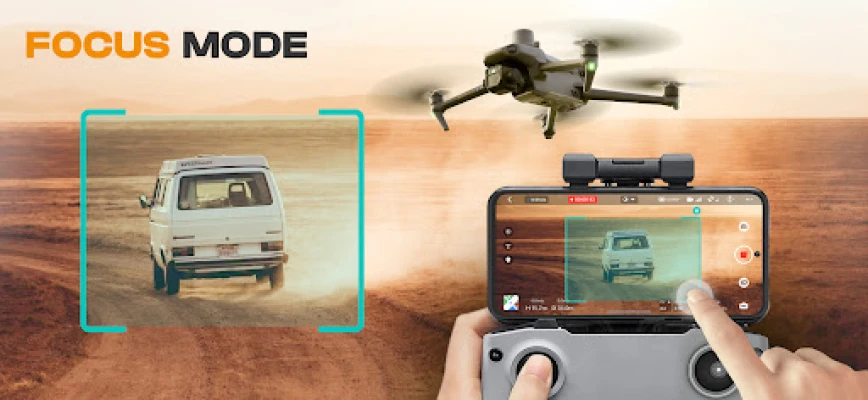
Experience effortless drone navigation with intelligent flight modes. The app is compatible with all drone models and offers GPS navigation, making it easy to control your drone. These smart flight modes enhance your flying experience, allowing you to focus on capturing stunning visuals.
5. Easy Drone Footage Export
Quickly transfer your drone media to your device for easy sharing and editing. The app supports high-quality file formats, including JPG, GeoTIFF, DXF/SHP, PDF, MOV, 4K, and MP4. This feature simplifies the process of showcasing your aerial footage, whether for personal use or professional projects.
6. Find My Drone Feature
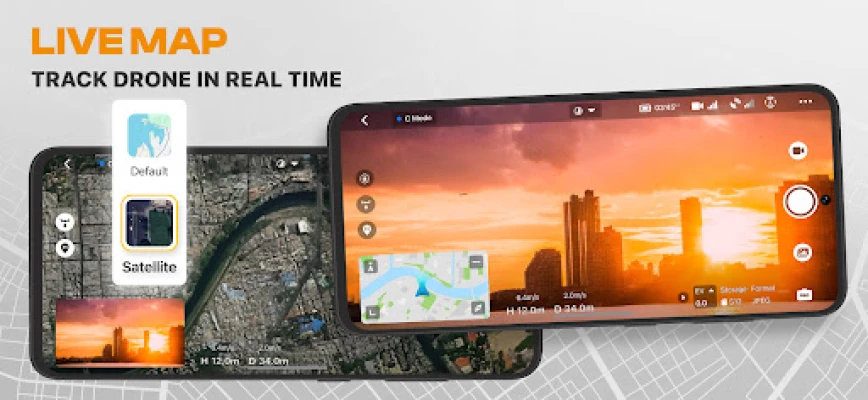
In case of loss or emergencies, the app includes a GPS tracker to help you locate your drone. This feature is crucial for ensuring the safety of your equipment and provides peace of mind during your flights.
7. Home Point Setting for Safe Landings
Set a designated home point for your drone, ensuring it returns safely in the event of signal loss or low battery. This feature enhances the safety of your flights, allowing you to fly with confidence.
8. User-Friendly Interface
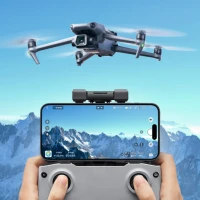
The app boasts an intuitive user interface that simplifies drone control and navigation. With a clear drone camera view from your phone, you can easily manage your flight settings and capture stunning visuals without hassle.
9. On-Screen Exposure Graph
Gain precise control over your drone's camera settings with the on-screen exposure graph. This feature allows you to monitor exposure levels, ensuring your images and videos are perfectly lit and visually appealing.
10. Adjustable Drone Gimbal Direction
Fine-tune the direction of your drone's gimbal for optimal camera positioning and stability. This feature is essential for capturing smooth and professional-quality footage, making your aerial photography stand out.
11. Beginner-Friendly Tutorials
New to flying drones? The app offers tutorials designed for beginners, providing step-by-step guidance on how to fly drones, flycams, or UAVs with ease. These resources help you build confidence and skill as you explore the skies.
Subscription Plans for the Drone Controller App
The Fly Drone Remote Controller app offers flexible subscription plans to suit your needs:
- Monthly Subscription: $9.99/month
- 6-Month Subscription: $24.99/6-month
- Lifetime Access: $39.99
Terms and Privacy
For more information on our terms of service and privacy policy, please visit the following links:
Note: The Fly Drone Remote Controller is not an official drone app; it supports various drone models for Android phones. For any issues or inquiries, please contact us at support@goflydrone.app.
Elevate your drone flying experience today with the Drone Controller App and unlock the full potential of your aerial adventures!
Rate the App
User Reviews















Popular Apps










Editor's Choice









