Latest Version
October 15, 2024
Bojan Kogoj
Tools
Android
0
Free
com.bojankogoj.giantclock
Report a Problem
More About Giant clock
Customize Your Digital Experience: A Guide to Personalizing Your Device Settings
In today's fast-paced digital world, personalizing your device settings can significantly enhance your user experience. Whether you want to make your screen more visually appealing or adjust the way time and dates are displayed, there are numerous options available. This article will guide you through various customization features that can help you tailor your device to your preferences.
Choose Your Text Colors
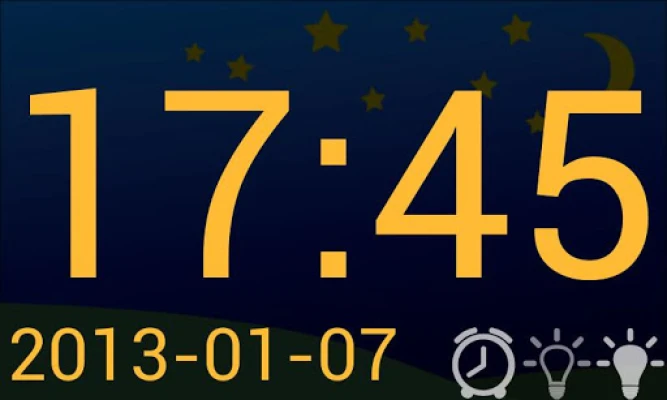
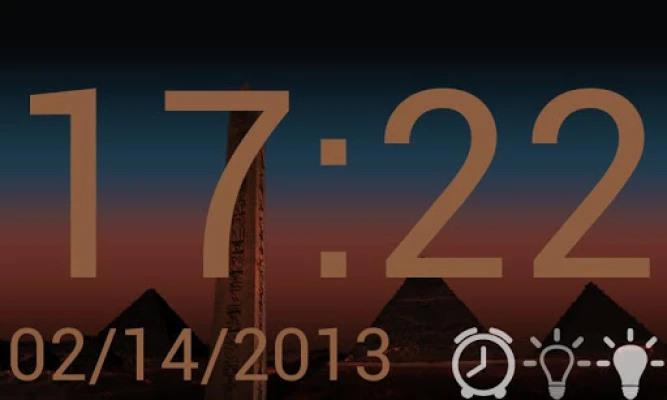
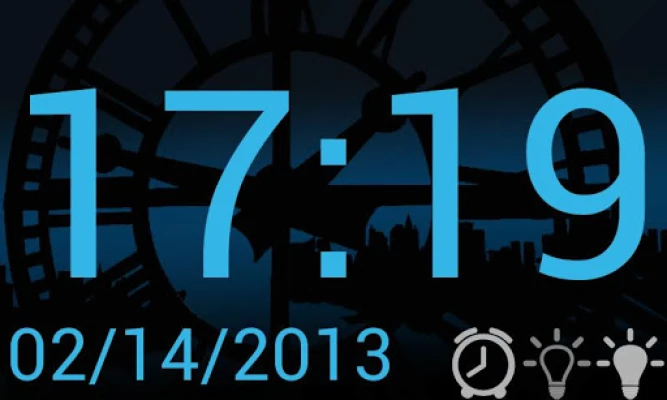
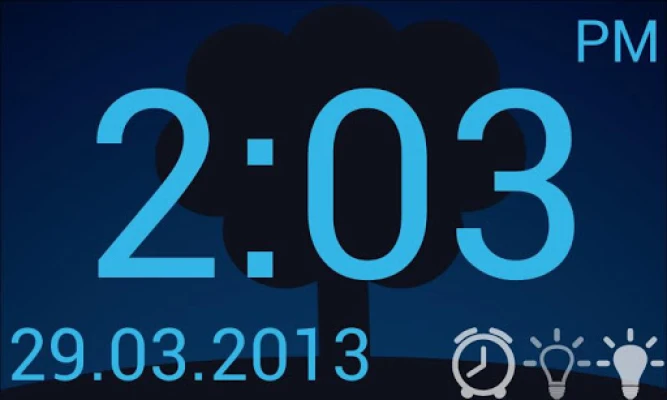
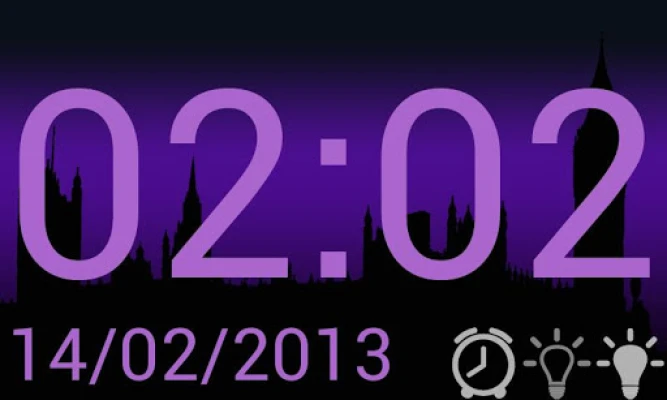
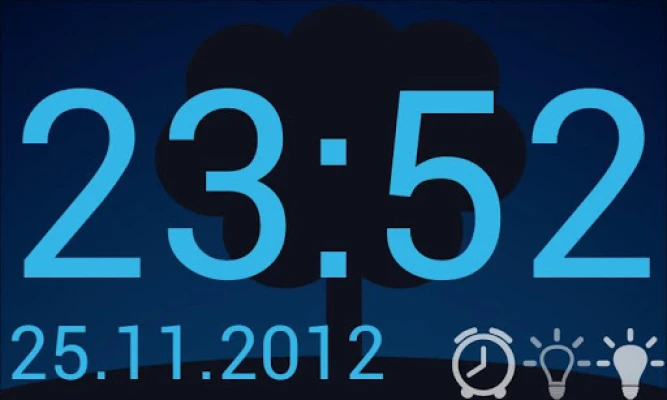
One of the simplest yet most effective ways to personalize your device is by selecting different text colors. This feature allows you to create a visually engaging interface that reflects your style. Whether you prefer a calming blue, a vibrant red, or a classic black, changing text colors can make your device more enjoyable to use. Explore the settings menu to find the color options available and choose the one that resonates with you.
Customize Your Backgrounds
Your device's background is the canvas for your digital experience. By selecting different backgrounds, you can transform the look and feel of your device. From serene landscapes to abstract designs, the right background can inspire creativity and enhance your mood. Many devices offer a variety of pre-installed backgrounds, or you can upload your own images to create a truly unique experience. Take the time to explore these options and find a background that speaks to you.
Time Display: 12-Hour vs. 24-Hour Format
Time is an essential aspect of our daily lives, and how it is displayed can impact your routine. Most devices allow you to choose between a 12-hour and a 24-hour time display. The 12-hour format is familiar to many, using AM and PM to distinguish between morning and evening. On the other hand, the 24-hour format, often referred to as military time, provides a straightforward way to read time without confusion. Select the format that best suits your lifestyle and preferences.
Different Date Representations
Just like time, the way dates are represented can vary significantly. Depending on your location or personal preference, you can choose from several formats, including:
- d.m.Y (day.month.year)
- d/m/Y (day/month/year)
- m/d/Y (month/day/year)
- Y/m/d (year/month/day)
- Y-m-d (year-month-day)
Each format has its advantages, and selecting the one that aligns with your needs can make it easier to manage your schedule and appointments. Navigate to your device's date settings to make this adjustment.
Screen Lock Settings: Control Your Device's Activity
Screen lock settings are crucial for maintaining your device's functionality and security. You can choose to keep your screen from dimming or locking automatically until you decide to do so. This feature is particularly useful during presentations or when you are actively using your device for extended periods. Adjusting your screen lock settings can help you maintain control over your device and ensure it remains accessible when you need it.
Adjusting Screen Brightness for Optimal Viewing
Screen brightness plays a vital role in your overall device experience. Too bright, and it can strain your eyes; too dim, and it can be challenging to read. Most devices allow you to customize screen brightness to suit your environment. Whether you are in a brightly lit room or a dimly lit space, adjusting the brightness can enhance visibility and comfort. Explore the brightness settings on your device and find the perfect balance for your needs.
Conclusion: Tailor Your Device to Your Lifestyle
Personalizing your device settings is not just about aesthetics; it’s about creating an environment that enhances your productivity and enjoyment. By choosing different text colors, backgrounds, time and date formats, screen lock settings, and brightness levels, you can tailor your device to fit your lifestyle perfectly. Take the time to explore these options and make your digital experience uniquely yours.
If you encounter any issues while customizing your settings, don’t hesitate to reach out for assistance. Enjoy your personalized digital journey!
Rate the App
User Reviews















Popular Apps










Editor's Choice









