

Latest Version
2.3.21
January 29, 2026
Shenzhen Leland Ltd.
Tools
Android
1
Free
com.zjx.ztezscreenshot
Report a Problem
More About GG Mouse Pro 2
Transform Your Gaming Experience: The Ultimate Keyboard and Mouse Converter App
In the ever-evolving world of mobile gaming, players are constantly seeking ways to enhance their experience. One groundbreaking solution is the keyboard and mouse converter app, designed to allow users to play mobile games using their mouse and keyboard. This innovative app stands out as the most advanced and powerful option available, and the best part? It’s completely free!
Why Use a Keyboard and Mouse for Mobile Gaming?
Mobile games have come a long way, offering immersive graphics and complex gameplay. However, many players find that using touch controls can be limiting. Here are some compelling reasons to switch to a keyboard and mouse setup:
- Precision and Control: A mouse provides superior accuracy, allowing for more precise aiming and quicker reactions in fast-paced games.
- Comfort: Using a keyboard and mouse can be more comfortable for extended gaming sessions, reducing strain on your hands and fingers.
- Customization: Many keyboard and mouse converter apps allow you to customize controls, giving you the ability to set up your gaming experience exactly how you like it.
Features of the Best Keyboard and Mouse Converter App
When searching for the ideal keyboard and mouse converter app, consider the following features that set the best apart from the rest:
Seamless Connectivity
The top converter apps offer seamless connectivity between your mobile device and your keyboard and mouse. This ensures a lag-free experience, which is crucial for competitive gaming.
User-Friendly Interface
A well-designed interface makes it easy for users to navigate the app and customize their settings. Look for apps that prioritize user experience, allowing you to get started quickly without a steep learning curve.
Wide Game Compatibility
The best converter apps support a wide range of mobile games, from popular titles to indie gems. This versatility ensures that you can enjoy your favorite games without limitations.
Regular Updates
To keep up with the fast-paced world of mobile gaming, a reliable converter app should receive regular updates. This ensures compatibility with new games and improvements in performance.
How to Get Started with the Keyboard and Mouse Converter App
Getting started with a keyboard and mouse converter app is straightforward. Follow these simple steps to enhance your mobile gaming experience:
- Download the App: Visit the official website or your device’s app store to download the converter app.
- Connect Your Devices: Follow the app’s instructions to connect your keyboard and mouse to your mobile device. This may involve Bluetooth or USB connections, depending on your setup.
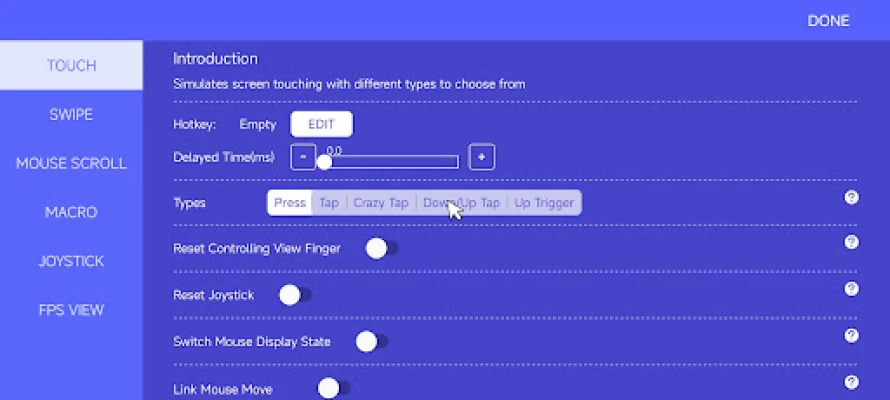
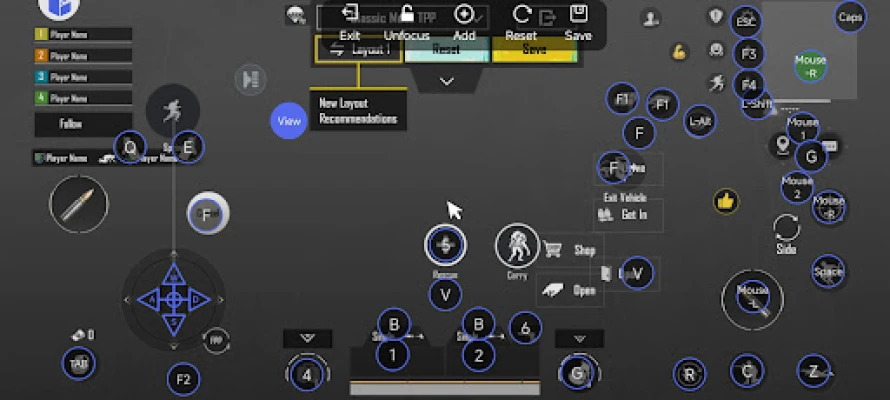
- Customize Your Settings: Open the app and customize your control settings to suit your gaming style. Adjust sensitivity, key mappings, and other preferences.
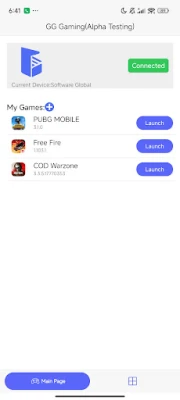
- Launch Your Game: Once everything is set up, launch your favorite mobile game and enjoy the enhanced experience!
Tips for Optimizing Your Gaming Setup
To make the most of your keyboard and mouse converter app, consider these optimization tips:
Adjust Sensitivity Settings
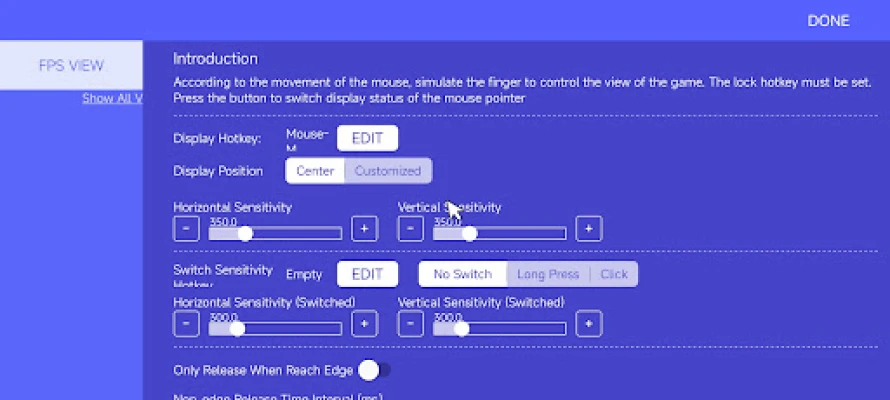
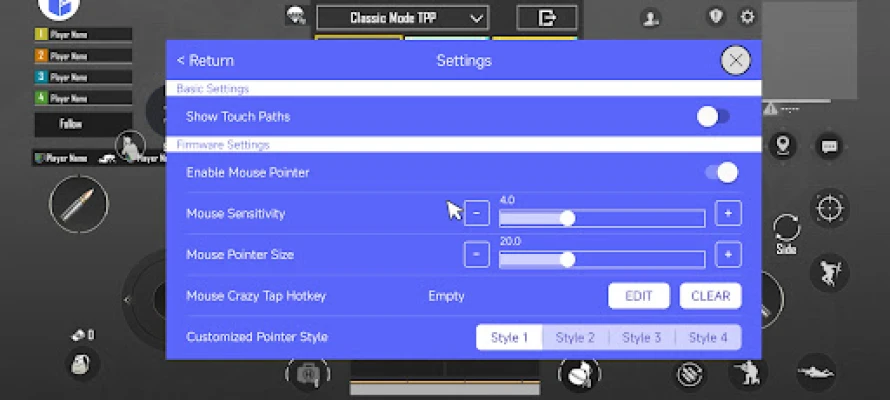
Finding the right sensitivity settings for your mouse can significantly impact your gameplay. Experiment with different levels to discover what feels most comfortable and responsive for you.
Utilize Macros
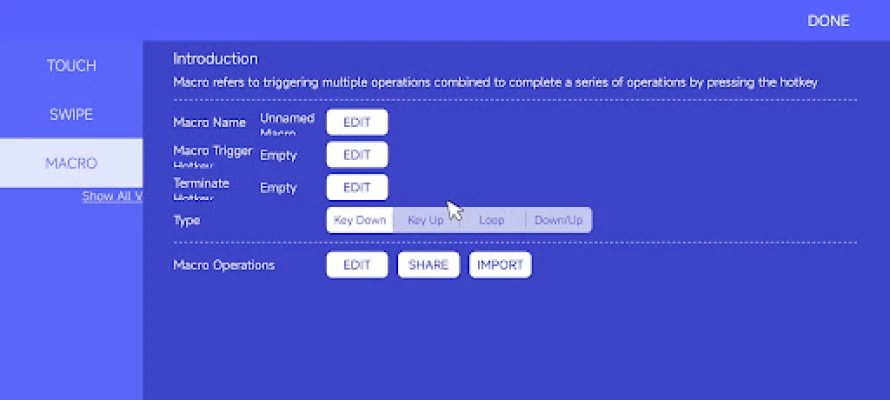
If your keyboard supports macros, take advantage of this feature to streamline complex actions in your games. This can give you a competitive edge, especially in strategy or action games.
Maintain Your Equipment
Regularly clean your keyboard and mouse to ensure optimal performance. Dust and debris can affect responsiveness, so keep your gaming setup in top condition.
Conclusion: Elevate Your Mobile Gaming with the Right Tools
In conclusion, using a keyboard and mouse converter app can dramatically enhance your mobile gaming experience. With its advanced features, seamless connectivity, and user-friendly interface, this app is a game-changer for serious gamers. Don’t settle for less; download the most powerful keyboard and mouse converter app today and take your gaming to the next level!
Rate the App
User Reviews















Popular Apps










Editor's Choice









