
Latest Version
1.1.1
December 06, 2025
Alynx Zhou
Tools
Android
0
Free
one.alynx.flipclock
Report a Problem
More About FlipClock
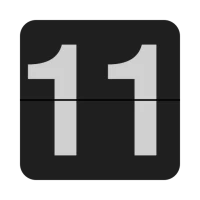
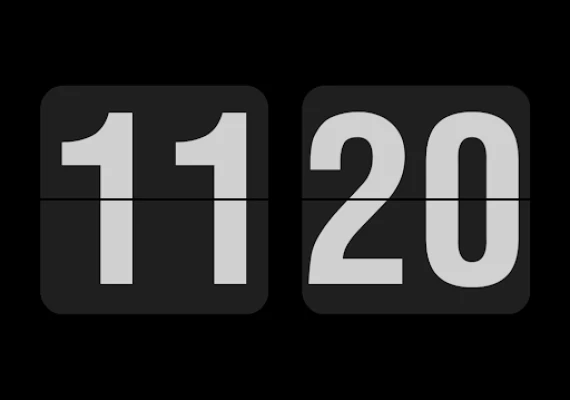
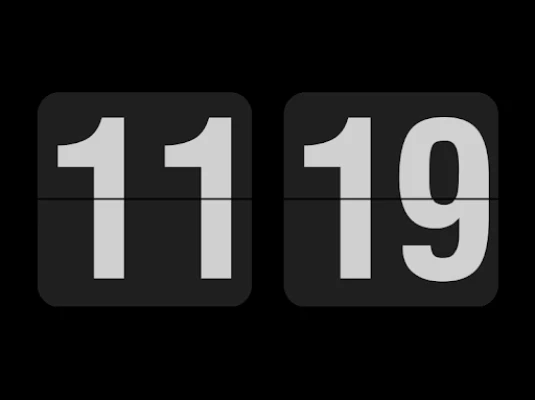
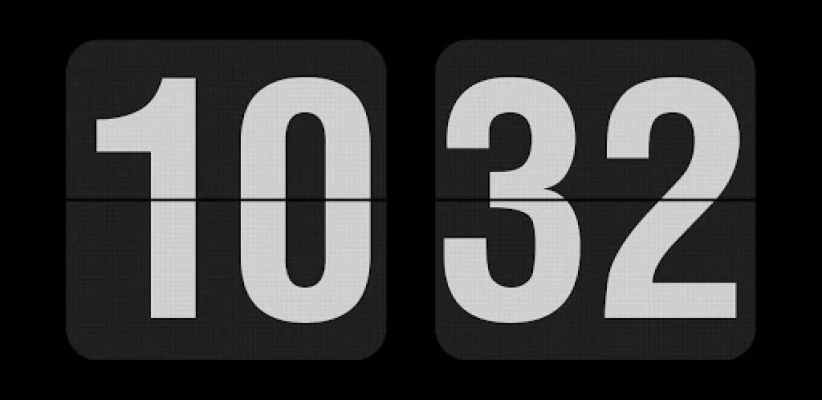
Transform Your Old Android Phone into a Stylish Clock: A Comprehensive Guide
In a world where technology evolves rapidly, many of us find ourselves with old Android devices that are no longer in use. Instead of letting these gadgets gather dust, why not repurpose them into a functional and stylish clock? This article will guide you through the process of transforming your unused Android phone into a stunning clock display, while also addressing some important considerations regarding screen types and usage.
Why Use Your Old Android Phone as a Clock?
Repurposing your old Android phone as a clock can serve multiple purposes. Not only does it breathe new life into a device that might otherwise be discarded, but it also provides a unique and customizable timepiece for your home or office. Here are a few reasons to consider this transformation:
- Eco-Friendly: By reusing your old device, you contribute to reducing electronic waste.
- Customization: You can personalize the clock's appearance to match your decor or style.
- Functionality: It serves a practical purpose, keeping you informed of the time while adding aesthetic value.
Setting Up the Clock: A Step-by-Step Guide
To get started, you will need to download the open-source clock application from the GitHub repository. Follow these steps to set up your new clock:
- Download the Application: Visit the GitHub repository and download the latest version of the Flip Clock app.
- Install the App: Transfer the downloaded file to your old Android phone and install it. Make sure to enable installation from unknown sources in your phone's settings.
- Configure Settings: Open the app and customize the clock settings. You can choose between a 12-hour or 24-hour format by double-tapping the display.
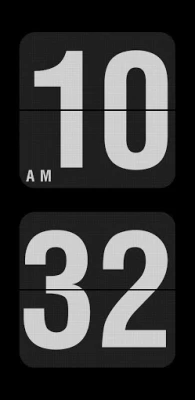
- Adjust Orientation: Rotate your phone to switch between landscape and portrait modes, depending on your preference.
Considerations for Screen Types
When using your old Android phone as a clock, it's essential to consider the type of screen it has. Most older devices come with LCD screens, which are more suitable for prolonged display usage. However, if your device features an OLED screen, you should be cautious. Here’s why:
- Screen Burn-In: OLED screens are prone to burn-in, where static images can leave permanent marks on the display if shown for extended periods.
- Usage Recommendations: If your old phone has an OLED screen, limit the time the clock is displayed. Consider using it intermittently or setting a timer to turn off the display after a certain period.
Enhancing Your Clock Experience
To make your clock display even more appealing, consider the following enhancements:
- Background Customization: Change the background color or image to suit your style. Many clock apps allow you to upload your own images.
- Alarm Features: Utilize the alarm function to wake you up or remind you of important tasks throughout the day.
- Widgets: If your Android version supports it, add a clock widget to your home screen for quick access.
Conclusion: A New Life for Your Old Android Phone
Transforming your old Android phone into a stylish clock is not only a practical solution but also a creative way to repurpose technology. By following the steps outlined in this guide, you can enjoy a unique timepiece that adds character to your space. Remember to consider the type of screen your device has and take necessary precautions to avoid damage. With a little effort, your old phone can become a functional and attractive addition to your home or office.
So, dust off that old Android device and give it a new purpose as a beautiful clock display!
Rate the App
User Reviews















Popular Apps










Editor's Choice









