


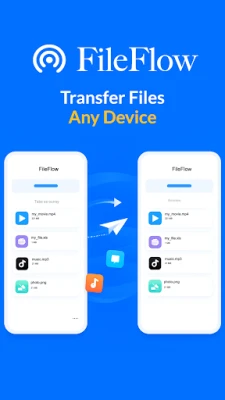
Latest Version
6.1.1
May 20, 2026
Scorpion Apps.
Tools
Android
0
Free
com.aab.fileflow
Report a Problem
More About FileFlow: File Transfer
Unlock Seamless File Sharing with FileFlow: The Ultimate Solution
In today's fast-paced digital world, efficient file sharing is essential. Whether you're transferring important documents, sharing cherished memories, or backing up vital data, FileFlow stands out as a premier choice. This article delves into the myriad reasons why users are turning to FileFlow for their file-sharing needs, highlighting its unique features and benefits.
Why Choose FileFlow for File Sharing?
FileFlow offers a range of advantages that make it the go-to solution for individuals and businesses alike. Here are some compelling reasons to consider:
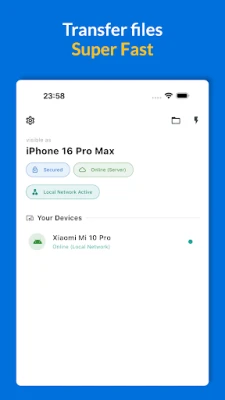
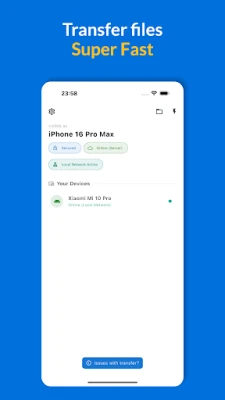
- Rapid File Sharing on Wi-Fi and Local Networks: Experience lightning-fast transfer speeds when sharing files over Wi-Fi or local networks, ensuring that your data moves quickly and efficiently.
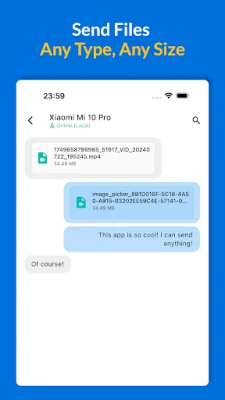
- Versatile File Types: Easily share photos, videos, documents, and entire folders, making it a versatile tool for all your file-sharing needs.
- Private Local Sharing: Enjoy peace of mind with private local sharing that eliminates the need for cloud uploads, keeping your data secure and within your control.
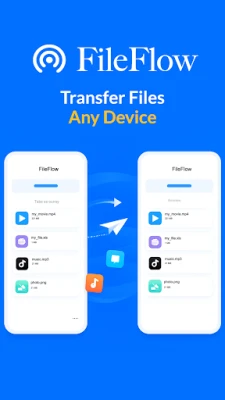
- Device Compatibility: Effortlessly share files between phones and computers, bridging the gap between different devices.
- Offline Functionality: FileFlow is designed to work seamlessly on the same network, even without an internet connection, making it perfect for on-the-go sharing.
- Smart Backup Solutions: Utilize FileFlow for intelligent backups of important files, ensuring that your data is always safe and accessible.
Ideal Use Cases for FileFlow
FileFlow is not just a file-sharing tool; it’s a comprehensive solution for various scenarios. Here’s how it can benefit you:
- Transitioning to a New Phone: Effortlessly move files from your old device to a new phone without the hassle of complicated setups.
- Transferring Large Videos: Send large video files to your computer quickly, bypassing the limitations of traditional methods.
- Collaborating on Work and School Projects: Share essential documents with colleagues or classmates, enhancing collaboration and productivity.
- Maintaining Data Privacy: Keep sensitive files on your own network, ensuring that your information remains confidential and secure.
- Quick Local Backups: Create fast backups between devices, safeguarding your important data without relying on external storage solutions.
How FileFlow Works: A Simple Guide
Getting started with FileFlow is straightforward. Follow these simple steps to begin sharing files:
- Connect Devices: Ensure both devices are connected to the same Wi-Fi network or LAN.
- Launch FileFlow: Open the FileFlow application on both devices to initiate the sharing process.
- Select and Share: Choose the files you wish to share and start the transfer with just a few taps.
Discover More About FileFlow
For those interested in exploring the full capabilities of FileFlow, additional information is available on the official website. Learn more about its features, benefits, and how it can transform your file-sharing experience by visiting FileFlow.
Understanding the Terms of Use
Before using FileFlow, it’s essential to familiarize yourself with the terms of use. For detailed information regarding copyright and usage policies, please refer to the Terms of Use.
Conclusion
FileFlow revolutionizes the way we share files, offering speed, security, and simplicity. Whether you’re a professional needing to transfer large files or an individual looking to share memories, FileFlow provides a reliable and efficient solution. Embrace the future of file sharing today and experience the difference with FileFlow!
Rate the App
User Reviews















Popular Apps










Editor's Choice









